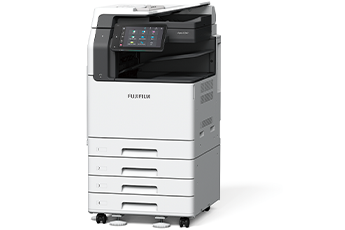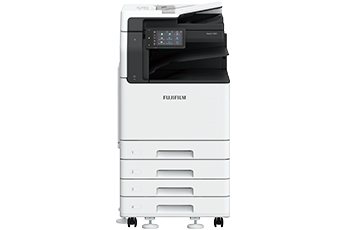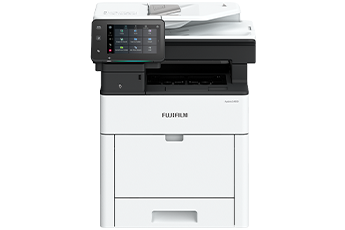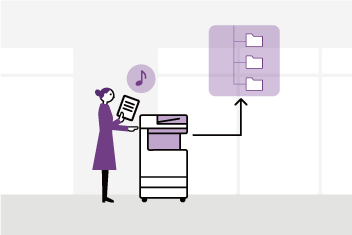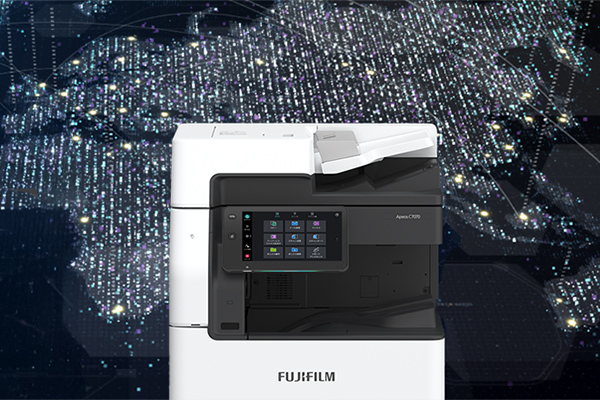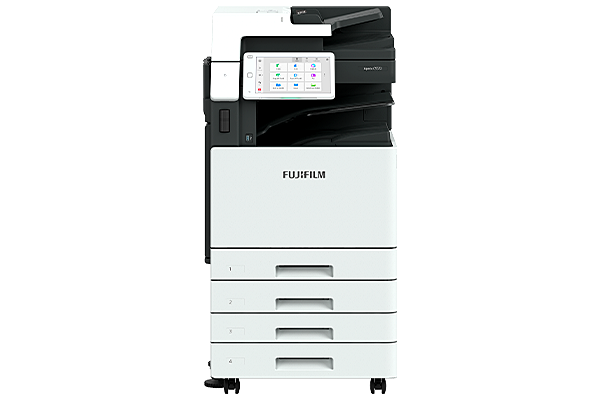



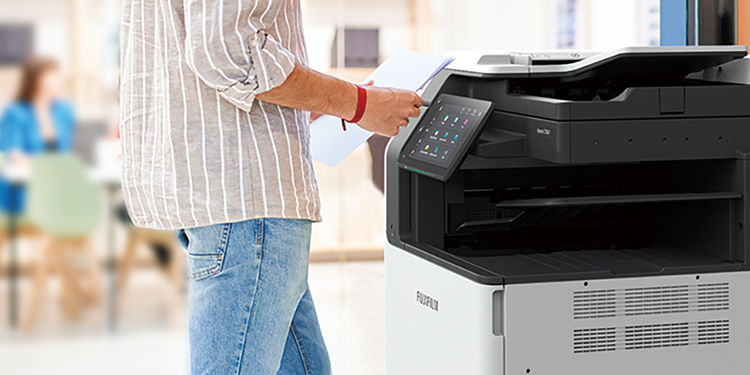


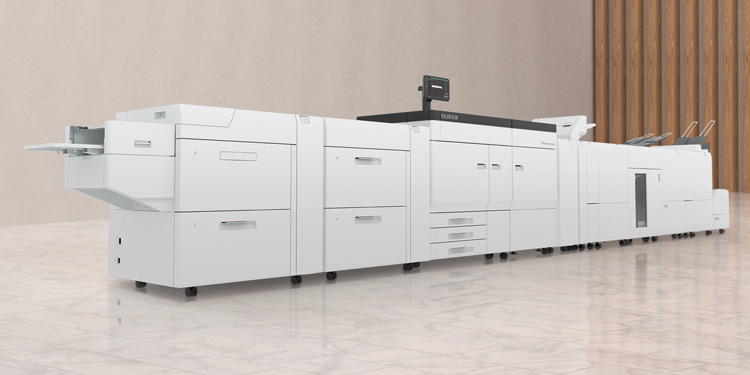






Learn how the Apeos C7072 Series helps solve workplace challenges. Explore the control panel experience, Apeos 360° View, and videos to better understand its capabilities and benefits.
Digital transformation starts with trust. Our multi-layered security framework protects devices, networks, data, documents, and cloud environments, helping organisations safeguard information and grow with confidence.
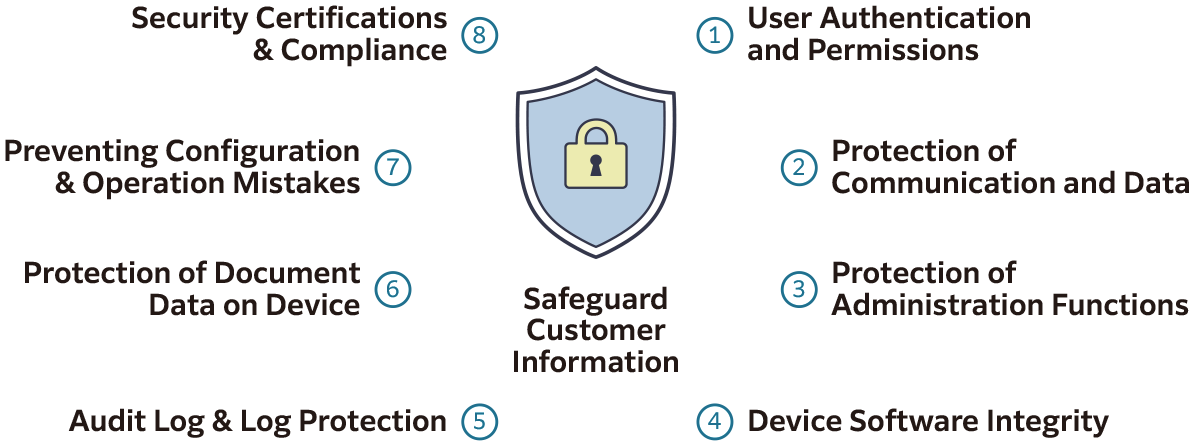
Ensures only authorised users access the device, preventing unauthorised operations and protecting confidential documents.
- User authentication
- User-specific access control
- Secure printing
Safeguards all data in transit through robust encryption, preventing interception and tampering across all communication channels.
- Encrypted communication via SSL/TLS/IPsec
- Digital Certification Validation
- Encrypted documents and secure Email (S/MIME)
Restricts administrative access to authorised personnel only, preventing unauthorised configuration changes and privilege misuse.
- Default password security warning
- Customer engineer operation restrictions
- Account lock against unauthorised access
Continuously validates and monitors device software integrity, blocking tampering, unauthorised updates and malicious applications at all times.
- Vulnerability detection and software updates
- Integrity verification at startup (Secure Boot)
- Runtime integrity monitoring (White list)
Comprehensive, tamper-protected audit trails giving organisations full visibility to detect, investigate and demonstrate security compliance.
- Audit & Traceability
- SIEM integration
- UUID printing job log identifier
Prevents sensitive document data stored on the device from being compromised during disposal, relocation or unauthorised storage removal.
- AES-256 storage encryption
- TPM 2.0 encryption key protection
- Batch deletion of data in device
Prevents accidental data breaches through built-in safeguards, warnings and controls.
- Security warning message for global IP address
- Fax transmission safeguards
- Watermarks and annotations
Demonstrating our commitment to delivering trusted and certified device security with independently validated and globally recognised security standards.
- NIST SP800-171/172 Triple-A Rating
- ISO/IEC 20243 Supply Chain Security Certification
- FIPS 140-3 cryptographic module compliance
At FUJIFILM Business Innovation, our longstanding focus has been on providing multifunction printers and solutions with improved environmental performance. We have developed a variety of technologies to reduce CO2 emissions and promote resource circulation.
Reduced CO2 Emissions
27.9 %*1↓
Lower CO2 emissions*2 across the entire product lifecycle - from raw material procurement and manufacturing to product use, recycling, and end-of-life disposal.
Typical Electricity Consumption (TEC) Value
26.4 %*1↓
With one of the industry's lowest*3 TEC values, the device delivers energy savings while maintaining the high performance and usability.
Apeos C7072: 0.64 kWh*4 *5
Apeos C6572: 0.61 kWh*4 *5
Apeos C4572: 0.38 kWh*4 *5
Apeos C3572: 0.30 kWh*4 *5
Apeos C3072: 0.26 kWh*4 *5
Reduced Fusing Temperature
21 °C↓
The new toner “ELFEAT”, combined with a newly developed fusing unit, fuses at one of the industry's lowest*6 temperatures, contributing to reduced power consumption and environmental impact while delivering exceptional image quality through its fine particle size.
Introducing Recycled Plastic
50 %*7
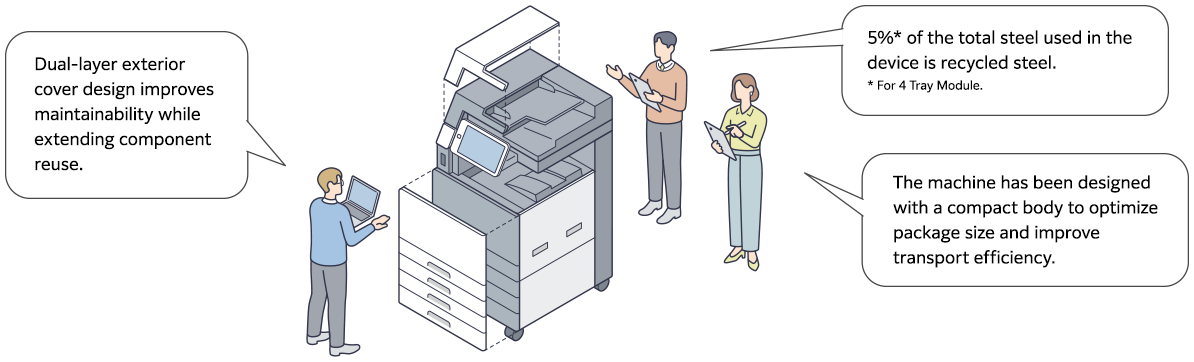
Recycled plastics are used in key components such as the exterior covers and paper trays. Advanced mould design and engineering help minimise the colour variations typically associated with recycled plastics while improving component strength and rigidity for durability.
- *1 The ratio for the Apeos C7072 compared to the previous model Apeos C7071 for the Australian market.
- *2 The amount of CO2 emissions from the entire product life cycle including manufacturing, transportation and customer use.
- *3 A3 colour multifunction printers based on internal study conducted in August 2026.
- *4 Based on the measurement method defined by the International ENERGY STAR® Program.
- *5 AC230 V.
- *6 The toner fusing temperature for A3 colour multifunction printers based on evaluation result in 2024 and internal study conducted in August 2026.
- *7 Weight percentage of recycled materials in the plastic parts of the device (configured with 4 Tray Module).
Components have been redesigned for easier disassembly, cleaning, and material sorting after collection, helping support efficient resource circulation.
A wide range of finishing options automates time-consuming post-print processes, enabling faster workflows and a polished result every time.
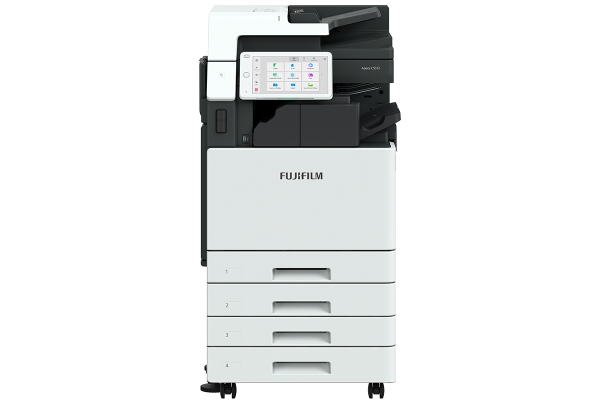
- Staple
- Staple-free Staple*1
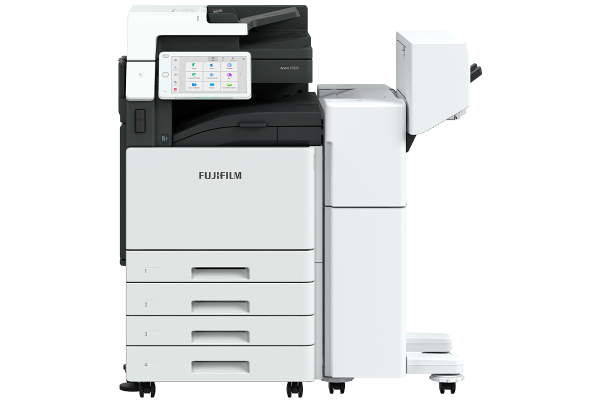
- Staple
- Staple-free Staple*1
- 2/4-hole or 2/3-hole punch*2
- Saddle Staple*3
- Single Fold*3
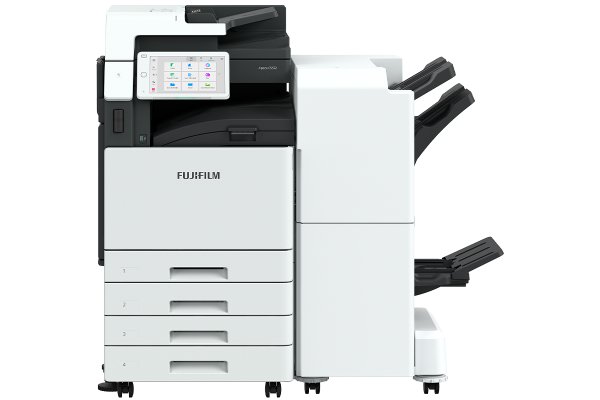
- Staple
- Staple-free Staple*1
- 2/4-hole punch*4
- Saddle Staple
- Single Fold
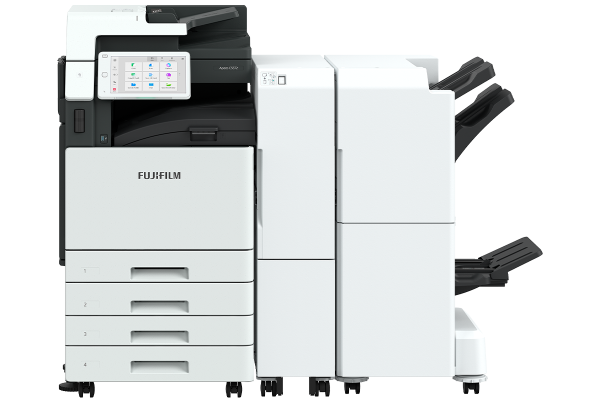
- Staple
- Staple-free Staple*1
- 2/4-hole punch*4
- Saddle Staple
- Single Fold
- Tri-fold*5
- Z-fold Half Sheet*5
- * Finisher-A4 is compatible with Apeos C4572/C3572/C3072.
- *1 Staple-free stapling does not have binding force equal to stapled stapling. Bound part may be easily separated depending on the paper, temperature, humidity, and how the page is turned over.
- *2 2/4-hole Punch Module for Finisher-B5 is required.
- *3 Booklet Maker Unit is required. Saddle Staple and Single Fold on Finisher-B5 make creases without folding.
- *4 Punching function cannot be added. Select a finisher with the hole punching function.
- *5 Folder Unit CD3 is required.
From supplies replacement to unexpected device failures, most problems can be resolved without waiting for the service representatives or sales representatives.
- Resolve problem using the “Help” function on the device
- Self Help information is available on the control panel
- Self Help information can be accessed via the mobile device by scanning the QR code displayed on the control panel
- “Remote Assistance” with the help of operators
- Connects directly to the Support Centre
- An operator will remotely access the multifunction device to resolve the problem by guiding through the steps on the shared control panel
This service enables you to back up your device settings. By storing the backup data in case of any unexpected issues, you can quickly restore your device.
- * An application is required to use this service (free of charge).
Connecting your multifunction printer and our EP system* via the internet allows for automatic meter count verification, automatic delivery of consumables, daily status monitoring, and automatic notifications in the event of malfunctions. This reduces the burden on multifunction printer administrators and supports the use of our products with peace of mind.
- * The content of the services provided may vary depending on the usage region. For details, please contact one of our sales representative.