
 What’s New
New Arrival “Calendar Print”
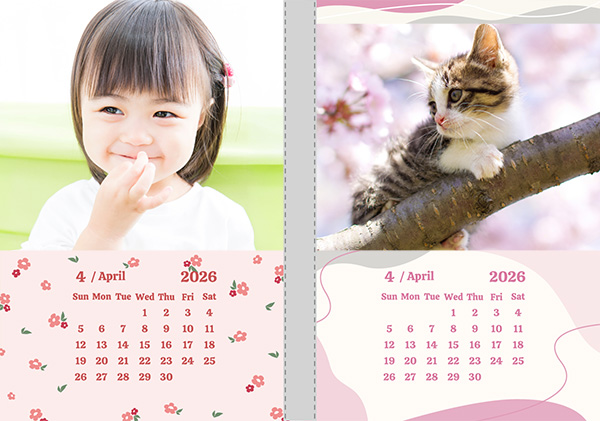 Create a cute calendar with your photos and carry it with you easily!
Designs: 8 types
Themes and colors can be customized.Price tax included
L size: 200 yen2L size: 300 yen
You can easily make it!
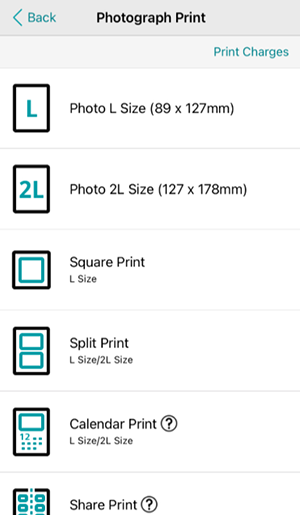
Select "Photograph Print."
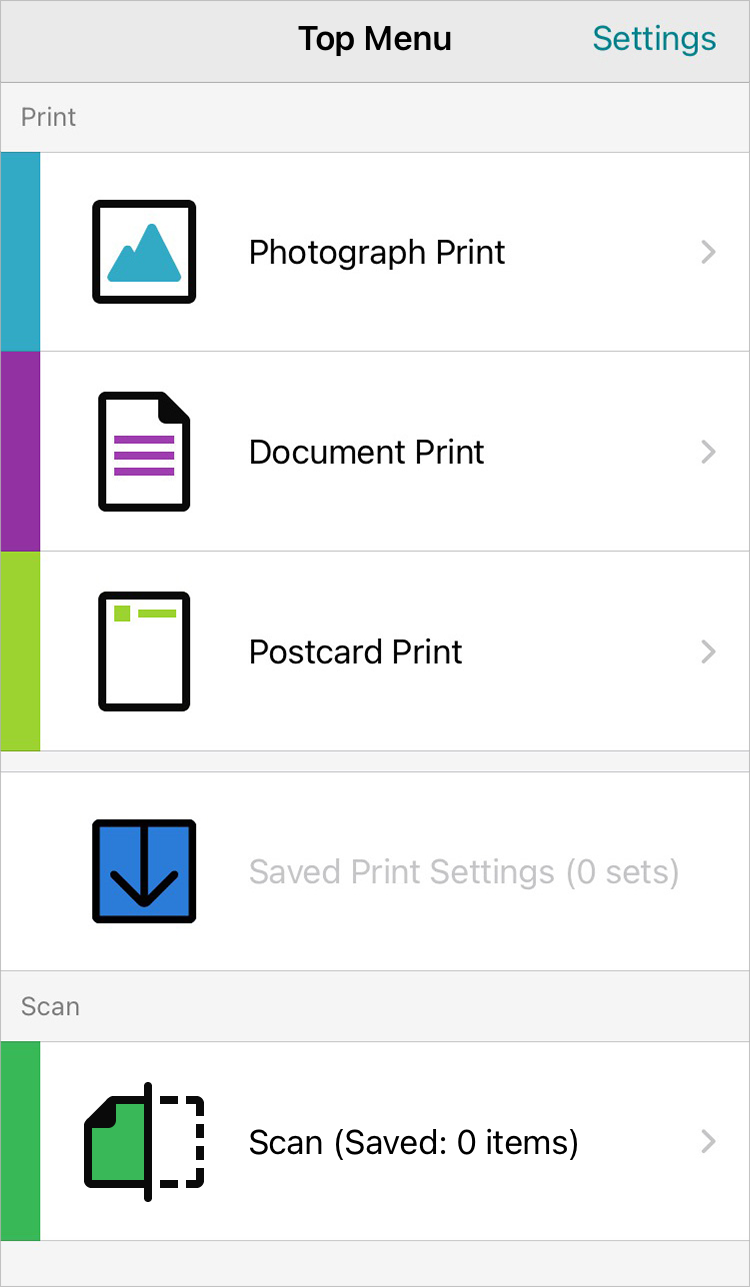
Choose "Calendar Print."
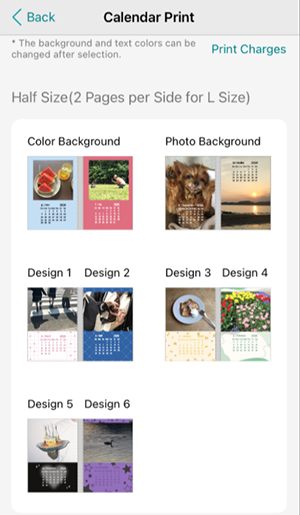
Select the size and your preferred design.
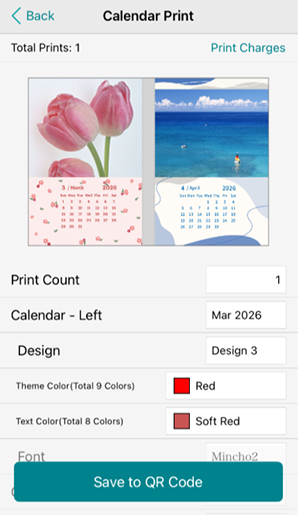
Insert your photo, customize the theme and text colors.
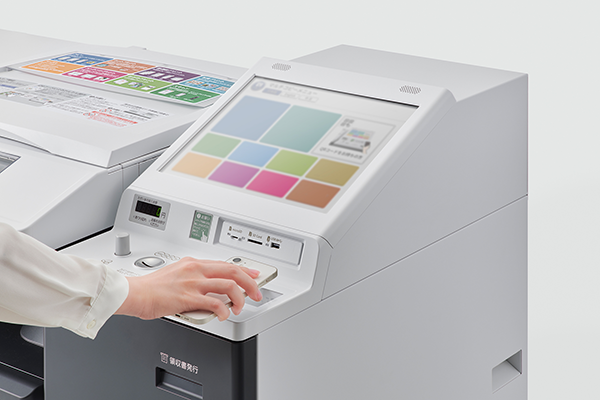
Just scan the QR code to start printing!
Use the “ 7-Eleven Multicopy ” app to choose your favorite design, place your photo, and print!
1)Open the " 7-Eleven Multicopy " app, select "Photograph Print," then choose "Calendar Print."2)Select the size and design, insert your photos, customize the theme and text colors, and tap "Save to QR Code".
3)Scan the QR code to the multi-copy machine in a 7-Eleven store and print your calendar.
There are many designs available
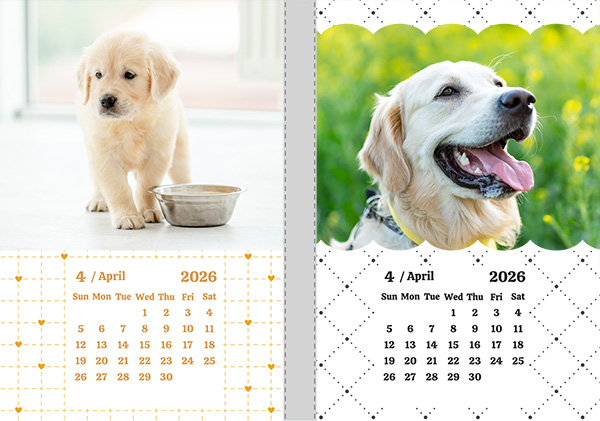
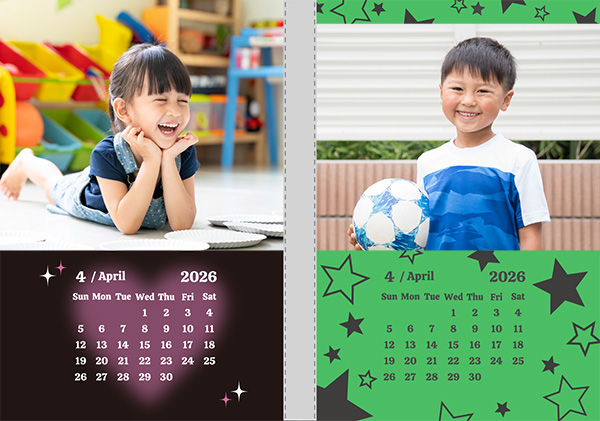
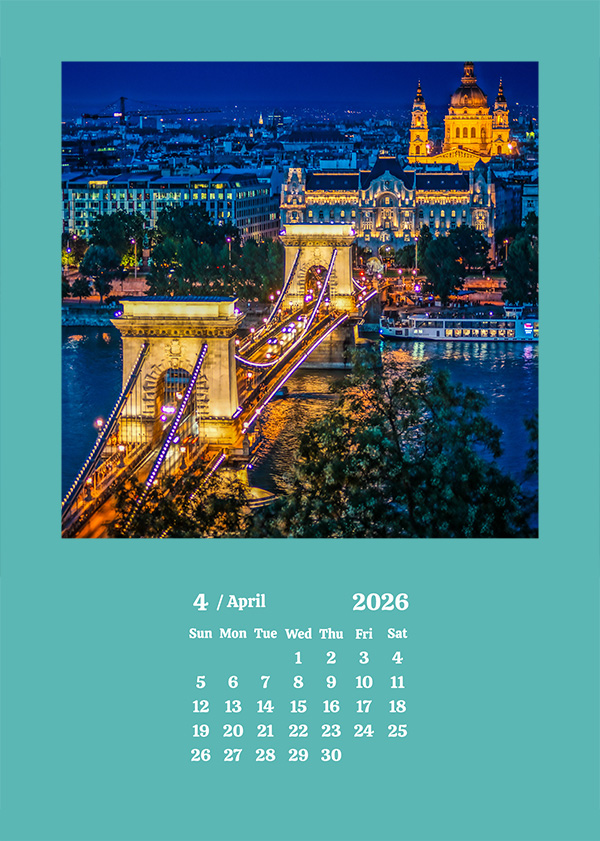
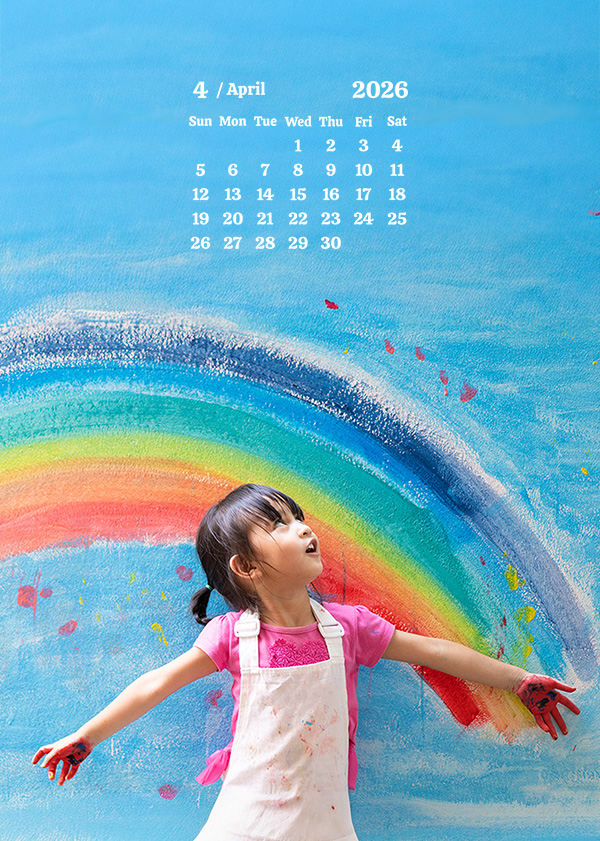
Choose from 8 different designs! You can also change the theme and text colors.
Mark the day you took the photo or other important dates, carry it with you by slipping it inside your smartphone case, and enjoy using it!

