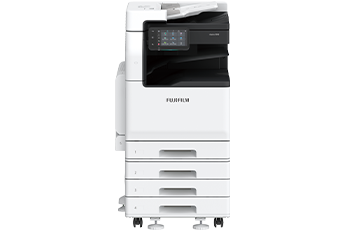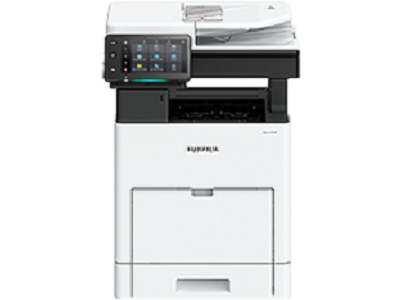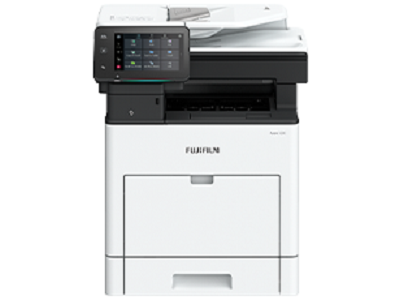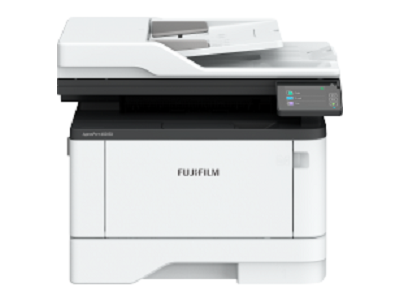











The high-speed 1-pass, 2-sided scanning Automatic Document Feeder holds up to 130 sheets*2 and scans 2-sided document in one go, allowing you to digitise large documents swiftly and effortlessly.
- Note: Installed for Model-CPS-B as standard.
- *1: Our Standard Document (A4 LEF), 200 dpi, to Folder.
- *2: 70 gsm paper
- Supports scanning of small-sized documents (49 x 85 mm), thick cheques and thin paper receipts (38 to 128 gsm).
- Note: Custom Sizes from 49 x 85 mm to 55 x 91 mm are available from 38 to 209 gsm.
- Scanned documents can be transferred to e-mail, PC, or shared servers.
- Supports multi-sending, such as saving a copy to your PC while sending an e-mail to a client in a single scan.
- Scan directly to / print directly from a standard USB 2.0 flash drive for greater work efficiency.
Automatically scans small originals as-is to a standard size
You can copy both sides of an ID card on a single sheet of paper, or scan and transfer to SMB / FTP / SFTP / Email / URL / My Folder, allowing for easy access and printing when needed.
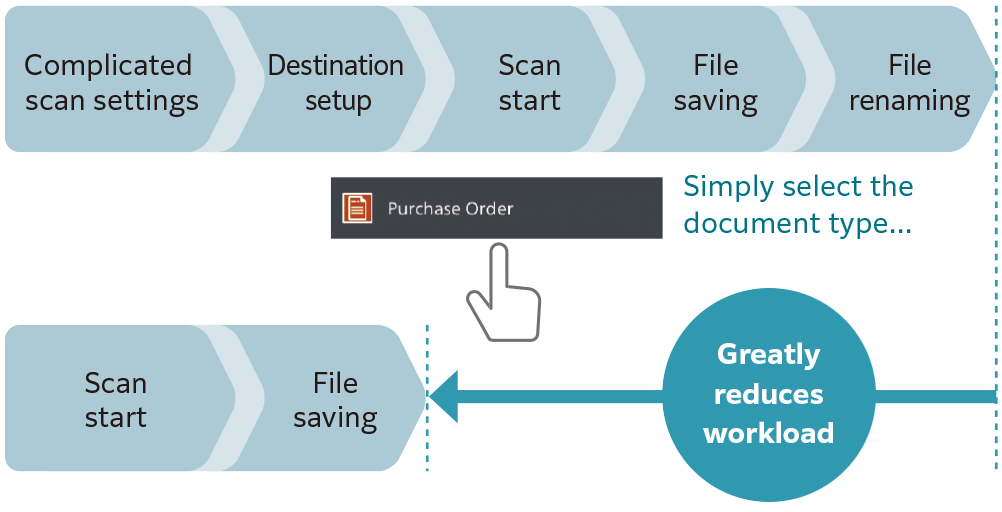
Scan Delivery Light* reduces your scanning workload by simplifying complicated and repetitive scanning workflow.
Standard rules and templates can be created easily, allowing you to complete multiple actions (scan settings, storage destination designation and file renaming) with a single touch.
Scanned information can also be managed and utilised centrally, improving productivity and resource optimisation.
- * Optional
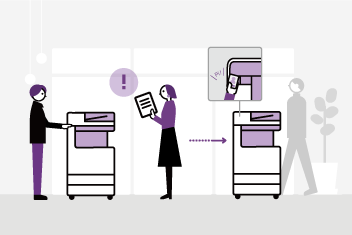
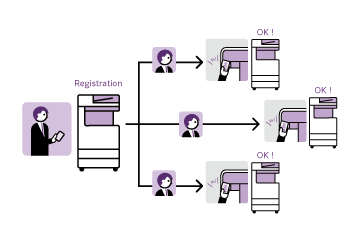
Our multifunction printer supports serverless solutions, helping you reduce operational costs and improve efficiency without the need for additional hardware investment such as server.
- Serverless Authentication* integration manages and shares user authentication information securely between multiple printers without the need of a server.
- Serverless On-Demand Print* manages and connects multiple devices, having the flexibility to print and collect the printouts from any of the connected devices.
- * Optional.
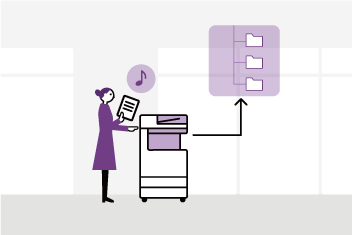
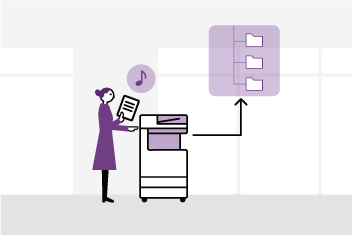
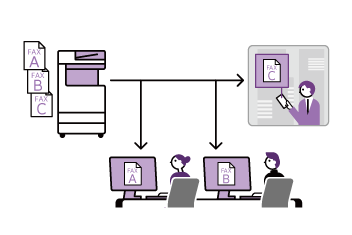
By linking FUJIFILM IWpro* on the multifunction printer with cloud storage, digitised documents can be utilised easily. You can automate the process of assigning folder and file names to scanned or received fax documents, and storing them in a designated location, including the cloud storage. Documents can be previewed directly from the operation panel of the multifunction printer before printing. Seamless printing environment can be achieved without the need for a PC.
Documents uploaded to FUJIFILM IWpro can be securely output from remote office locations, enabling hybrid work styles for greater flexibility.
- * FUJIFILM IWpro is a cloud service provided by FUJIFILM Business Innovation. A separate contract is required for this service.
FUJIFILM Business Innovation aims to address environmental issues through climate change mitigation and resource circulation efforts in our business activities. Our products are developed with various innovations and technologies that balance environmental impact reduction and usability.
Toner fusing is the most energy-intensive process in a multifunction printer. To reduce power consumption, we are introducing new technologies in our toner and fusing unit.
Our new toner features functional resin and small particle technology, enabling fusing at an industry-leading low temperature*1. Together with the new fusing unit, the Apeos 3561 series achieves a fusing temperature that is 22 degrees lower than the previous model*2.
This breakthrough reduces environmental impact while maintaining exceptional image quality, delivering sharp text, precise lines and smooth gradation.
- *1: The toner fusing temperature for A3 laser multifunction printers based on internal study conducted in May 2025.
- *2: Apeos 3560 series.
In the effort to promote recycling of resources, recycled plastic materials are used* for parts such as the front cover and trays. We have overcome challenges to devise ways to suppress uneven colour of the appearance of recycled plastic, which is said to be difficult to mold. And by improving the strength and rigidity of the parts, we ensure the quality of the product.
Furthermore, our products have been redesigned to allow easy disassembly and cleaning, making them easy to reuse and recycle in the future.
- * In the case of 4 Tray configuration with Duplex Automatic Document Feeder. 15 % of the total plastic weight of the device is recycled material.
- Less energy and compact with high resolution printing on LED printhead.
- Saves energy with quick startup and smart power saving feature that solely powers on the required parts according to the functions being used by users.
As network connected information devices, the multifunction printer is equipped with state-of-the-art security features to protect your valuable information assets from cyber-attacks and rapidly evolving security threats.
- Unauthorised operations and access are prevented by user authentication and usage restrictions.
- Expansion with Secondary Ethernet* allows a single multifunction printer to be used on a separated network, etc.
- * Optional.
- Encryption of communication paths with TLS and IPsec
- Protection of scanned files and e-mails through encryption/electronic signatures
- Data writing to SSD is encrypted with robust AES-256 encryption, etc.
- Account lock function
- Restriction of accessible IP addresses
- Prevention of software tampering during multifunction printer startup and operation
- Automatic repair function upon detection of tampering at startup, etc.
- Fixing the delivery destination of scanned documents
- Double input of fax destinations, etc.
From supplies replacement to unexpected device failures, most problems can be resolved without waiting for the service representatives or sales representatives.
- Self Help information is available on the control panel
- Self Help information can be accessed via the mobile device by scanning the QR code displayed on the control panel
- Connects directly to the Support Centre
- An operator will remotely access the multifunction device to resolve the problem by guiding through the steps on the shared control panel
Device Setup Editor is a service that always backs up the latest setting information to a cloud server. It allows you to be prepared for unexpected situations and use your multifunction printer with confidence.
- Note: You need to apply for using the Device Setup Editor. (free of charge)
Connecting your multifunction printer to our EP service* via the internet allows for checking of billing meter, automatic delivery of consumables when cartridges level is low, daily status monitoring, and machine error detection for early intervention to rectify problem. This minimises operation downtime and reduces administrator’s burden.
- Note: The content of the services provided may vary depending on the usage region. For details, please contact one of our sales representative.
- * You need to apply for using the EP service. (free of charge)
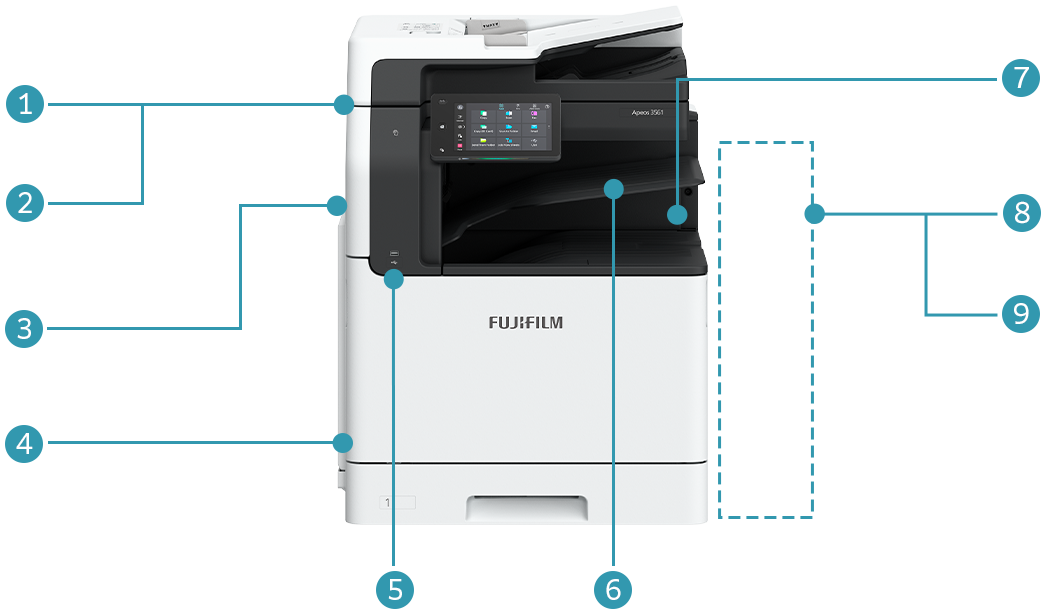
1. Duplex Automatic Document Feeder
B4-PC (1 pass, 2 sided scanning)
Standard for Model-CPS-B
- Note: Not available as an option.
2. Duplex Automatic Document Feeder B1-C
Standard for Model-CPS
- Note: Not available as an option.
3. Side Tray
(Optional)
4. Long Paper Inserter (Optional)
5. Standard Scan to / Print from USB Memory
6. Standard Exit 2 Tray
7. Finisher-A3
- Staple
8. Finisher-B5*
- Staple-free Staple
- Staple
9. Finisher-B4*
- Staple
10. Booklet Maker Unit for Finisher-B
11. 2/4 Hole Punch Module for Finisher-B
12. 2/3 Hole Punch Module for Finisher-B
- * Optional 3 Tray Module or 1 Tray Module with Cabinet and KIT Finisher-B4/B5 INST are required.
1 Tray Module
1 Tray Module with Cabinet
3 Tray Module