




![[icon] Healthcare IT](https://asset.fujifilm.com/www/id/files/2024-08/a6a002655f44d33fd51f93826b8c1a17/healthcare-it.svg)
![[icon] X-ray](https://asset.fujifilm.com/www/id/files/2024-08/fb2939586b07605b787601a82fe2cb52/x-ray.svg)
![[icon] Ultrasound](https://asset.fujifilm.com/www/id/files/2024-08/d00103c6795d440a7e605bd846947baf/ultrasound.svg)
![[icon] Endoscopy](https://asset.fujifilm.com/www/id/files/2024-08/b76195871423f6134c50e6d5afe230b6/endoscopy.svg)
![[icon] In Vitro Diagnostics](https://asset.fujifilm.com/www/id/files/2024-08/52747a21113691789e02df34bd4f3ec0/ivd.svg)
![[icon] Veterinary Medicine](https://asset.fujifilm.com/www/id/files/2024-08/fd06e34d8721daef0f6bb8dd4f4184cc/veterinary.svg)
![[icon] MRI and CT](https://asset.fujifilm.com/www/id/files/2024-08/53efa3b9d43c8e808d332b5997a9bd73/mri-and-ct.svg)
![[icon] Inkjet Solutions](https://asset.fujifilm.com/www/id/files/2024-08/ab375105f4553f6c6b80b195444aa20c/inkjet-solutions.svg)
![[icon] Graphic Arts & Printing](https://asset.fujifilm.com/www/id/files/2024-08/241dfbd840b12596f16a48afb99848eb/graphic.svg)
![[icon] Photofinishing Products](https://asset.fujifilm.com/www/id/files/2024-08/91482093488c68fdc4009ff9d13aebdf/photofinishing.svg)
![[icon] Optical Devices](https://asset.fujifilm.com/www/id/files/2024-08/6e67e888bc9f3d1b7740d64c470587f1/optical-devices.svg)
![[icon] Cine & Broadcast Products](https://asset.fujifilm.com/www/id/files/2024-08/dfcaa7825f85d61382774553714f41c9/film-and-broadcast.svg)
![[icon] Security Protections](https://asset.fujifilm.com/www/id/files/2024-08/5e594c25f0a7618403d2136edd7cb565/security.svg)
![[icon] Manufacturing Process](https://asset.fujifilm.com/www/id/files/2024-08/98e942da27299ab40902d33321622ddc/manufacturing-process.svg)
![[icon] Inspectional Products](https://asset.fujifilm.com/www/id/files/2024-08/0999911a11edc7030f1d550aeefdd24d/inspection.svg)
![[icon] Data Management](https://asset.fujifilm.com/www/id/files/2024-08/4dad6ff4f6f51afe88fb869b78cee2e6/data-management.svg)
![[icon] Materials](https://asset.fujifilm.com/www/id/files/2024-08/e39e7b688ede9ad900b777fdf1fa0292/materials.svg)


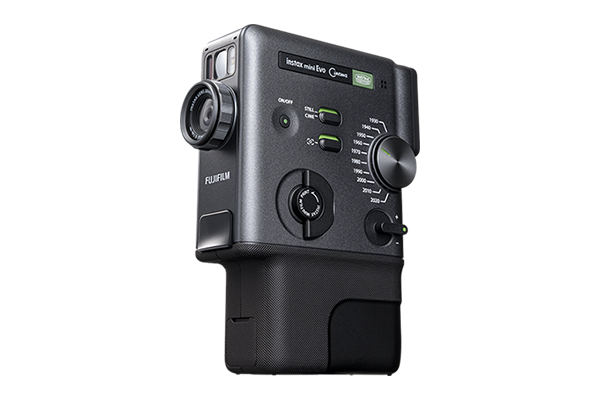
Create short videos, still images and print from your smartphone.
Shoot short videos and still images.
Capture & combine multiple in-the-moment videos up to a maximum of 15 seconds with just the press of the shutter button. Easily switch between CINE mode for video and STILL mode for still images.
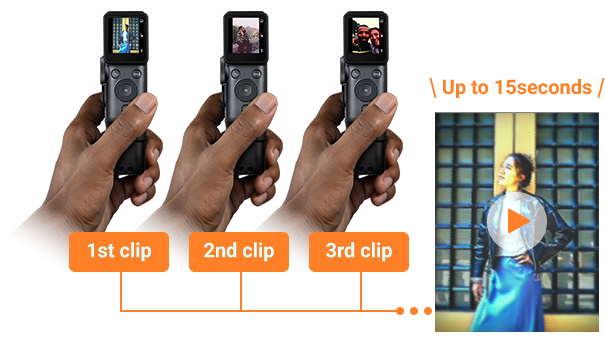
Express yourself in 100 different ways with 10 Degrees & 10 Eras Dial™ effects.

Featuring 10 Eras Dial™ effects inspired by various eras.
Eras Dial™ effects can be applied to the texture of your footage and the recorded audio, allowing you to capture movies with a rich, distinctive flavor.
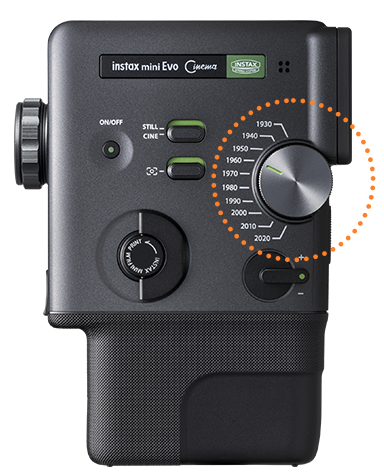
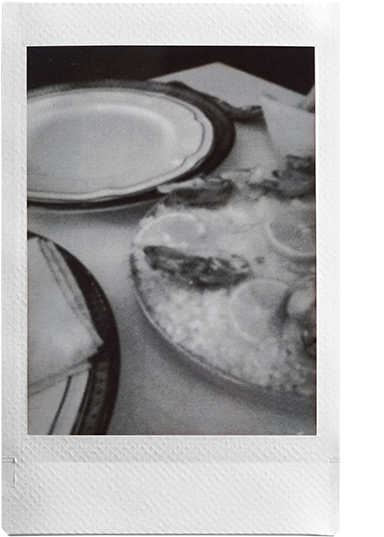
1930

1940
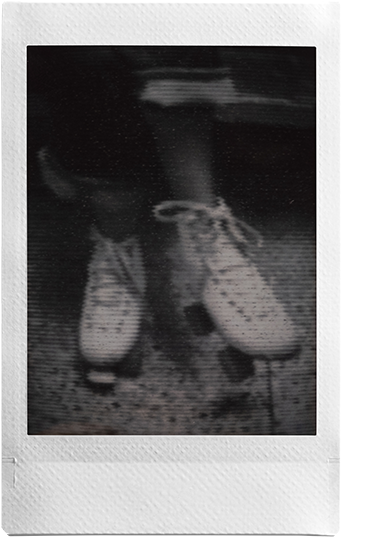
1950
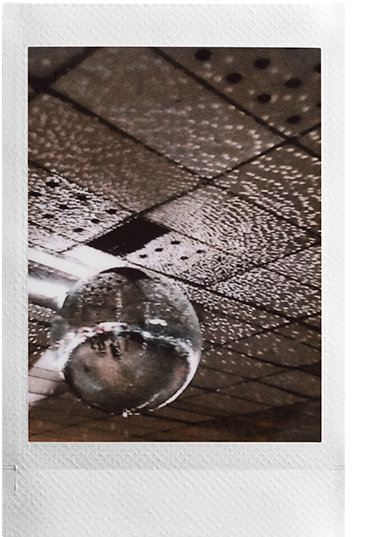
1960
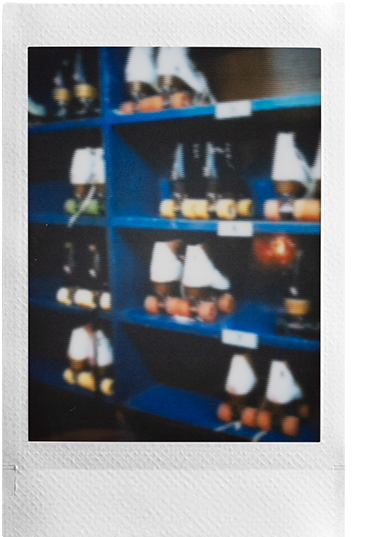
1970
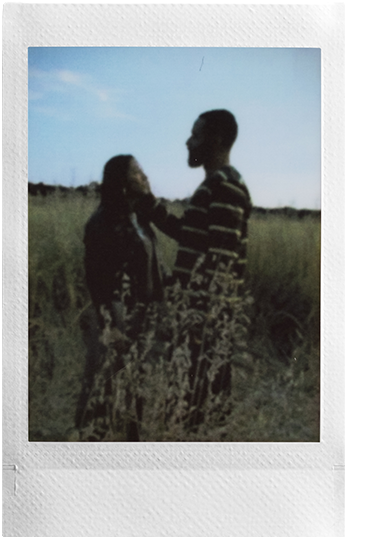
1980

1990

2000
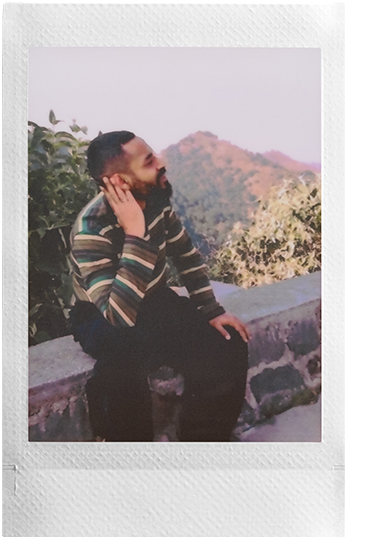
2010
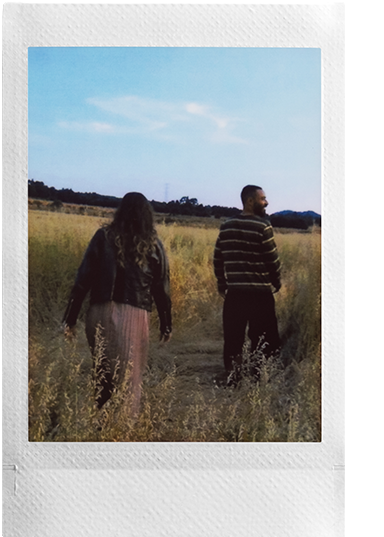
2020
Fine-tune the chosen Eras Dial™ effect with the Degree Control Dial. Rotate the lens ring to adjust color, contrast, and noise expression – choose from 10 creative variations per Era.
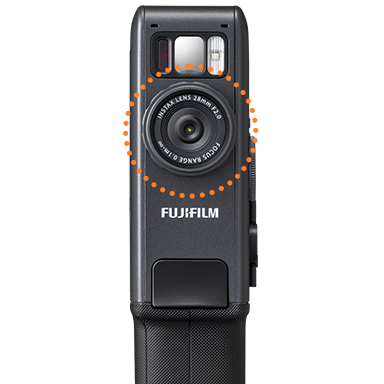
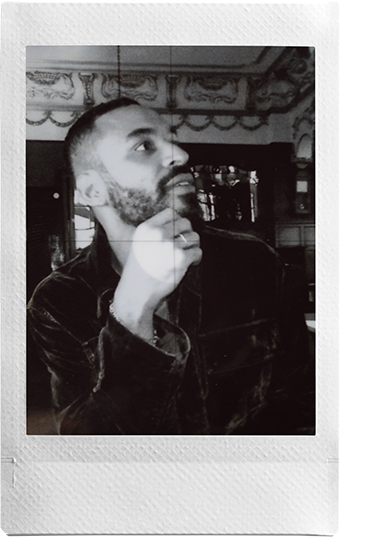
Degree1
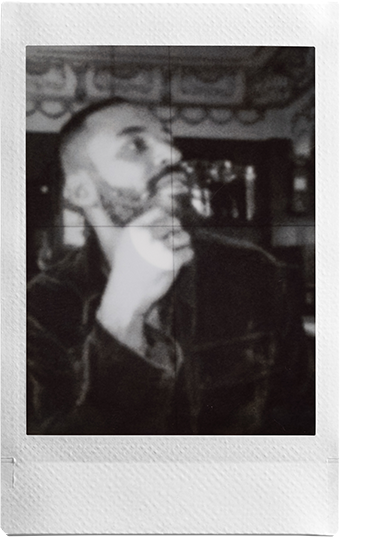
Degree5
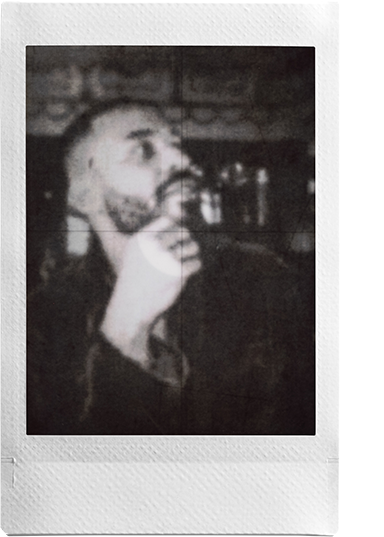
Degree10
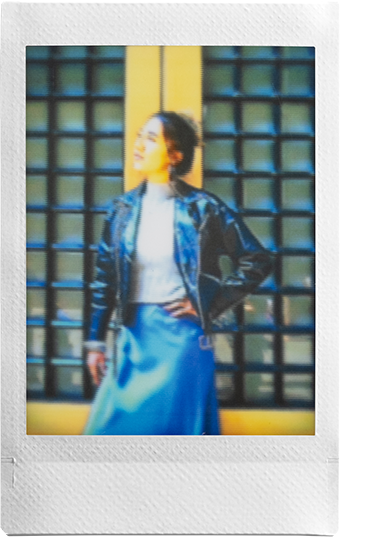
Degree1
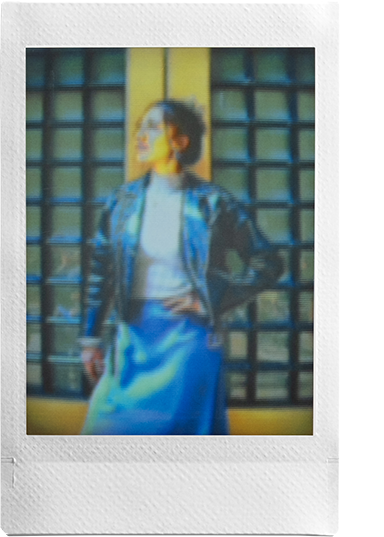
Degree5
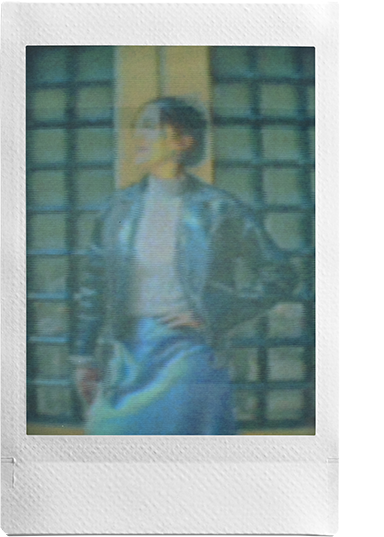
Degree10
- * Feature names may vary by region.
Easily print from the camera or the app
Easily print videos utilzling the print lever or print instax™ photos with QR code.
- * Video data must be uploaded to the server via the instax mini Evo™ app to play back from a QR code.
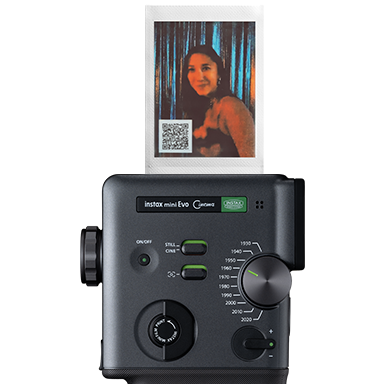
Easily edit your video with the trimming, video sorting and rearranging videos features.
- * Videos up to 30 sec. can be edited in the app
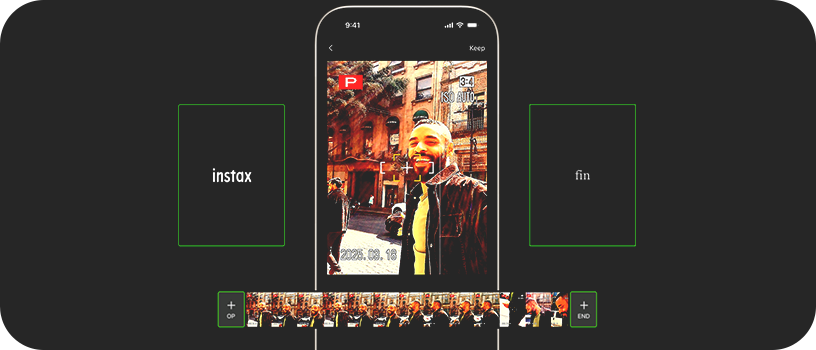
Equipped with opening & ending templates for even more impact.
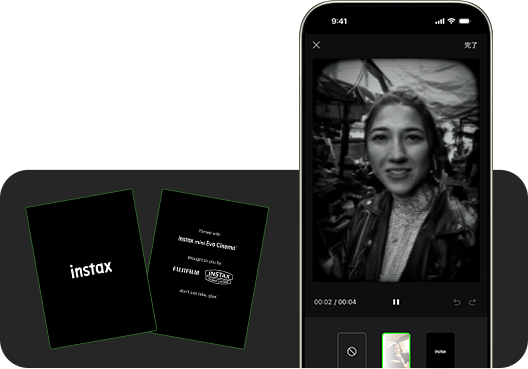
Print using a Poster template to give your instax™ photo that finishing touch.
- * Video data is stored and playable for two years from upload date.
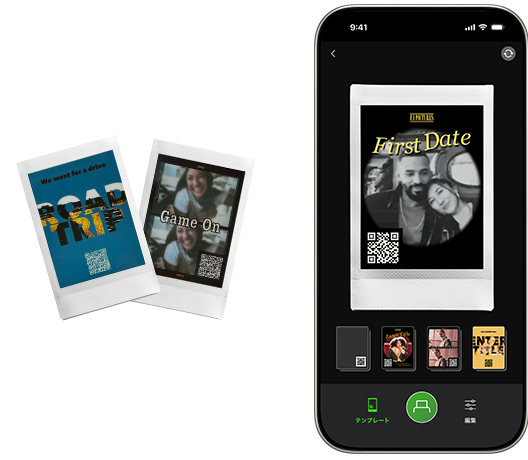
Share instax™ photos and save videos on your smartphone
Scan the QR code to watch the video in your browser.

Save videos with a QR code to easily share them on social media.

Flick the Frame Switch to add even more flavor to every shot or clip. There’s a frame for every Era, each echoing the characteristics, media and playback devices that defined that time.
Use instax-Natural Mode™ and instax-Rich Mode™ to adjust the color and feel of your instax™ photos!
The self-timer allows you to be part of group shots and also minimizes the blur in still images.
Send images directly from your smartphone to the camera and transform them into instax™ photos.
Frame, focus, and shoot photos or videos, all from your smartphone with the instax mini Evo™ app. Simply pair with the dedicated app and start shooting remotely.
![[logo] instax mini Evo™](https://asset.fujifilm.com/www/id/files/2026-01/921e399f5ea6da6a4f080376ab8de102/icn_instax_app-mini_evo_cinema.png)

- * Apple and the Apple logo are trademarks of Apple Inc., registered in the U.S. and other countries and regions. App Store is a service mark of Apple Inc.

- * Google Play and the Google Play logo are trademarks of Google LLC.