


![[icon] Healthcare IT](https://asset.fujifilm.com/www/mm/files/2024-08/e6b235a19a434f445c8253811a31f019/healthcare-it.svg)
![[icon] X-ray](https://asset.fujifilm.com/www/mm/files/2024-08/30e9156ebcd542c0ea4573f563b073bd/x-ray.svg)
![[icon] Ultrasound](https://asset.fujifilm.com/www/mm/files/2024-08/af70b9d899be94291dc8fec63305f2cb/ultrasound.svg)
![[icon] Endoscopy](https://asset.fujifilm.com/www/mm/files/2024-08/6cf57ad8a7d189112d947ab1521c7bae/endoscopy.svg)
![[icon] In Vitro Diagnostics](https://asset.fujifilm.com/www/mm/files/2024-08/361f8bad821eed2c86224094fe4762e3/ivd.svg)
![[icon] Veterinary Medicine](https://asset.fujifilm.com/www/mm/files/2024-08/742cb980540d8c5e34e87e40ad3fdaf0/veterinary.svg)
![[icon] MRI and CT](https://asset.fujifilm.com/www/mm/files/2024-08/e49b65b8326e0c54991f7a8e6c3161eb/mri-and-ct.svg)
![[icon] Office Solutions](https://asset.fujifilm.com/www/mm/files/2024-08/ef127917cf517b562071ac86a121c7b8/office.svg)
![[icon] Graphic Arts & Printing](https://asset.fujifilm.com/www/mm/files/2024-08/583c9ea74e42db7020ba65ae6bde1a44/graphic.svg)
![[icon] Photofinishing Products](https://asset.fujifilm.com/www/mm/files/2024-08/eef46655042931d0ec5d0173c7cd8597/photofinishing.svg)
![[icon] Optical Devices](https://asset.fujifilm.com/www/mm/files/2024-08/eeddc226392be0bfb1c024e0b22140ce/optical-devices.svg)
![[icon] Cine & Broadcast Products](https://asset.fujifilm.com/www/mm/files/2024-08/b641bb60056608a745b5bba3a669f65c/film-and-broadcast.svg)
![[icon] Security Protections](https://asset.fujifilm.com/www/mm/files/2024-08/9d056c5b0fdb23ef156bbe4fa1f55464/security.svg)
![[icon] Manufacturing Process](https://asset.fujifilm.com/www/mm/files/2024-08/078b827214c172a0935f7ee95ee36da6/manufacturing-process.svg)
![[icon] Inspectional Products](https://asset.fujifilm.com/www/mm/files/2024-08/4768ed8144646543d7784a772e91c0c5/inspection.svg)
![[icon] Data Management](https://asset.fujifilm.com/www/mm/files/2024-08/ffe71ea8ce018cfaa1d2eb2037a3e300/data-management.svg)
![[icon] Materials](https://asset.fujifilm.com/www/mm/files/2024-08/54ea915ccc3705c6900ea018f6ae6d9b/materials.svg)


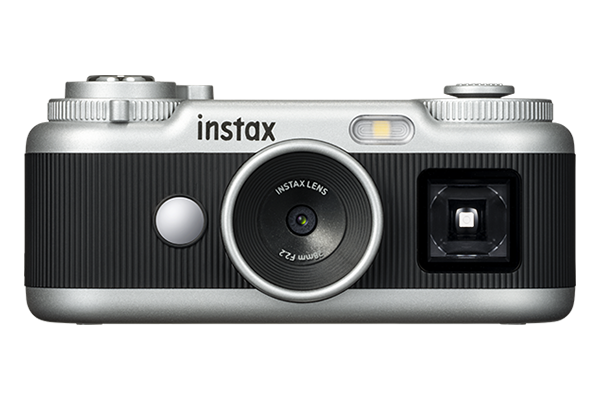
Turn the lever on the camera to select your preferred shooting format from four options. In addition to taking photos without frames, you can take photos with instax™ frames.

Turn the dial to select an effect.
When paired with the dedicated app, you can choose from a total of 30 effects and load them onto the camera.

Press and hold the shutter button to take up to 10 consecutive shots.
The photos taken in burst mode are saved as instax Animation™, allowing you to enjoy a flipbook-style animation.
Choose between 10 megapixels and 1 megapixel. Depending on your mood or the atmosphere you want to capture, you can enjoy the unique look each resolution gives your photos.

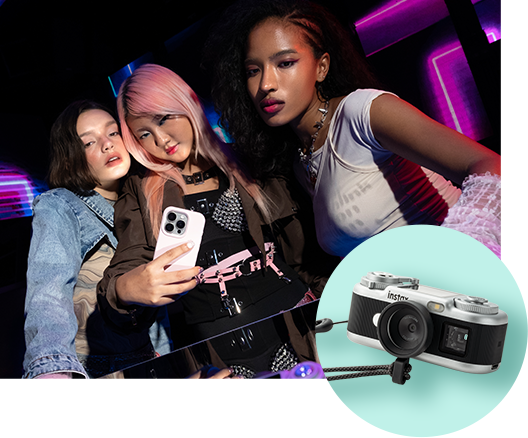
With the Angle Adjustment Attachment, you can make the most of your camera by taking photos from a different angle. You can trigger the shutter remotely using your smartphone.
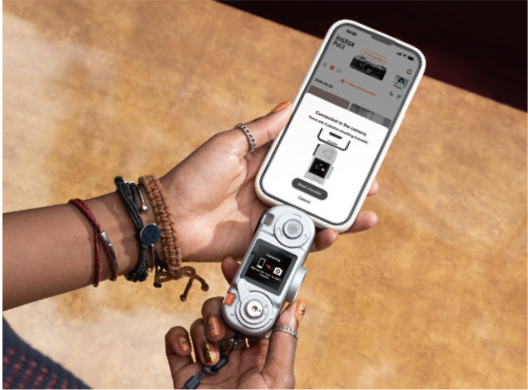
The photos you have taken can be quickly transferred*1 to your smartphone
Pair the camera with the dedicated app via Bluetooth®, then connect your camera to the smartphone's USB Type-C port for fast photo transfer - about 0.7 seconds per image. Wireless Bluetooth® transfer is also available.
- *1 USB Type-C transfer speed compared to Bluetooth®.
With the dedicated app, you can edit your photos right after transferring them. Plus, you can easily share them with friends or post them on social media.
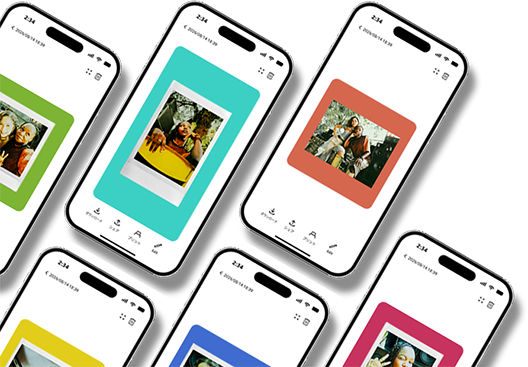
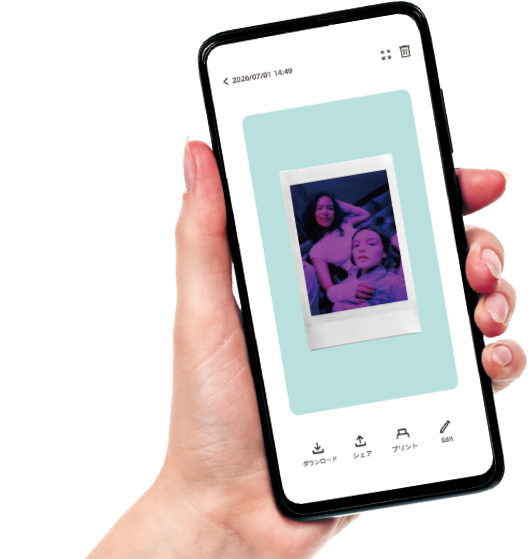
Images taken with the instax Pal 2™ are compatible with all film formats: mini, SQUARE, and WIDE. Not only can you enjoy them as digital images, but you can also print them using the instax™ Link series of smartphone printers or hybrid cameras.
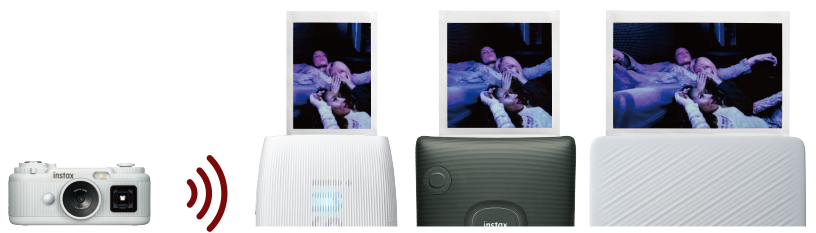
- * instax™ instant film sold separately.
- * The instax Pal2™ (digital camera) does not itself print instax™ instant photos; an instax™ Link Series smartphone printer or Hybrid Instant cameras (each sold separately) is required to print.
Black
White
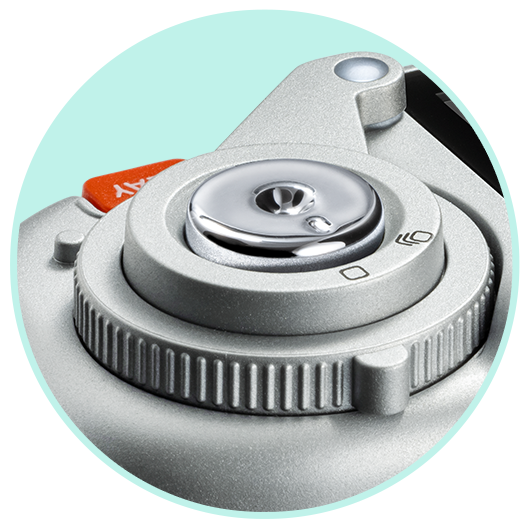
Shutter Button
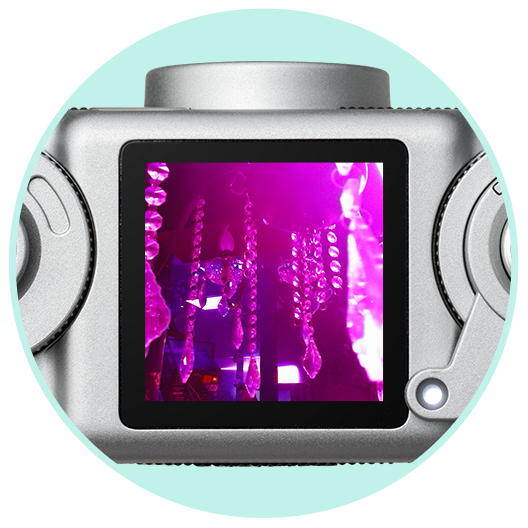
LCD Screen
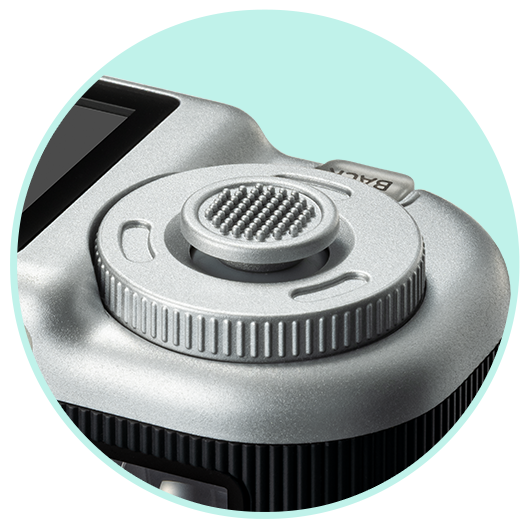
Command Dial
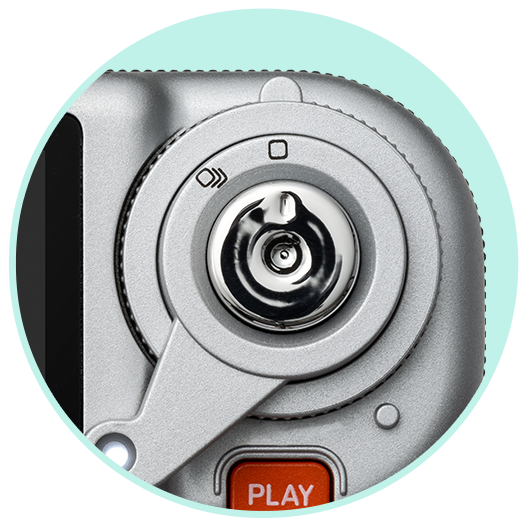
Lever
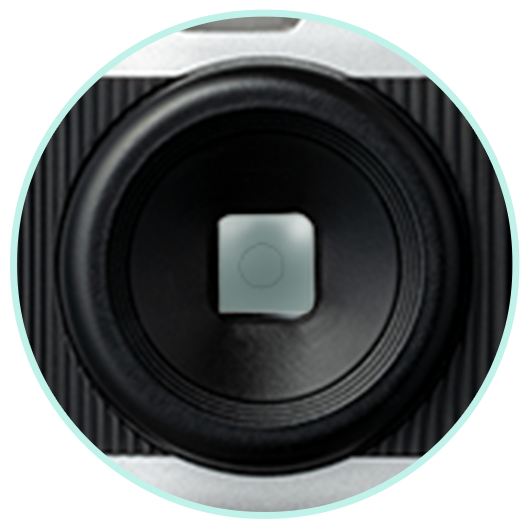
Finder
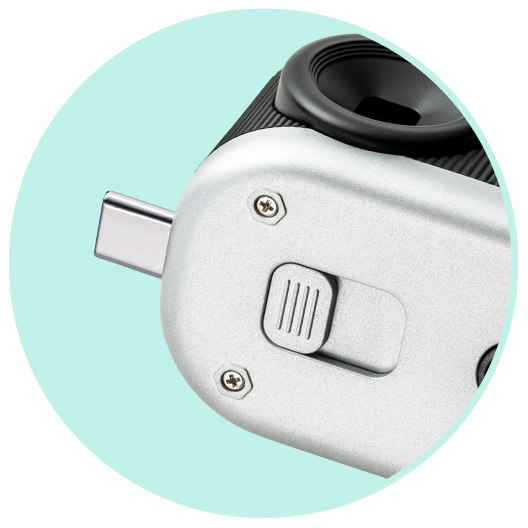
USB Type-C Terminal
![[logo] instax™ app for instax Pal™](https://asset.fujifilm.com/www/mm/files/2026-08/63f4140695ff7389679de9df4542acc8/icn_app_instaxpal2.png)
![[logo] Apple App Store](https://asset.fujifilm.com/www/mm/files/2023-09/8078bade5b6bd0524945aa1b74888056/btn_instax_app_01.jpg)
- * Apple and the Apple logo are trademarks of Apple Inc., registered in the U.S. and other countries. App Store is a service mark of Apple Inc.
![[logo] Google Play App](https://asset.fujifilm.com/www/mm/files/2023-09/44ec9e71b627b328a88c57b3199a3e1e/btn_instax_app_02.jpg)
- * Google Play and the Google Play logo are trademarks of Google LLC.