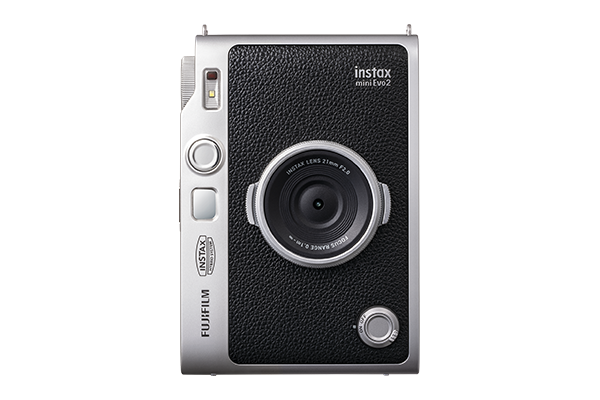



Every moment tells a different story. With 10 lens effects and 10 film effects to mix and match, you have 100 expressive combinations to explore. From soft nostalgic tones to bold, vibrant styles, the instax mini Evo 2™ hybrid instant camera lets you find the perfect look that reflects your perspective.

Enhance the feeling of the moment with 10 creative lens effects.
Give every photo its own stylish characteristics with 10 unique film effects.
Expand your perspective with the instax Expanded View™ camera feature. The wider field of view beyond the shooting area and an on-screen framing guide shows you the scene exactly as you see it, encouraging thoughtful composition, while making every shot feel intentional and immersive.
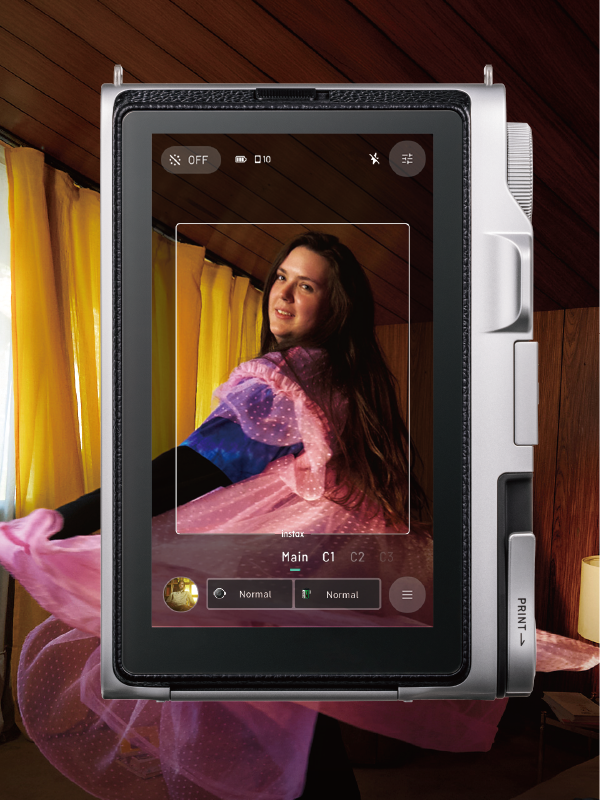
The story begins even before you press the Shutter Button. The instax Immersive MovieTM camera feature records the four seconds leading up to each shot, capturing the atmosphere, movement and emotion that unfolds before the final image so you can relive what you saw and how it felt (microSD card (sold separately) required to use instax Immersive Movie™ feature).
- *1 Five seconds of video is recorded (including the moment the shutter is pressed). Audio is not recorded.
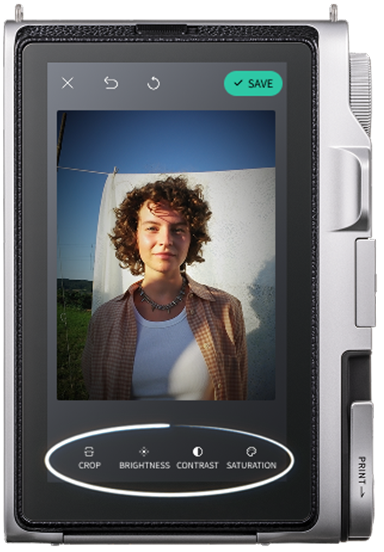
Get the results you want, right on the spot.
Easily edit your photos in-camera, with tools for cropping, brightness, contrast and saturation.
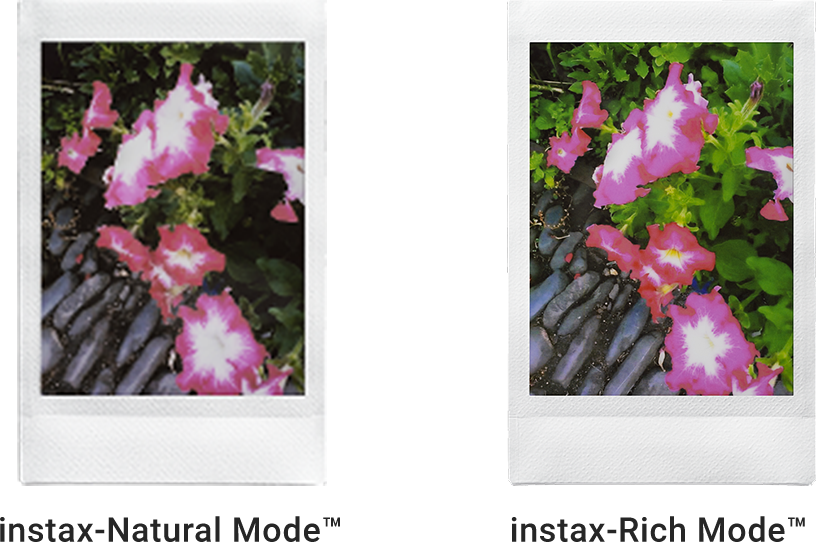
From candid, meaningful moments with loved ones to vibrant city escapes, each print is produced in crisp 600 dpi resolution for outstanding clarity. For more charm and warmth, switch between instax-Rich Mode™ for vivid color or instax-Natural Mode™ for a more authentic, classic aesthetic.
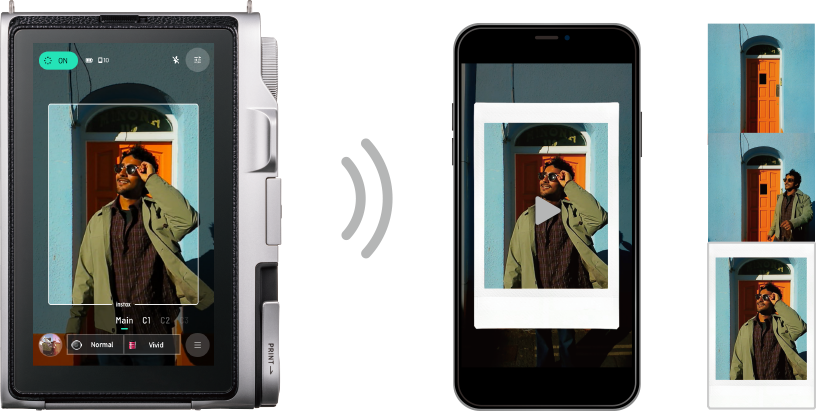
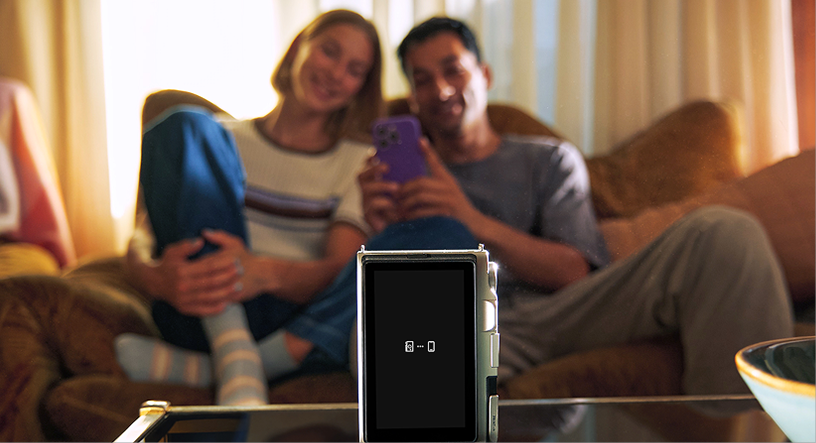
Take the shot, without being behind the instax mini Evo 2™ hybrid instant camera. Connect your smartphone (not included, app download required) to this hybrid instant camera via the app and use it as a remote shutter, making it easy to capture group photos, self-portraits and creative setups.
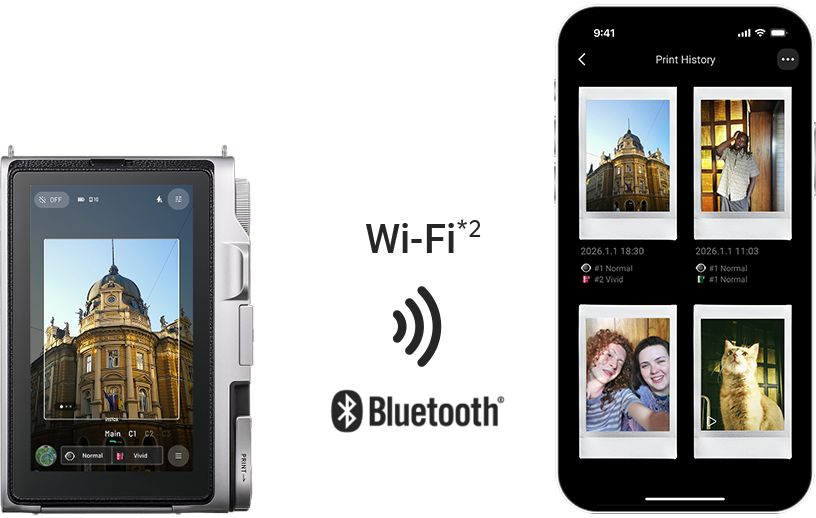
Every printed image becomes part of your digital collection in the instax mini EvoTM app. Add a personal note to each memory, organize them into categories and relive the moments through both photos and videos, all in one place – your smartphone (not included, app download required).
Transfer digital versions of printed images, along with videos, to the app over Wi‑Fi or Bluetooth®.*2
- *2 Photo transfer is supported via Bluetooth® only.
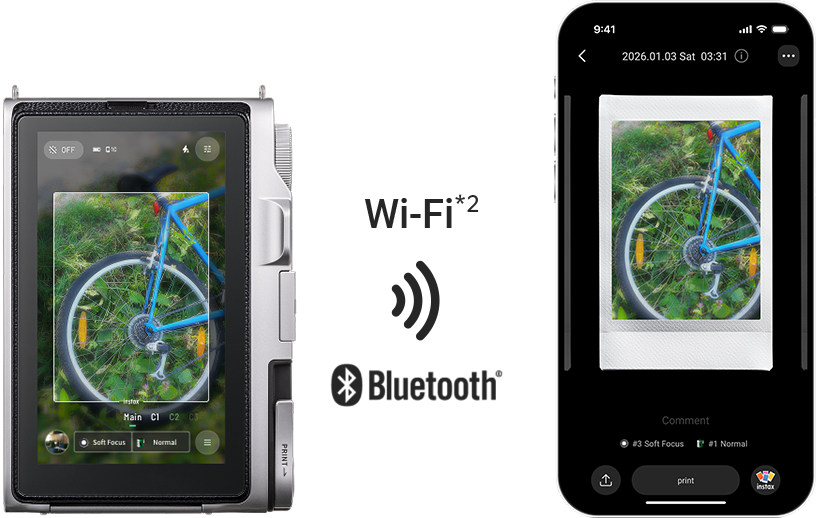
View the videos and images you’ve transferred to the app in your print history, and even add short comments to them.
Using the dedicated app, easily edit transferred images and videos. You can also share them with friends or post them on social media with ease.*2
- *2 Photo transfer is supported via Bluetooth® only.
![[logo] instax mini Evo™](https://asset.fujifilm.com/www/ca/files/2026-10/5447eb60ea0a7907385323c267b5b377/icn_instax_app-mini_evo_cinema.png)

- * Apple and the Apple logo are trademarks of Apple Inc., registered in the U.S. and other countries. App Store is a service mark of Apple Inc.

- * Google Play and the Google Play logo are trademarks of Google LLC.