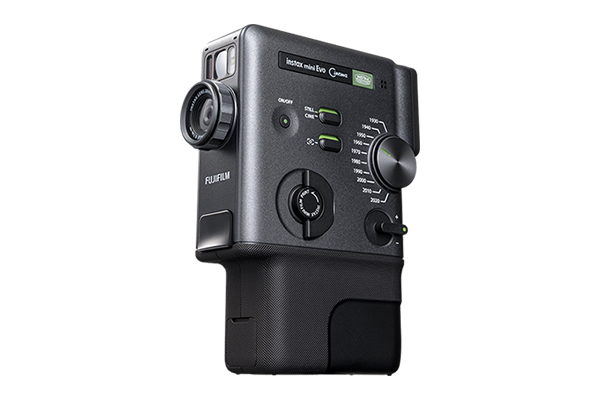



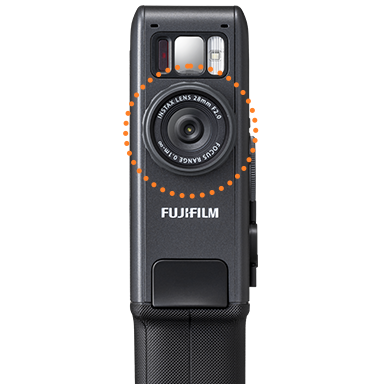
The instax mini Evo Cinema™ hybrid instant camera delivers a smooth, unique photographic experience that turns casual moments into unforgettable ones. The power of three. A hybrid instant camera, smartphone printer and video camera all in one
- *Download of free instax mini Evo app required
- *instax™ mini instant film required (sold separately)
Shoot short videos and still images.
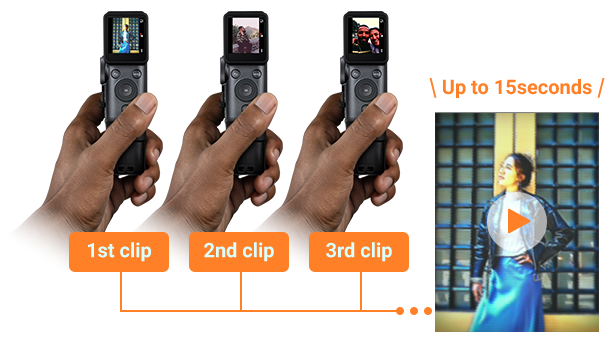
Capture & combine multiple in-the-moment videos up to a maximum of 15 seconds with just the press of the shutter button. Easily switch between CINE mode for video and STILL mode for still images.
Express yourself in 100 different ways with 10 Degrees & 10 Gen Dial™ effects.

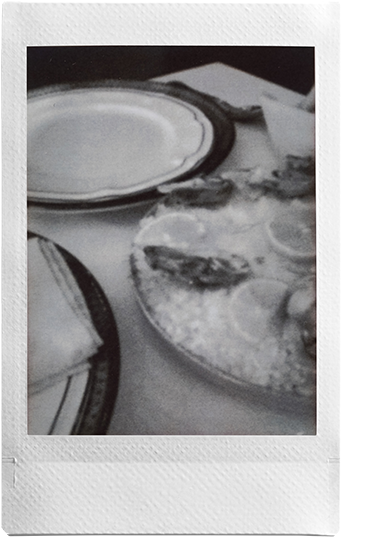
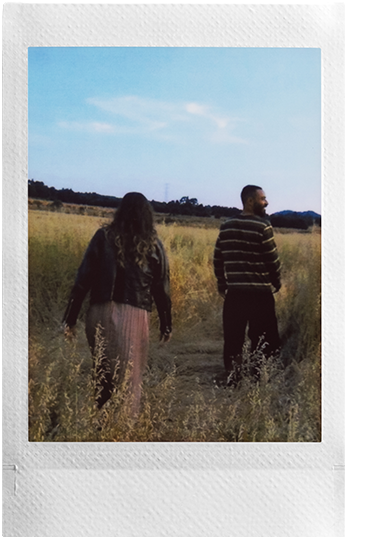
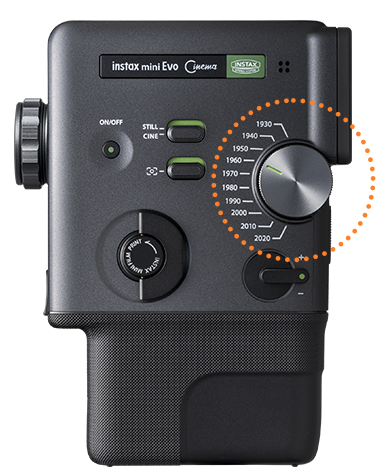
Turn back time with the Gen Dial™ – a handheld time machine dial that lets you apply 10 decades of style to your images and videos. From the grainy charm of the 1930s to the refined edge of the 2020s, each Era brings its own look and sound effects for a timeless, cinematic finish.
1930

1940
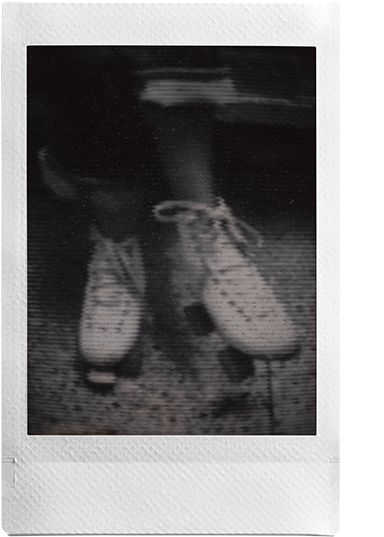
1950
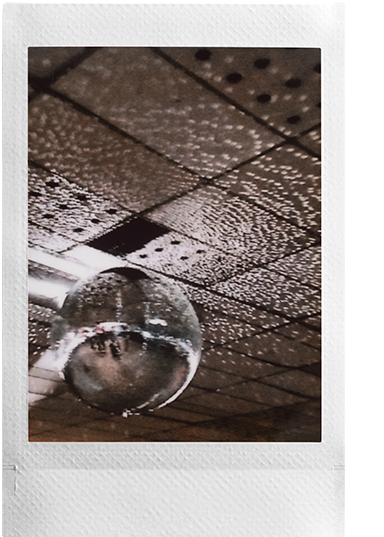
1960
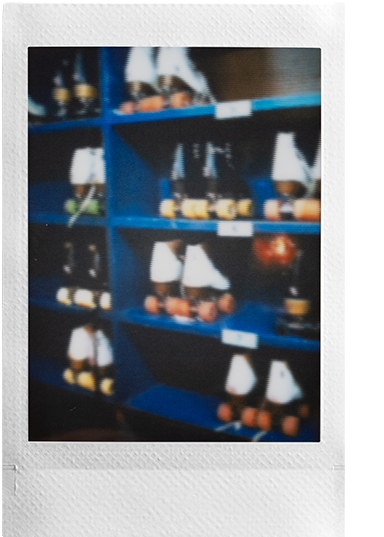
1970

1980

1990
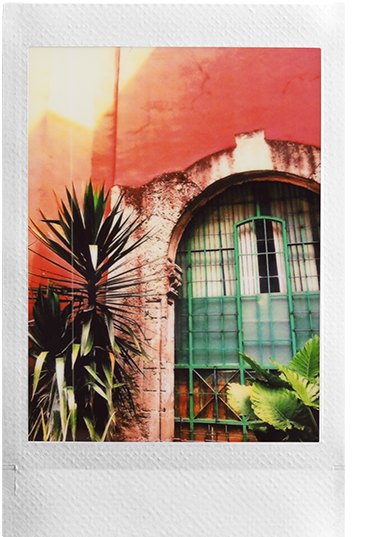
2000

2010
2020
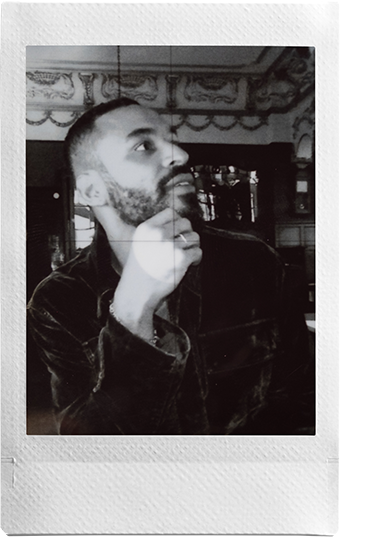
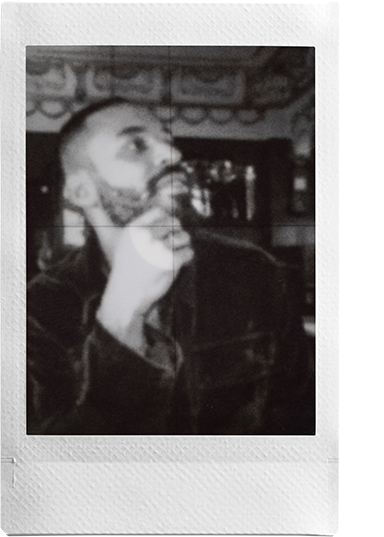
You’ve chosen your Era, now fine-tune the effect with the Degree Control Dial. Rotate the dial to precisely adjust color, contrast, and noise expression – you’ve got 10 creative variations per Era.
Degree1
Degree5
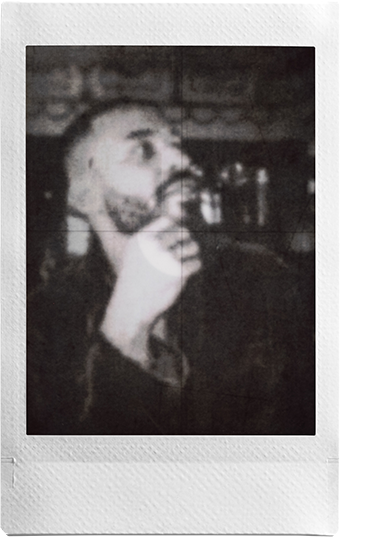
Degree10
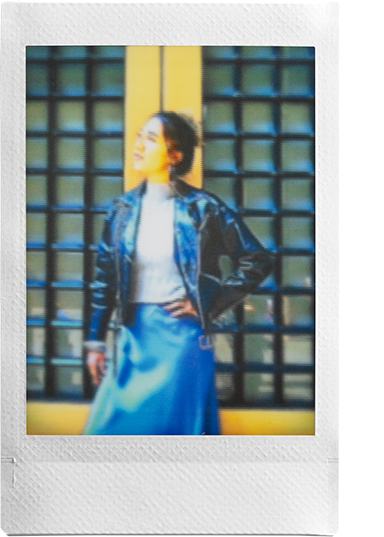
Degree1
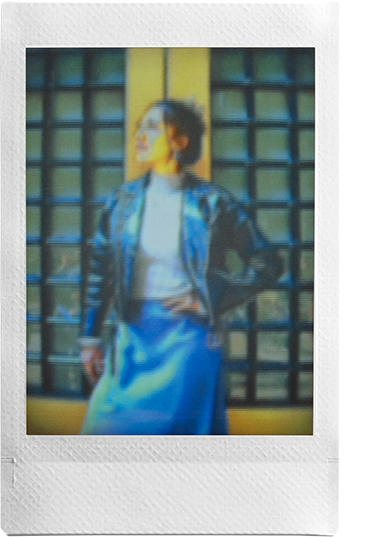
Degree5
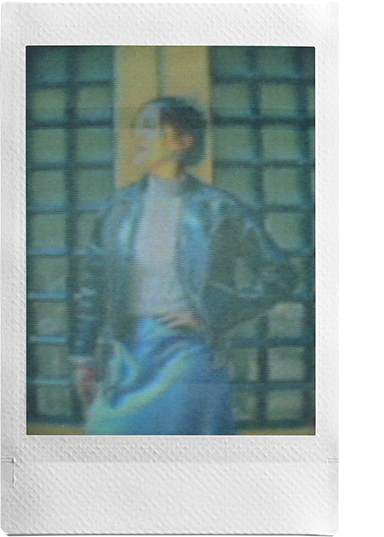
Degree10
- * Feature names may vary by region.
Easily print from the camera or the app
Easily print videos utilzling the print lever or print instax™ photos with QR code.
- * Video data must be uploaded to the server via the instax mini Evo™ app to play back from a QR code.
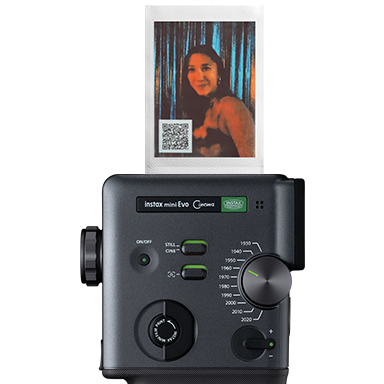
Create the best version of your video by refining it in the free downloadable instax mini Evo™ app. Import via Bluetooth® or Wi-Fi, then craft up to 30 seconds* of cinematic storytelling with effortless editing and sleek, intuitive control. Ideal for giving your videos that extra touch before sharing them with friends and family.
- * Videos up to 30 sec. can be edited in the app
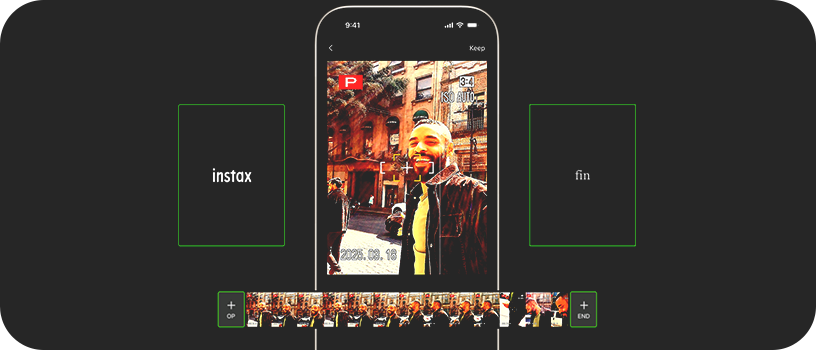
Create professional-looking videos by adding an opening sequence.
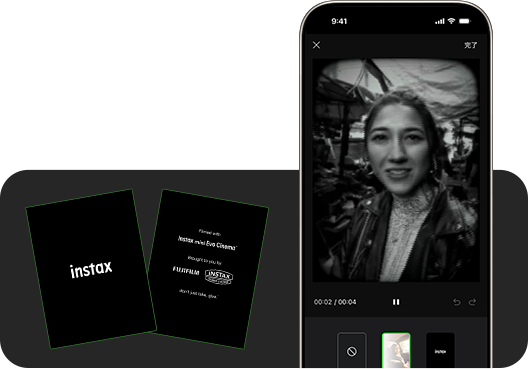
Finish your sequence in style with an elegant, animated ending.
Print using a Poster template to give your instax™ photo that finishing touch.
- * Video data is stored and playable for two years from upload date.
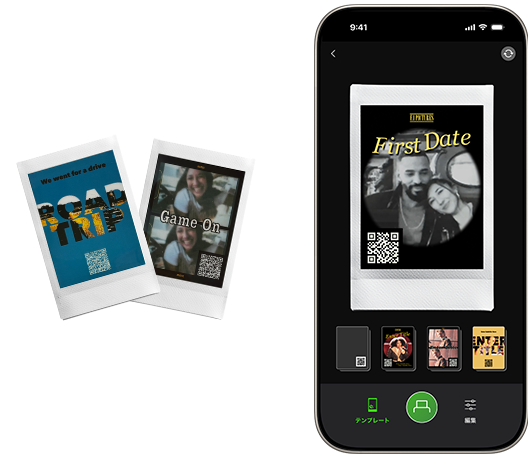
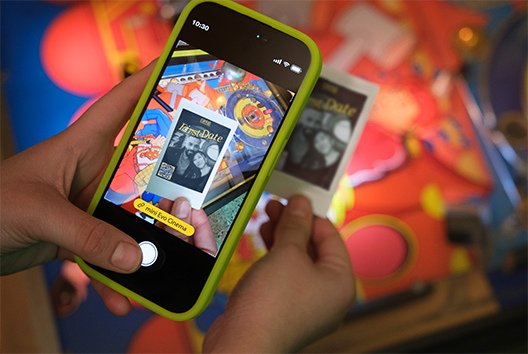
Access your video via a one-of-a-kind instax™ mini instant photo printed with a QR code* ready to be scanned and played back on a smartphone. And with video and audio data securely stored for 24 months, you can relive every sound and story whenever you like.
*The text QR code itself is a registered trademark and wordmark of Denso Wave Incorporated.
Scan the QR code to watch the video in your browser.
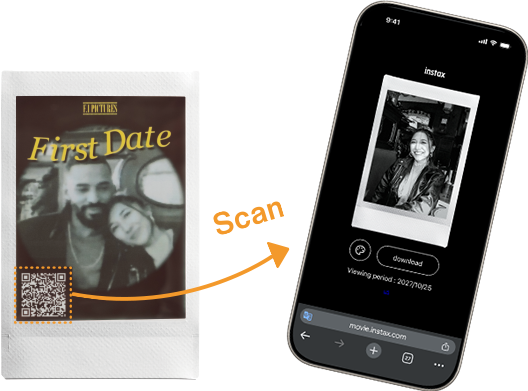
Save videos with a QR code to easily share them on social media.
Add flavor to every shot or clip utilizing the Frame Switch. There’s a frame for every Era, each echoing the characteristics, media and playback devices that defined that time.
Use instax-Natural Mode™ and instax-Rich Mode™ to adjust the color and feel of your instax™ photos!
The self-timer allows you to be part of group shots and also minimizes the blur in still images.
Print directly from your smartphone via the free instax mini Evo™ app. Send any photo on your device straight to the mini Evo Cinema™ hybrid instant camera via Bluetooth® and watch it print out a high-quality instax™ mini instant photo.
Frame, focus and shoot, all from your smartphone once you download the free instax mini Evo™ app. Simply pair your camera via Bluetooth® with the app and start shooting remotely.
![[logo] instax mini Evo™](https://asset.fujifilm.com/www/ca/files/2026-01/aa67c52ab270bcb4701ec9e6069dafa3/icn_instax_app-mini_evo_cinema.png)

- * Apple and the Apple logo are trademarks of Apple Inc., registered in the U.S. and other countries and regions. App Store is a service mark of Apple Inc.

- * Google Play and the Google Play logo are trademarks of Google LLC.