










Offices in Hong Kong usually print several types of documents. Most need fast black-and-white output for contracts and invoices, alongside colour for presentations and customer materials.
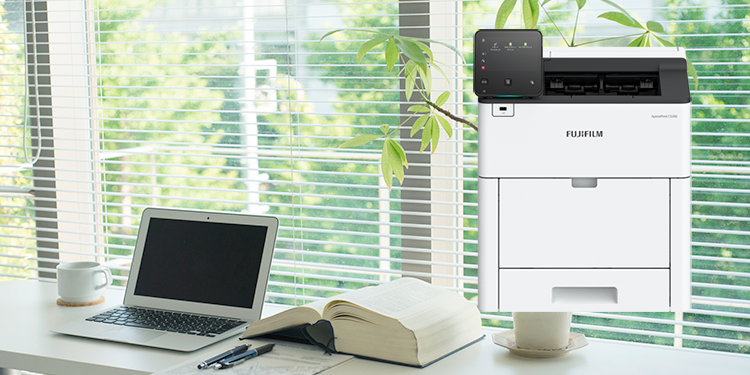
For most offices with moderate colour use, an A4 colour laser multifunction printer offers the simplest balance. Offices producing mainly black-and-white documents may benefit from a monochrome printer alongside a smaller colour device. Business inkjet models can suit lighter workloads where image reproduction and media flexibility matter more than sustained document speed.
Before choosing, estimate your monthly print volume, the percentage printed in colour, required paper sizes and essential functions. These may include scanning, copying, duplex printing, mobile access and document security.
Configuration | Best suited to | Choose when | Consider another option when |
Colour laser multifunction printer | Offices with regular colour, scanning and copying needs | Teams want one centrally managed device for everyday work | Colour is rare and black-and-white volume is consistently high |
Monochrome printer plus colour device | Document-heavy offices with occasional colour requirements | Most pages are black and white and workloads can be directed by output type | Office space or device-management capacity is limited |
Business inkjet printer | Lighter workloads with image or media requirements | Colour reproduction and paper flexibility matter more than sustained speed | Teams regularly produce high volumes of text-heavy documents |
The most economical configuration depends on actual usage. Device utilisation, consumable yield, service arrangements, colour coverage and fleet-management requirements can all affect total operating cost. Read more about laser or inkjet.
Start with monthly page volume and the proportion printed in colour. A shared colour multifunction printer can simplify management when colour use is moderate. When black-and-white output forms most of the workload, a dedicated monochrome device may handle routine documents while a separate colour device supports customer-facing materials.
Review purchase or lease costs together with consumables, maintenance, energy use and staff time. Cost per page varies by device, page coverage, contract and operating conditions, so use verified figures when comparing shortlisted models.
If you already use FUJIFILM Business Innovation devices, review available device-management reports using your FB Direct account before buying or upgrading your device. Usage data can help establish monthly volume and colour share more accurately.
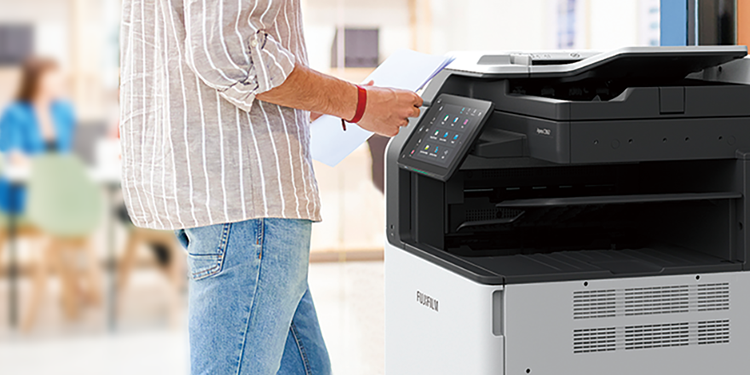
A multifunction printer combines printing, copying and scanning, with fax available on selected configurations. It suits shared teams that need several document functions from one device. A single-function printer can be appropriate where staff mainly print and do not require regular scanning or copying.
For mixed workloads, the A4 Apeos C4030 / C3530 provides colour and monochrome printing, duplex scanning, mobile support, cloud connectivity and security features. This makes it relevant for teams seeking one shared device for daily document work.
A dual-device setup may suit offices where heavy black-and-white output substantially outweighs colour demand. It requires more space and administration, so compare the full fleet cost rather than consumables alone. Read more about single vs multifunction printers here.
1. Security
Look for user authentication, secure print release and access controls appropriate to the information your organisation handles. Apply consistent security rules across colour and monochrome devices.
2. Print and scan performance
Compare both colour and monochrome print speeds. Also check duplex scan speed, paper capacity and recommended monthly volume against expected demand.
3. A4 or A3 capability
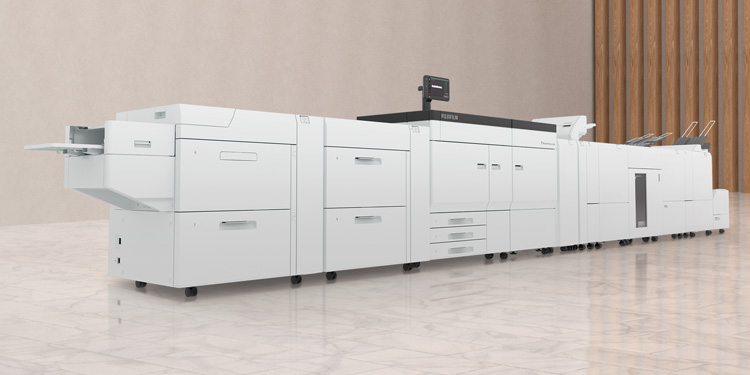
Choose A4 for standard office documents. Consider A3 when teams regularly produce larger spreadsheets, plans, diagrams, posters or folded materials.
4. Paper handling and finishing
Confirm supported paper sizes, weights and trays. If teams prepare client documents internally, assess stapling, booklet or other finishing requirements.
5. Ease of use and support
Assess the control panel, driver deployment, mobile printing and support options. FUJIFILM Business Innovation Hong Kong’s ServicePRO includes remote and onsite support services, while EP-BB offers proactive consumable monitoring and automatic meter reading. Availability and predictive functions depend on the device and service conditions.
6. Environmental considerations
Compare duplex printing, low-power settings and energy information. Selected supported devices can provide usage and environmental reporting.
Apeos C4030 / C3530
- Best for: Shared teams requiring colour, monochrome, scanning and copying.
- Why it fits: A4 colour multifunction capability, duplex scanning, mobile support, cloud connectivity and security features.
- Consider another setup when: Black-and-white volume substantially outweighs colour requirements, or regular A3 output is essential.
PDF: 467KB
Yes. A colour printer can produce black-and-white documents. However, the best configuration depends on volume, speed and operating cost. If most pages are monochrome, compare a shared colour device with a separate monochrome printer using your actual usage data.
It can be, particularly when black-and-white volume is high and colour use is occasional. The result depends on device utilisation, consumable yield, service agreements, energy use and the cost of managing two devices.
Choose colour when customer materials, charts or branded documents are printed regularly. Choose monochrome when the office mainly prints text documents and rarely needs colour. A compact colour multifunction printer can provide flexibility where one device must support several tasks.
Yes. A colour laser printer can support routine black-and-white documents and regular business colour output. Check print speed, paper capacity, scanning requirements and recommended volume before selecting a model.
Review several representative months and include peaks, not only an average month. Count colour and black-and-white pages separately. Use the result to compare device capacity, consumable requirements and service options.
Prioritise user authentication, secure print release, access controls, encrypted communications and administrative controls. Required features depend on the device, configuration and your organisation’s security policies.
Prepare your monthly page volume, estimated colour share, current device list, paper-size requirements and essential functions. FUJIFILM Business Innovation Hong Kong can help you assess whether a colour multifunction printer, dual-device setup or another configuration suits your office. Contact us to find out more.