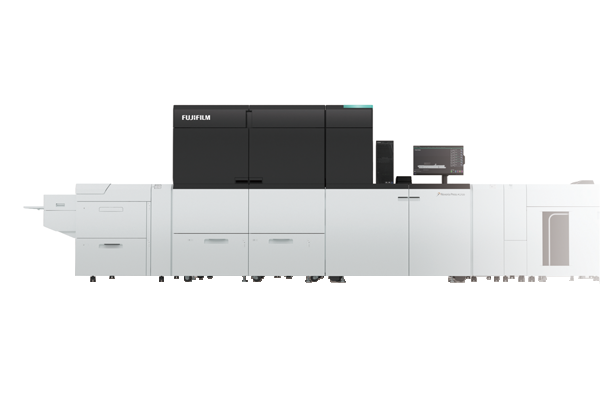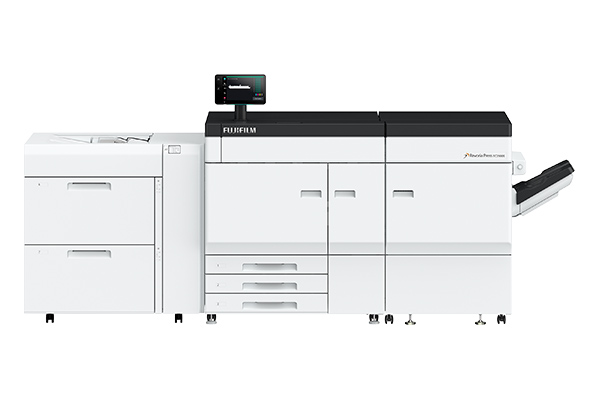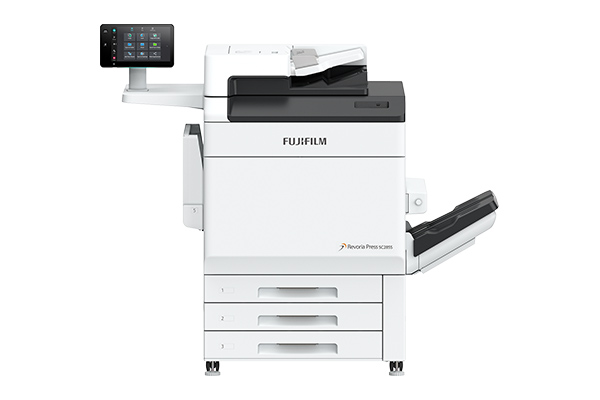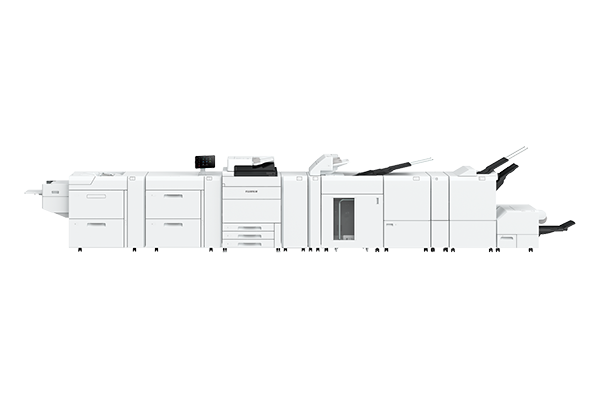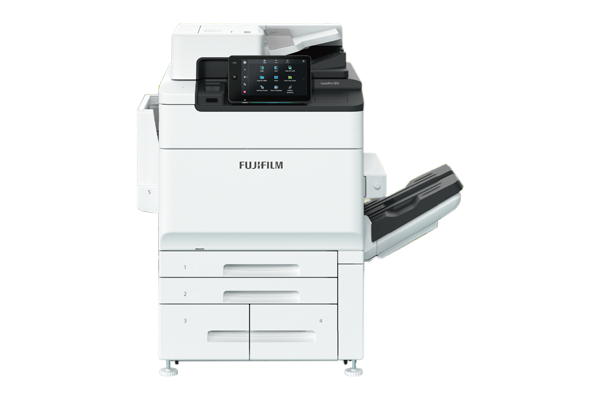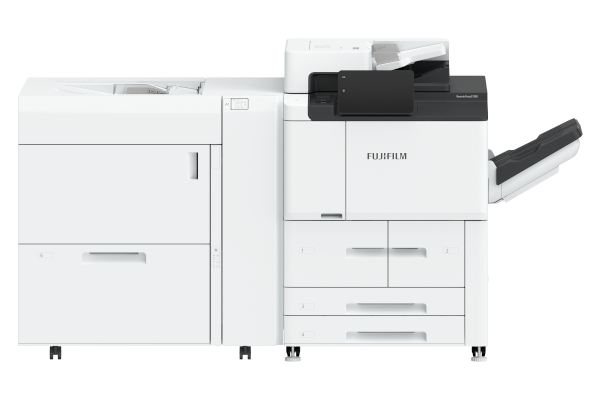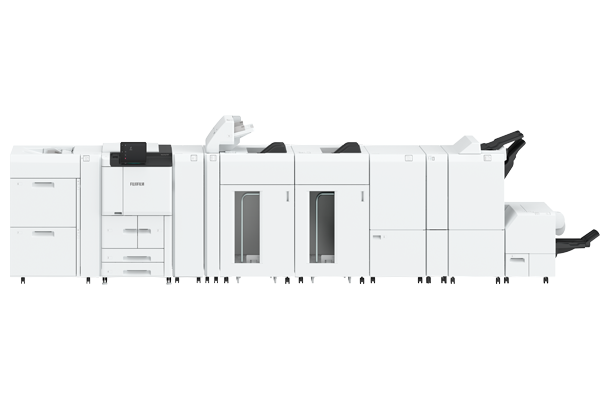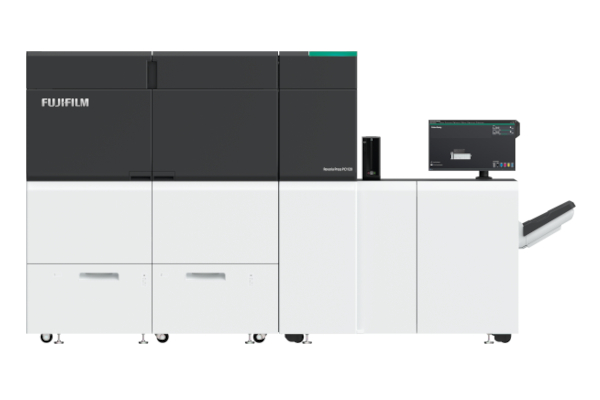




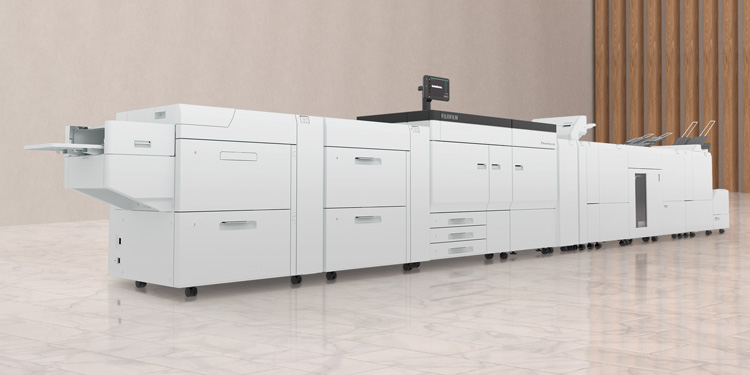






In addition to CMYK toner, the press can load a maximum of two specialty toner stations. For specialty toner, choices of Clear*1, Gold, Silver, White, Pink and Custom Red*1*2 toners are available. By overlaying CMYK on Silver or Gold, you can print various brilliant metallic colours. The rich colour expressions created by the 6-colour print engine can expand your business.
- *1 Clear and Custom Red toner can only be used for Overlay.
- *2 Custom Red toner is available in limited countries.
The heart of the printer, ROS*3, uses VCSEL*4 as a light source. It enables printing at 2,400 × 2,400 dpi high resolution by drawing images simultaneously with multiple laser beams.
- *3 Raster Output Scanner
- *4 Vertical Cavity Surface Emitting Laser
Super EA-Eco toner with extremely small particle size allows smooth reproduction of gradations in photographs, uniform density and sharper fine lines and text. It also produces easy-to-read printed text with less glare.
- *5 EA: Emulsion Aggregation
The inline sensor is built into the printer body, allowing easy and quick calibration. It also has an automatic adjustment function that allows you to adjust*6 multiple settings at once. It minimises the effort required for maintenance and downtime.
- *6 Batch adjustment of the following can be performed: Auto Alignment, 2nd Bias Transfer Roll Correction, Auto Tone Correction, Density Uniformity Correction
High quality image data can be generated with RIP processing of 1,200 x 1,200 dpi and 10 bit (1,024 gradation levels) on the print server. In addition, high resolution and smooth screen image of 2,400 x 2,400 dpi can be generated on the device with our unique HQ digital screen technology (MACS*7) employed. These data processing technologies can generate high image quality brought from the maximisation of the print engine performance.
- *7 Micro Accurate Control Screen
Supports various CMYK colour standards such as Fogra, SWOP and GRACoL.
G7® calibration achieves consistent gray balance and neutral tonality across different printing processes, substrates, and printing conditions.
- Note: A standard that is widely adopted in the printing industry to ensure color consistency and quality across various printing technologies and platforms.
Higher image quality has been implemented with "Edge Enhancement" that fixes jaggedness on the edge of thin line and text outline and "Adjust Invert Text/Line Weight" that fixes thickened / blurred text.
- Note: Default setting: OFF
You can select the suitable screen for each object such as a text and photo. The FM screen is effective for moire. Granular roughness that tends to occur on FM screens is suppressed by the dot arrangement suitable for the electrophotography profile, realising a smooth image quality.
Equipped with a function to brighten the image using fluorescent Pink toner. By separating into CMYK + Pink, skin tones can be brighter, and the texture of the skin can be reproduced smoothly and beautifully.
- Note: You can choose 3 levels of effect. Since the pink layer is generated from magenta, it affects the images containing magenta.
AI (Artificial Intelligence) automatically determines the scene for each photographic image on the page and corrects the image appropriately for each of them. Low quality images, such as poor contrast and brightness, can be automatically corrected.
- *8 Applies to RGB type images

Paper sizes ranging from A6 to 330 × 488 mm are available. Fullbleed printing on SRA3 (320 × 450 mm) is also possible and it is useful to create brochures or leaflets that need to have bleed.
You can print up to 330 x 1,200 mm banner sheets for simplex printing*9. Widen the scope of new printing application such as powerful panoramic posters.
- Note: Please contact our sales representative for paper feeder or output module that is required for Banner sheet printing
- *9 Up to 330 x 729 mm for automatic duplex printing.
Film and metallic media are easily charged by static electricity when printing, and the printed media may stick together. However, the inline static eliminator module*10 makes it easy to stack and align these media.
- *10 Optional "Static Eliminator D1"
You can create a variety of finished products with full bleed, trimming, crease and folding options.
- *11 Optional
Third-party finishers*12 can be connected inline.
- *12 Optional "High Capacity Stacker A1 with Transport Module" is required. Please contact our sales representative for third-party finishers.
Using air suction a shuttle head picks up each sheet individually and delivers it securely. This improves paper feeding performance for low quality, textured and coated media.
- *13 Optional
It automatically checks printing defects. The error sheet can be discharged and automatically reprinted. It saves you a lot of time and effort.
Image Inspection:
Detects printing defects such as dots, stains, pinholes, streaks, dog ears by comparing scanned images with RIP images in real time.
Barcode/OCR Inspection:
Verifies the printed barcordes or OCR fonts are readable, the numbers are sequential or the numbers on side 1 and side 2 are match.
Stability:
You can control print quality by knowing the alerts of density fluctuations or misalignment during printing.
- Note: Options are required. Please contact our sales representative for details.
The Fiery PC11 for the FUJIFILM Business Innovation Revoria PressTM PC1120 includes intelligent automation and built-in tools to deliver unique, differentiating prints.
The Fiery server features HyperRIPTM, the innovative Fiery feature that processes large and complex jobs at faster speed, which allows you to take on new, higher-value opportunities with confidence. Increase efficiency with the automation benefits from the included, browser-based Fiery JobFlowTM Base software.
Reduce setup time and cut waste with Fiery JobExpertTM - a built-in feature in Fiery Command WorkStation® -that automatically analyses incoming PDF files and dynamically chooses optimal Fiery print settings.
Manage all your Fiery DrivenTM cutsheet and wide format printers from Fiery Command WorkStation to centralise job management. Integrate your print production workflow with management information systems, Web-to-Print systems, and popular prepress workflows for end-to-end automation.
Use the Fiery Workflow Suite of integrated products, like the included Fiery Impose-Compose, or Fiery JobMaster, to accelerate makeready from job setup through production in one single, visual interface.
Fiery FreeFormTM Create, an included application, allows you to quickly and simply create personalised jobs for print production. Add variable elements such as text, images, or barcodes with just a few clicks. You can even create personalised files that include specialty colours for extra visual impact.
Add premium print effects by utilising up to two specialty colours simultaneously to create brilliant metallics and infinite other rich colour expressions. Built-in tools like Fiery ImageViewer and Fiery Spot Pro make working with specialty colours easy. And the integrated Fiery Smart Estimator allows you to estimate your specialty colour usage before printing a single page.