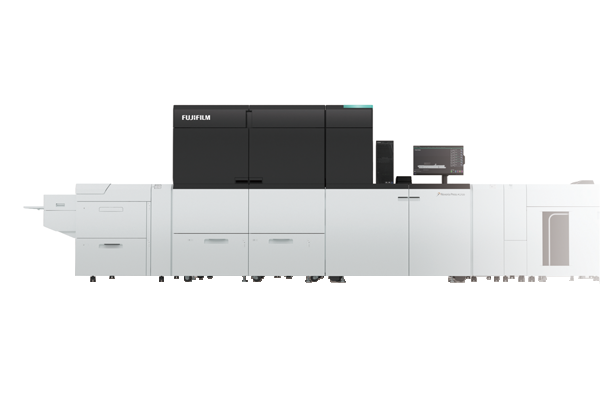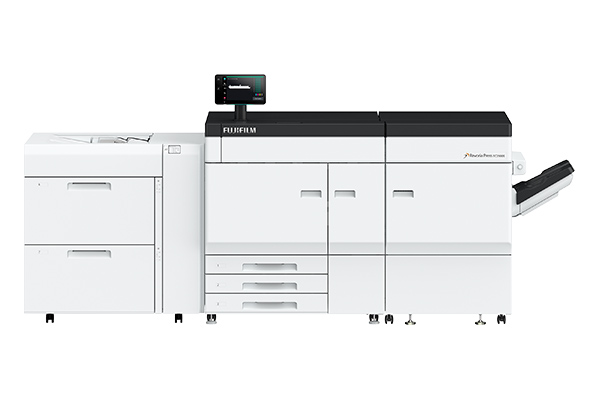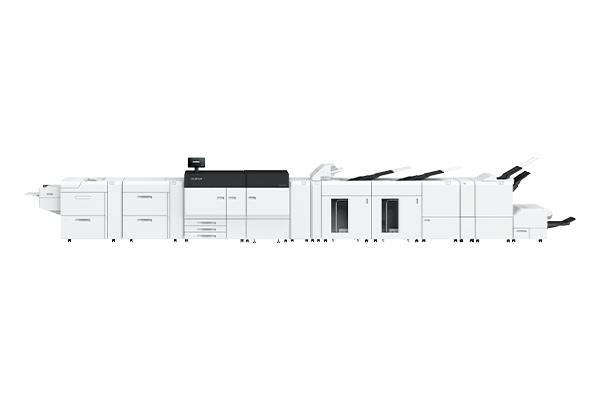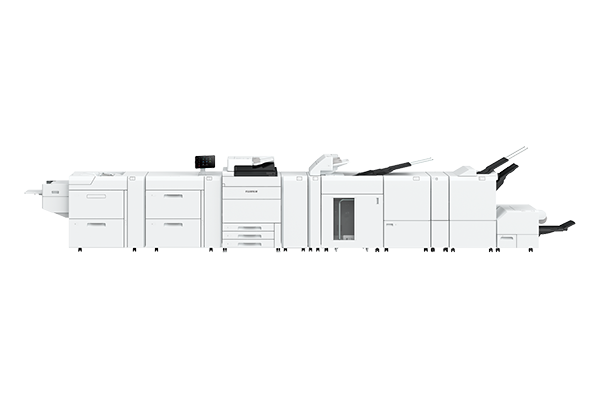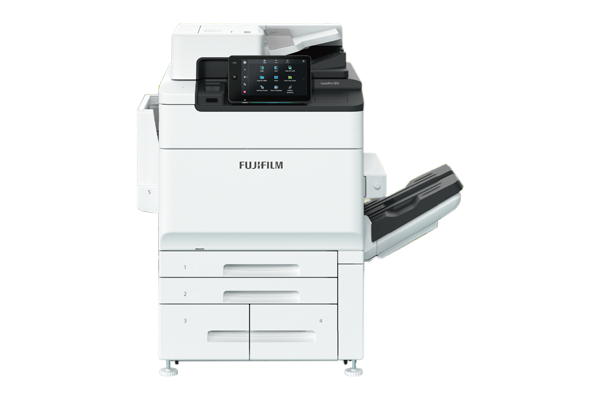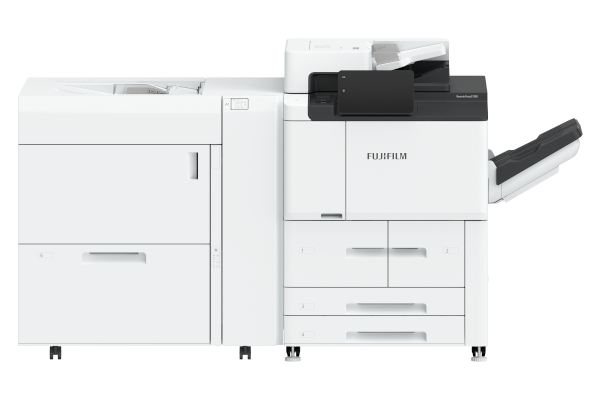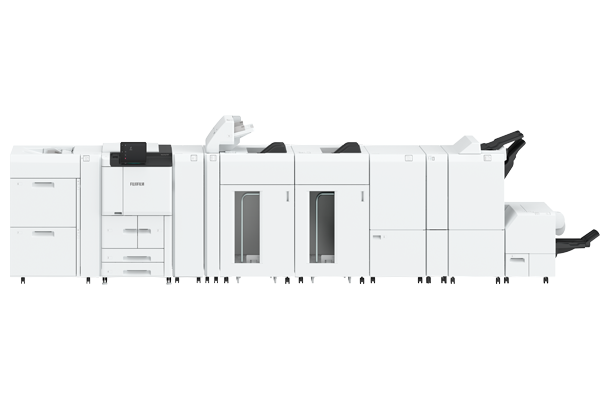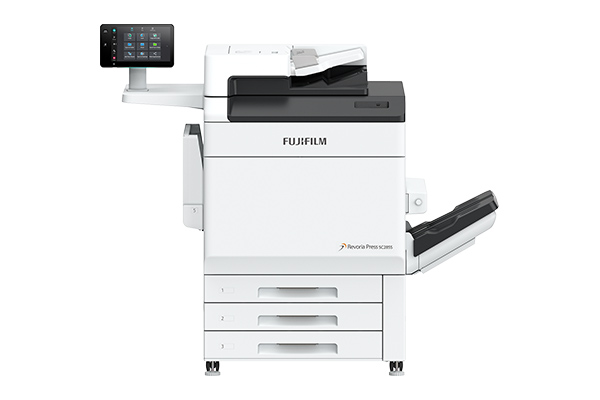


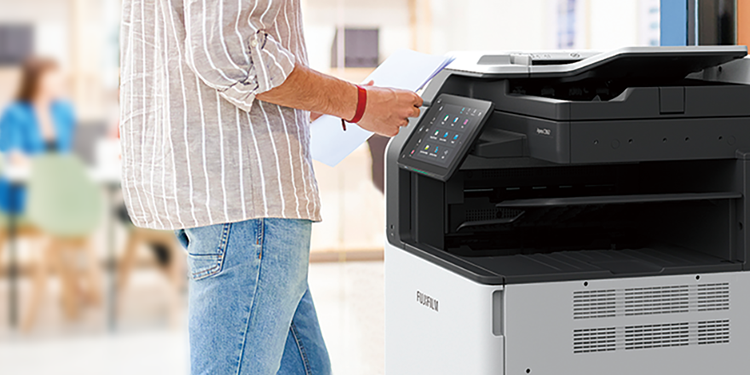
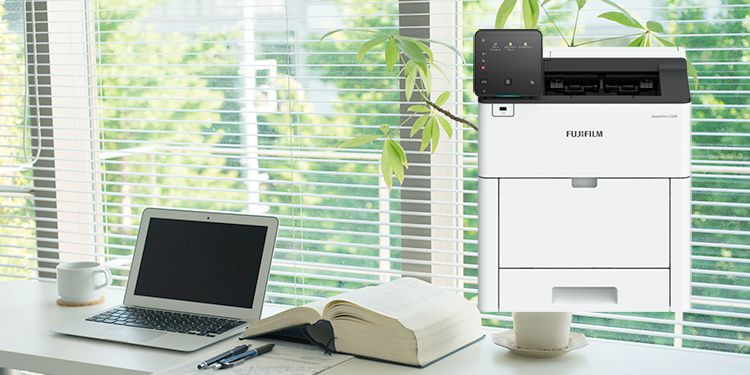


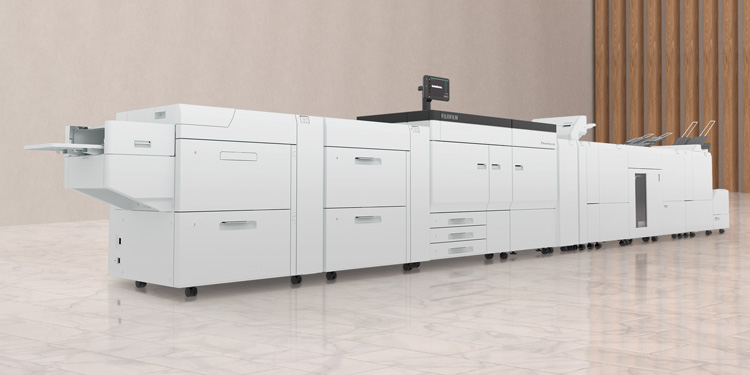







- Offer better solutions thanks to reliable technologies that enable a wide variety of paper sizes and post-processing.
- Supports a wide range of paper sizes, from a minimum of 90 x 146 mm up to 330 x 660 mm, with optional banner sheet printing (single-sided) up to 330 x 1,300 mm.
- Paper weights flexibility from lightweight 52 gsm to heavyweight 400 gsm.

- Folding carton and label sticker
- Printing on envelopes with a minimum paper width of 90 mm
- Printing on water-resistant paper for menu lists
- Supports banner sheet sizes up to 330 x 1,300 mm
The intermediate transfer belt ensures reliable, high-quality output even on typically difficult-to-print textured media, such as embossed papers.

- Enables stable paper handling.
- Protect operators safely from high amount of static electricity.
The air-suction feed tray, equipped with our proprietary Shuttle Head technology, ensures a reliable feed of papers prone to paper dust accumulation, textured papers, and coated papers that tend to stick together.
- *1 Static Eliminator D1
- *2 Air Suction Feeder
- Realize top speed for both uncoated paper (52-400 gsm) and coated paper (72-400 gsm).
- High-productivity A3 printing at 47 ppm
G7 calibration achieves consistent gray balance and neutral tonality across different printing processes, substrates, and printing conditions. A standard that is widely adopted in the printing industry to ensure colour consistency and quality across various printing technologies and platforms.
- Note: G7® is Idealliance’s global industry-leading set of specifications for achieving visual similarity across all print processes.
- *3 G7 certified the combination with Revoria Flow Print Servers.
- 1,200 x 1,200 dpi RIP processing reproduces images with their original vivid quality. Even fine text and lines can be reproduced at 1,200 dpi resolution.
- High-precision 3D calibration and feedback functions ensure consistent colour reproduction.
- Different-sized data can be imposed at any desired position for more efficient use of banner sheets and reduced paper waste.
- AI automatically identifies the scene per photo, applies appropriate image correction, and prints them beautifully.
- skin tone
- brightness
- texture
- brightness
- sky colour
- noise
- backlight
- sharpness
- Printed material is compared with the RIP image during printing to detect anomalies.
- This streamlines the laborious task of checking for print irregularities, saving significant time and effort.
Image inspection:
Detects dots, dirt, print defects, and paper folds.
Barcode/OCR:
Checks readability of characters and barcodes, numbering information continuity, and front/back characters and numbering continuity.
- *4 Optional
When reprinting previous work or prints produced on other machines, you can match colours simply by scanning a sample print. Colour matching is possible based on paper originals, even when original printing conditions are unknown, eliminating the need for operators to create complex profiles.
- Automatic detection and correction of colour density variations and front-to-back misalignments during printing.
- Optimization continues throughout the printing process, with little to no decrease in print speed.
- Real-time correction can be performed during normal printing operations without needing high-level expertise or reliance on special skills.

- *5 Smart Monitoring Gate D1
| Functions | Scan speed of the documents |
|---|---|
| Scan*6 | 135 ppm (Colour / BW) 1 pass, 2-sided scanning : |
| Copy*7 | 90 ppm (Colour / BW), A4 |
Even if the device you selected for output is occupied, you can print your documents from another available device on the network.
- Note: Optional Server-less On-demand print and External IC Card Reader B are required. Use Multi-model Print Driver 2.

- Store to USB*8
- Store to Folder*9
- Scan to PC*10
- Job Flow*11
- *6 Standard Document (A4), 200 dpi, to Folder.
- *7 Copying speed is 85 ppm (A4) at maximum.
- *8 Optional USB Hub and USB Memory Kit are required.
- *9 Scanned files are stored to Folders on the device. To store them to PC, use web browsers, Stored File Manager 3 belonging to Network Scanner Utility 3, or TWAIN compliant applications.
- *10 Scanned files are sent and stored to PC folders via FTP transfer or SMB.
- *11 Scanned files are sent to defined destinations. You need to create a job flow in advance in which distribution destinations are specified.
Revoria XMF PressReady is an intuitive centralized management software that empowers Print Service Providers to manage job submission from multiple sources (Web-To-Print System, Print Management Information System, and PDF files from customers) efficiently.
With Revoria XMF PressReady, you can also automate repetitive tasks such as pre-flighting, imposition, grouping, sorting, numbering, etc. and direct specific print jobs to the appropriate digital press based on the prescribed condition set.
FUJIFILM Business Innovation Remote Services enhance machine reliability, uptime, and productivity, ensuring seamless business operations. Using remote services to connect our support systems and tools with skilled teams worldwide, we deliver responsive assistance precisely when you need it. This proactive approach, supported by in-depth knowledge and comprehensive product understanding, lets us offer the solutions you need.
- Reduce downtime by transmitting machine data to detect and prevent problems.
- Keep your printing supplies stocked and automatically delivered, improving utilisation efficiency.
- Automatically report billing meters to save time and improve accuracy.
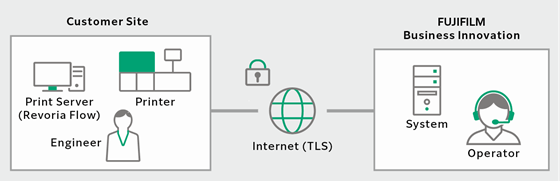
Automatic downloading of software patches for the print server, regular collection of operation logs, and transmission of error logs to the log server. These functions help prevent issues from occurring, facilitate faster repairs, and reduce downtime.
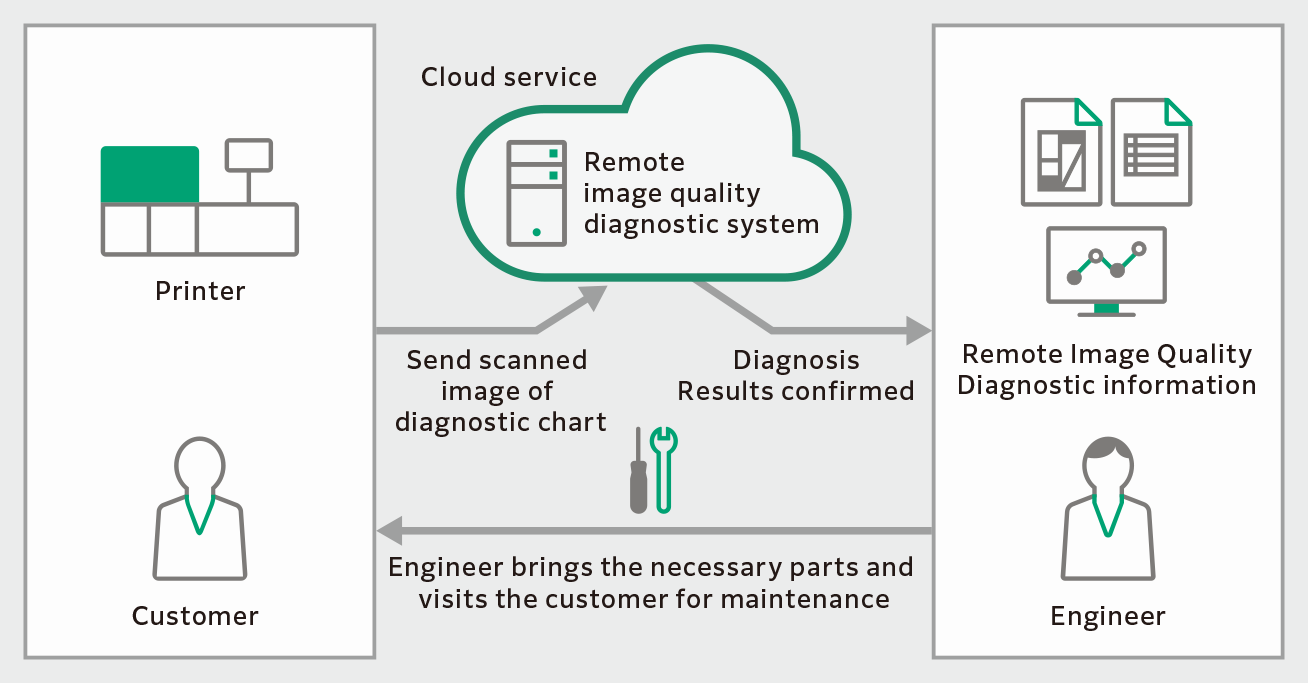
By diagnosing the output image quality of customer machines remotely, it contributes to stabilizing image quality.
- The necessary parts and the repair procedures can be prepared in advance, thus minimizing the machine downtime.
- The diagnostic result and maintenance history of each machine are remotely collected and accumulated, and these records are used for effective maintenance.
- *12 This support availavility varies depending on the location. For more information, please consult your assigned sales representative.