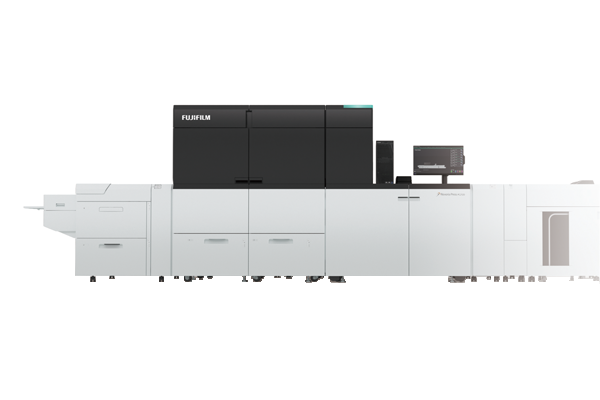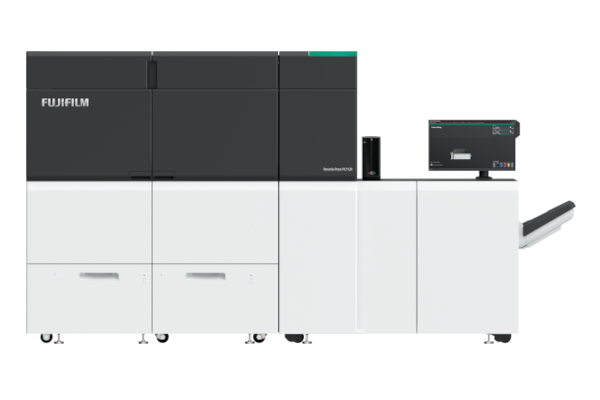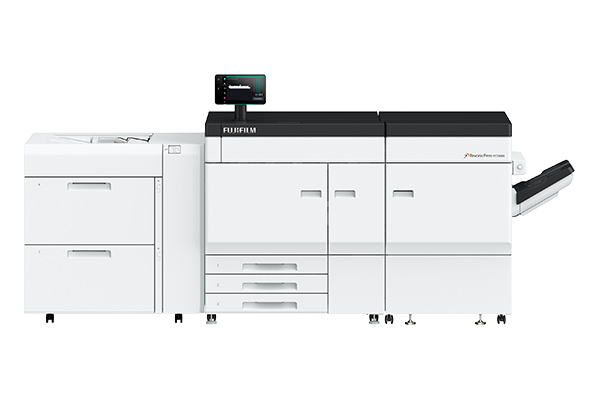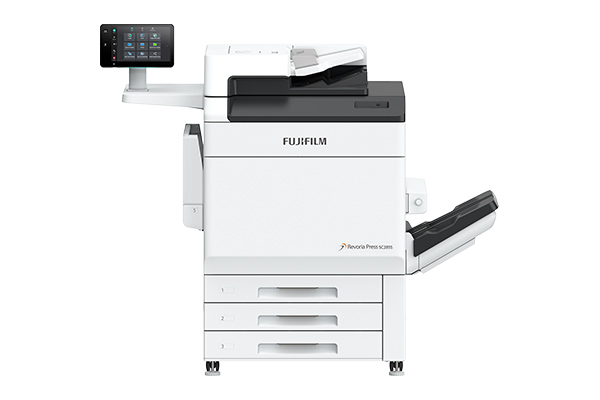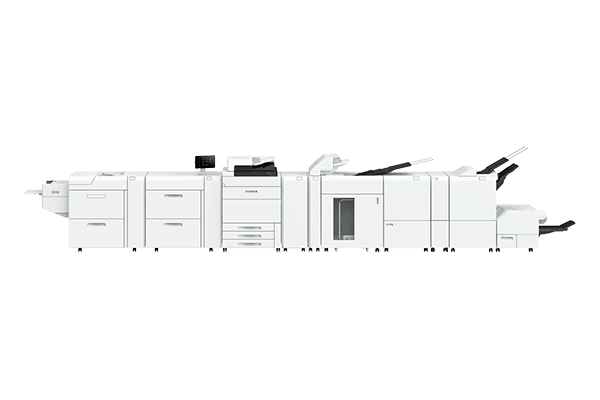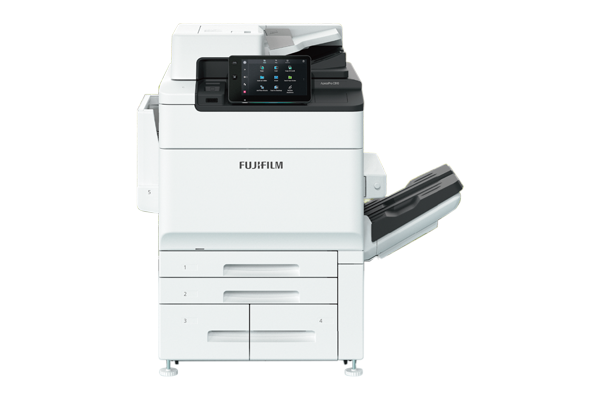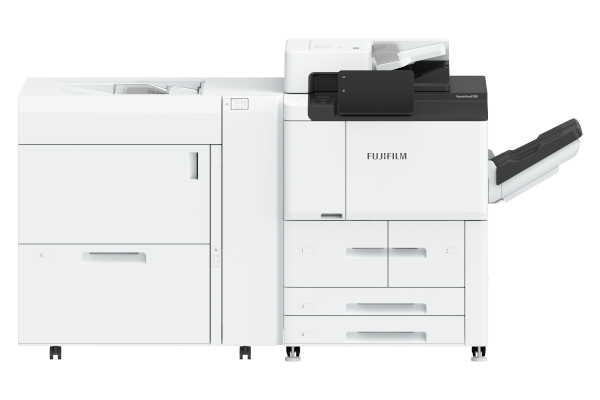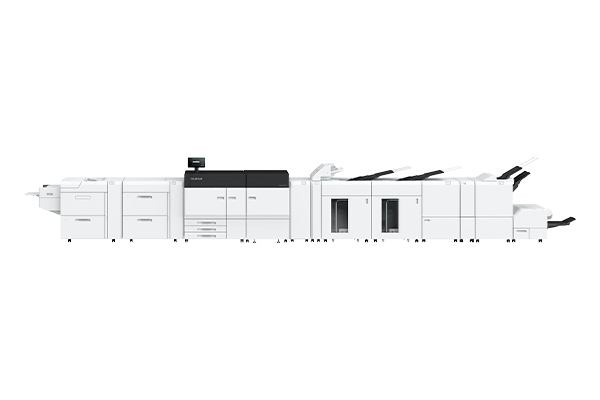




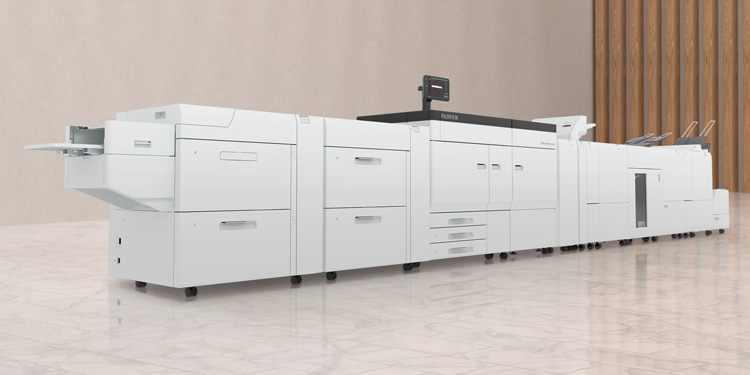







Achieve high utilisation rate with the high-performance print engine producing at 100 ppm*1. Print mixed jobs*2 of coated and uncoated paper with minimum downtime along with image quality adjustment optimised when changing paper.
Long paper of 330 x 1,200 mm can also be printed at 16 ppm with the Air Suction Feeder.
-
*1 52 to 300 gsm, A4.
-
*2 When same paper size and speed priority mode is selected.
Each sheet is picked up and delivered securely by the shuttle head with air suction, improving paper feeding performance for low quality, textured and coated media.
Note: Optional Configuration.
From 98 x 148 mm to 330 x 488 mm, the printer supports a wide range of paper sizes. Equipped for all configurations, the Multi Sheet Inserter for Banner Print can also print on long paper (330 x 660 mm) with the options of one-sided printing on long paper (330 x 1,200 mm) and duplex automatic printing on long paper (330 x 864 mm) that open up new applications and business opportunities.
Everything from thin folded flyers to thick business cards can be printed.
Additionally, not only can it handle heavyweight long papers up to 350 gsm*3 but the efficiency in media handling and versatile printing are able to meet a wide range of customer requirements.
-
*3 For one-sided printing of long paper of up to 330 x 660 mm from the optional Air Suction Feeder C1-DSXL or Chained Air Suction Feeder C1-DSXL-L.
The supported paper weight differs depending on the feeder and paper length. For details, please check “Functions & Specifications”.
Easily complete jobs from print to finish with automated features of the Revoria Press EC1100 and its wide variety of finishing options, including A3 Cover Sheet Insertion, Punch, Staple, Saddle Staple, Single Fold, Z Fold Half Sheet/Tri-Fold, Crease, Face Trim, Full Bleed Trim, and Square Back.
- *4 Up to 5 creases are possible for mountain fold and valley fold.
- *5 Full Bleed Trim is performed for Two-Sided Trim and Face Trim..
Note: Optional configuration.
Print server maximises the productivity of the printer, rapidly processing high capacity jobs at high resolution of 1,200 x 1,200 dpi, 10 bit while also effortlessly handling variable printing and other high capacity jobs.
Text and images are automatically determined and managed in object units, with high image quality taking priority and processed at high speed while suppressing the capacity.
The print server processes and transmits data to the printer at 4.25 Gbps/channel*6 broadband with automated error detection and correction, assuring high reliability.
-
*6 2 channels used in 1 colour.
The printer efficiently performs beyond the server's physical specifications, allowing fast output with high-speed tuning.
Note: Standard configuration.

Fiery® EC11 and Fiery EC12 are available as print server choices.
For complete details, please see the Fiery server datasheets.
Print server maximises the productivity of the printer, rapidly processing high capacity jobs at high resolution of 1,200 x 1,200 dpi, 10 bit while also effortlessly handling variable printing and other high capacity jobs.
-
*7 Unique features on the Revoria Flow EC11. For the features of Fiery® print servers, please see the the Fiery EC11 / Fiery EC12 brochure.
Revoria Press EC 1100 provides accurate colour calibration with Inline Sensor or the X-Rite i1® Pro 3 spectrophotometer. It also supports stable colour reproduction, has a high-resolution 3D calibration feature, includes feedback to support both single and mixed colours.
Disregard the need to check colour with each print. The Colour Profile Maker for Display lets you check*8 the colour of the printed material on your monitor with precision.
-
*8 Some colour gamuts cannot be reproduced.
Screen processing on contours reproduces crisp texts and lines by suppressing jaggy, which typically occurs on mid-tone lines and texts.
Several levels of toner amount are available for selection to apply to the contour, so a desirable balance can be set for better readability of texts. In these processes, the press mitigates crushing of white texts and fattening of black texts when the texts are small.
Easily check user job logs with a timeline function that displays job, printer status and history in chronological order
Save time and improve efficiency with automated adjustments for colour calibration, image-to-media alignment, image transfer adjustment, density uniformity adjustment and tone reproduction curve adjustment.
Minimise adjustments when setting up print job with pre-registered paper type setting in the Media Library such as voltage and curl.
Alternatively, you can customise preloaded recommended paper list and save up to 1,000 paper type setting for faster print setup.
Significantly reduce jam clearance time with automated clearing of remaining paper after a jam.
When a paper jam occurs, offset pages are inserted to identify any missing or repeat pages.
FUJIFILM Business Innovation Remote Services increase machine reliability, uptime, and productivity — making it easier for us to help you keep your business running smoothly. With remote services, we connect our support systems and tools with skilled teams all over the world, so we can provide responsive assistance when you need it most. This enables us to offer proactive solutions through robust underlying knowledge and comprehensive product understanding.
-
Reduce downtime by transmitting machine data to detect and prevent problems.
-
Keep your printing supplies stocked and automatically delivered, improving utilisation efficiency.
-
Automatically report billing meters to save time and improve accuracy.

-
*9 Availability depends on location.
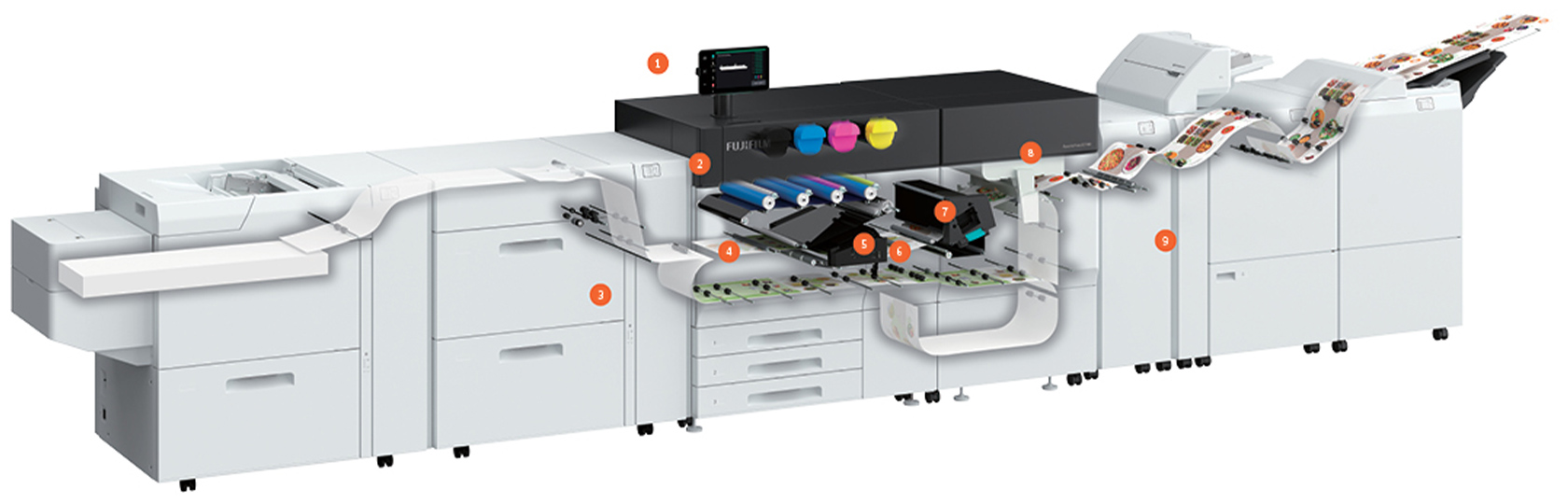
Access settings with ease and view job status and errors with the large 10.1-inch Liquid Crystal Touch Panel.
The VCSEL-ROS provides 2,400 dpi print resolution while the energy-efficient EA-Eco toner*14 achieves synergistic effect with toner volume control based on coated/uncoated paper to deliver high-quality images comparable to offset printing.
- *10 Emulsion Aggregation-Eco Toner.
The Air Suction Feeder*11 is installed with our proprietary air suction mechanism to stabilise various paper for high speed feed. The Multifeed Detection Device detects multiple feeding and ensures documents are printed accurately.
- *11 Optional.
This mechanism corrects the tilt of paper moving at high speed and stabilises the paper path.
The compact belt roll fuser ensures uniformity of heat and pressure required to fuse images onto a wide variety of paper stocks including heavyweight.
This machine corrects paper curl, which can negatively affect stable transfer. The amount of correction can be adjusted to match the size and orientation of any type of paper curl.
Stabilised paper transfer and smooth finishing for high-quality print jobs are achieved by the compact paper cooling device.
Waste no time with adjustments and machine downtime with automated adjustments for colour calibration, image-to-media alignment, image transfer adjustment, density uniformity adjustment and tonal reproduction curve adjustment.
Adjust the amount of curl in printouts by installing the optional Interface Decurler Module D1.