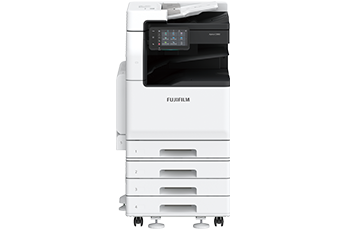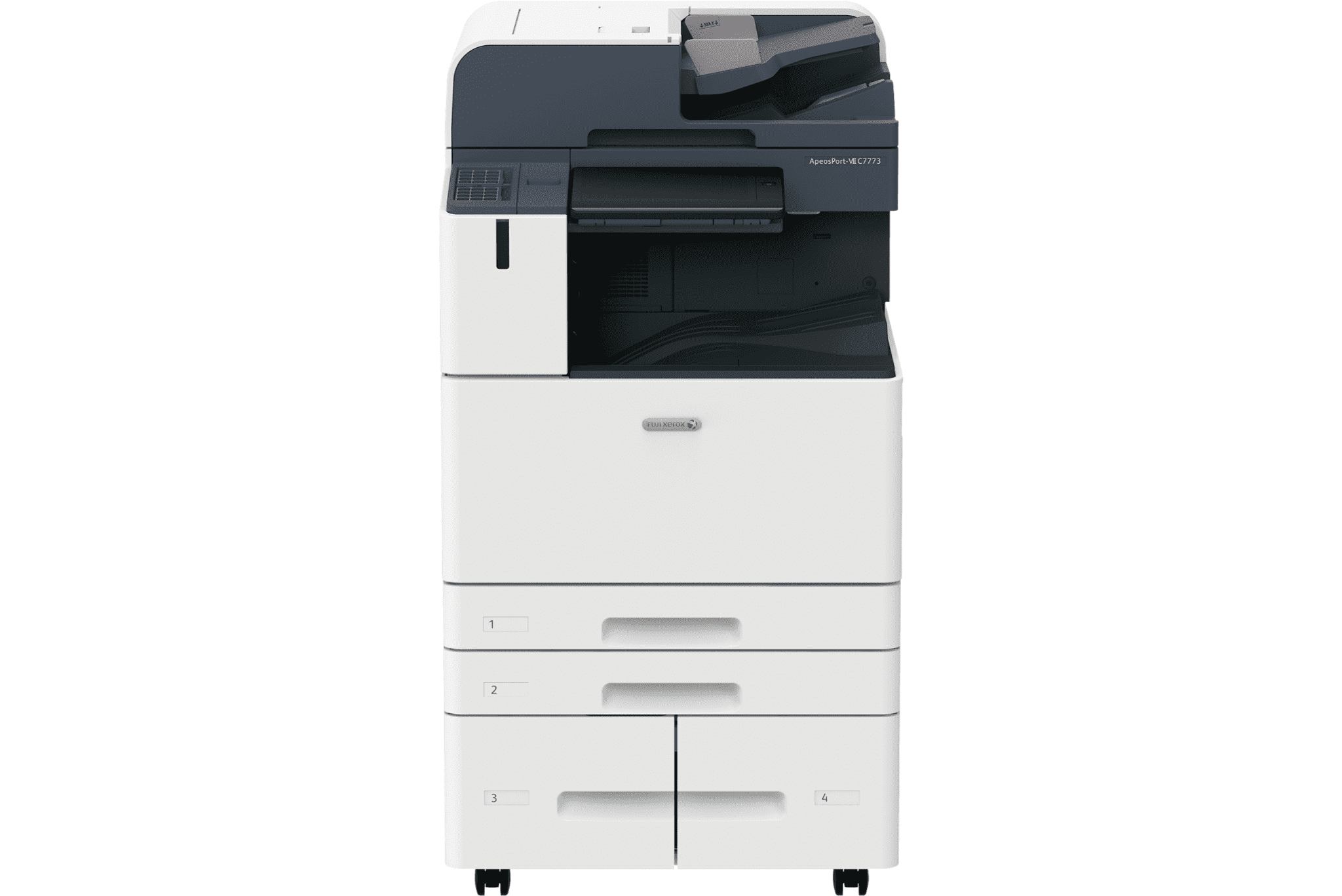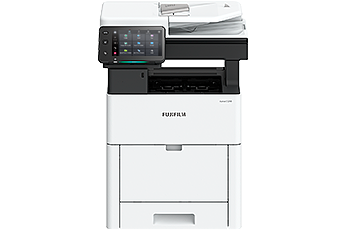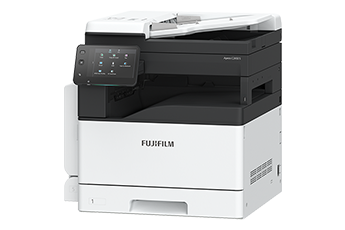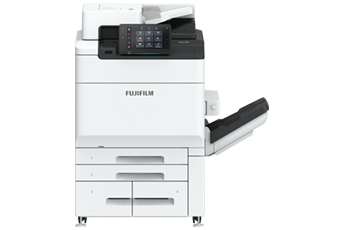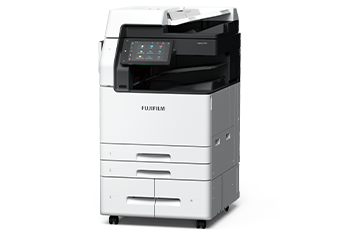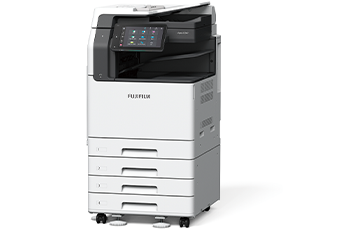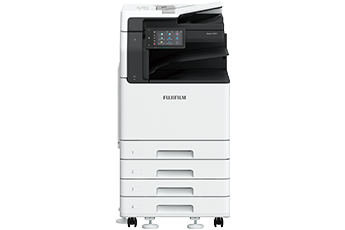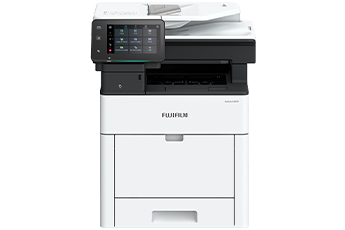



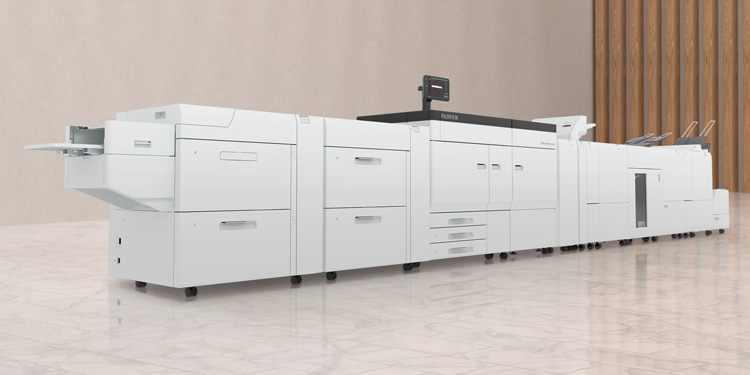






- This product is a remanufactured machine of Fuji Xerox product. Xerox, Xerox and Design, as well as Fuji Xerox are registered trademarks or trademarks of Xerox Corporation in Japan and/or other countries.
- Options must be purchased and installed together with remanufactured Fuji Xerox brand model. Options cannot be purchased or installed at a later date.
At FUJIFILM Business Innovation, we began to develop environmental technologies, including multifunction printers with greater energy efficiency and a toner with a low fusing temperature. In addition, we began to reuse and recycle products collected from customers ahead of other companies in the industry. Thus, we have been contributing to customers and society in terms of the environment.
We also currently offer solutions that enable diverse work styles, thus reducing the movement of people and goods to help reduce environmental impact. We will continue to work as one to help build a sustainable society under the FUJIFILM Group Green Policy(Environmental Policy).
A tilt mechanism has been adopted to enable angle adjustment, enabling the screen to be adjusted to avoid light reflections, or for the user to adjust its angle for an easier view.
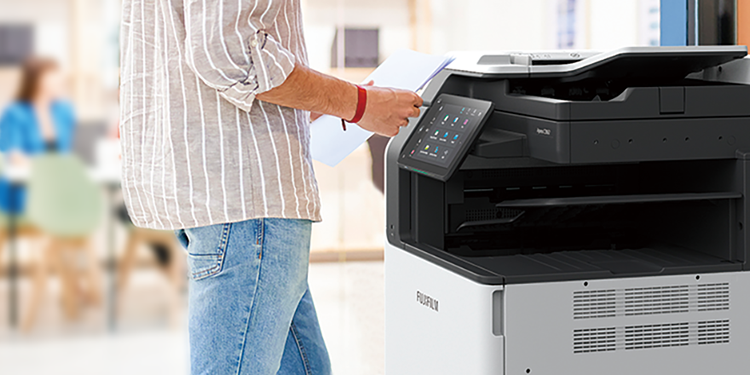
The new UI panel can be operated with a tap and swipe just like a smartphone, adding an intuitive and familiar user experience to device operations. All operations can be completed using a single finger on the 10.1-inch colour touch panel. The improved menu navigation makes finding menu items easy, with fewer steps, improving overall operability.
Paper trays are equipped with a retracting mechanism that gently closes the tray without pushing it in all the way.
The device cleverly uses light to notify the user of its state. The center tray area is equipped with a sensor - a soft blue light flashes while printing and stays lit when printing is completed, signifying a job ready for collection. This reduces information leaks due to unretrieved printed documents.
The device supports a wide variety of sizes and weights, from envelopes, postcards to long documents up to a maximum of 320 x 1,200 mm*1 , and from 52 to 300 gsm. Long printing*2 feature gives the ability to print longer documents such as banners.
- *1 Printable area is 305 x 1,194 mm.
- *2 Only supported by the PCL driver and the Adobe PostScript® 3™ driver.
The "ScanAuto" function automatically selects the correct size/ simplex/duplex/orientation of your document, simply by pressing the start button. Also, when using the authentication function, your e-mail address is automatically set as the destination just by opening ScanAuto, eliminating the need to enter the destination.
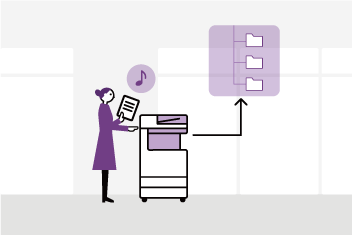
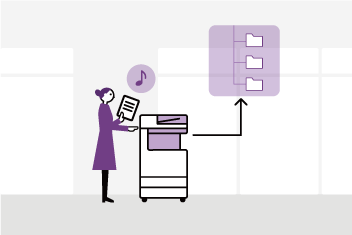
Using the Scan Delivery* automates the process of scanning and saving documents to predefined destinations according to the rules specified for each task or document type, eliminating the need to manually specify file names or formats and perform OCR processing* . You can also extract characters from certain areas of a document and use them for the folder or file name.
- * Optional

The Scan Delivery scans a QR code or barcode printed in the header or body of a document and automatically processes it based on the scan results.
Irregular and small-size paper documents can be automatically adjusted to the closest standard size just by scanning with the duplex automatic document feeder. Easily scan receipts and order slips without entering each individual document size.
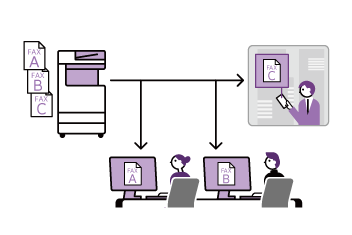
By configuring the Paperless Fax settings, you can store received faxes in folders so that only necessary faxes are printed after being checked on the control panel. Faxes can also be forwarded to your smartphone. With an optional kit, you can also sort them by fax number, received date, or person in charge and switch the behaviour of a multifunction device. With one touch, you can change the setting to forward incoming faxes by email, which allows you to check them from outside the office.
Comprehensive security measures protect your important information against threats such as unauthorised access, information leakage, and data tampering.
- Unauthorised operations and access are prevented by user authentication and usage restrictions.
- Expansion with Secondary Ethernet* allows a single multifunction printer to be used on a separated network, etc.
- * Optional
- Encryption of communication paths with TLS and IPsec
- Protection of scanned files and e-mails through encryption/electronic signatures
- Data writing to SSD is encrypted with robust AES-256 encryption, etc.
- Account lock function
- Restriction of accessible IP addresses
- Prevention of software tampering during multifunction printer operation
- Detection of software tampering during multifunction printer startup, etc.
- Fixing the delivery destination of scanned documents
- Double input of fax destinations, etc.
Fully compatible with wireless LAN, plus support for Print Utility, AirPrint, Mopria® Print Service and Mopria Scan. No cabling means greater flexibility to accommodate any office layout, including hot-desking setups. And with Wi-Fi Direct® , visitors can print directly from mobile devices without going through the office intranet.
- Note: Requires optional Wireless Network Kit.
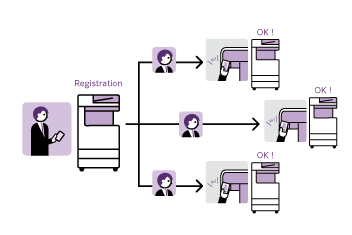
Multifunction devices can output data such as applications, web pages, captured images, DocuWorks documents, and PDF documents on smartphones. In addition, the data scanned by the MFP can be imported to a smartphone. Simply hold your smartphone over the NFC touch area of the MFP to perform tasks such as printing.
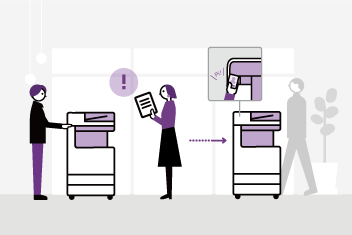
If the multifunction device that you set as the output destination is being used, you can redirect your print job to another multifunction device - saving you time, especially when you are in a hurry. Check the status of your print job on the UI panel before printing using the preview displays, or change settings such as the number of copies, colour mode and one sided/two-sided output, all from the UI panel. This improves document security and reduces waste from unnecessary printing.
- * Optional
With Working Folder* and internet access, documents can be viewed regardless of time and location.
- Can be linked smoothly with multifunction printers, DocuWorks, and mobile devices
- Documents in Working Folder can be printed from the control panel
- Scanned documents will be assigned a file name and stored in Working Folder. An email notification will be sent to relevant users
- * Cloud services provided by FUJIFILM Business Innovation. A separate contract is required.
From supplies replacement to unexpected device failures, most problems can be resolved without waiting for the service representatives or sales representatives.
- Self-help information is available on the control panel
- Self-help information can be accessed via the mobile device by scanning the QR code displayed on the control panel
- Connects directly to the Support Centre
- An operator will remotely access the multifunction device to resolve the problem by guiding through the steps on the shared control panel
Device Setup Editor is a service that always backs up the latest setting information to a cloud server. It allows you to be prepared for unexpected situations and use your multifunction printer with confidence.
- * You need to apply for using the Device Setup Editor (free of charge).
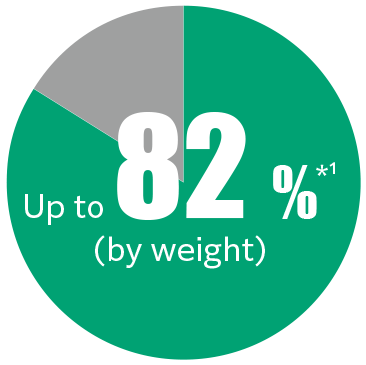
ApeosPort C5570 R / C3570 R are remanufactured machines that achieve resource circulation with 82 %*1 of parts reuse ratio based on our resource circulation system. We remanufacture collected machines from customers to be usable as long and reliably as newly built machines by replacing worn parts in accordance with the usage history.
Parts reuse rate
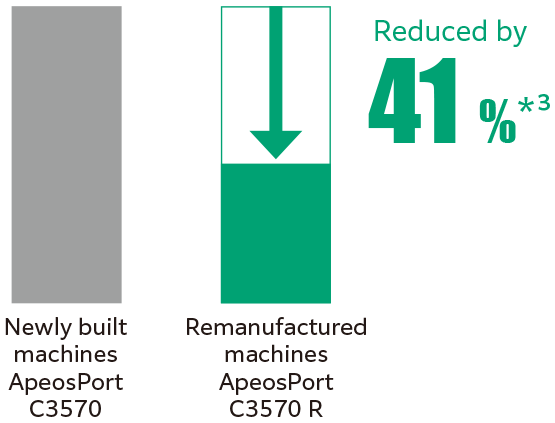
CO2 emissions from the entire product lifecycle*2
- *1 The design maximum value for the ApeosPort C3570 R for the Japanese market. (As of January 2026)
- *2 The amount of CO2 emissions from the entire product life cycle including manufacturing, transportation and customer use.
- *3 The estimated weighted average based on past results comparing the remanufactured machine ApeosPort C3570 R for the Australian market with the newly built machines ApeosPort C3570 for the same market. (as of January 2026)
In 1995, FUJIFILM Business Innovation established the Recycling Policy "Promoting Resource Circulation Toward Zero Waste" to collect, reuse, and recycle collected products from customers, and in 1996, we became the first company in the industry to introduce products with reused parts to the market. In 2008, we established a reuse/recycling site in Suzhou, China, expanding our activities overseas.
Based on the concept that "used products are valuable resources, not waste," we established resource circulation system in 1995 that covers the entire product life cycle from the product planning/development/manufacturing stages to disposal.
Aiming for virtually "zero waste", parts taken from collected products are reused through recycling technology and circulated as resources.
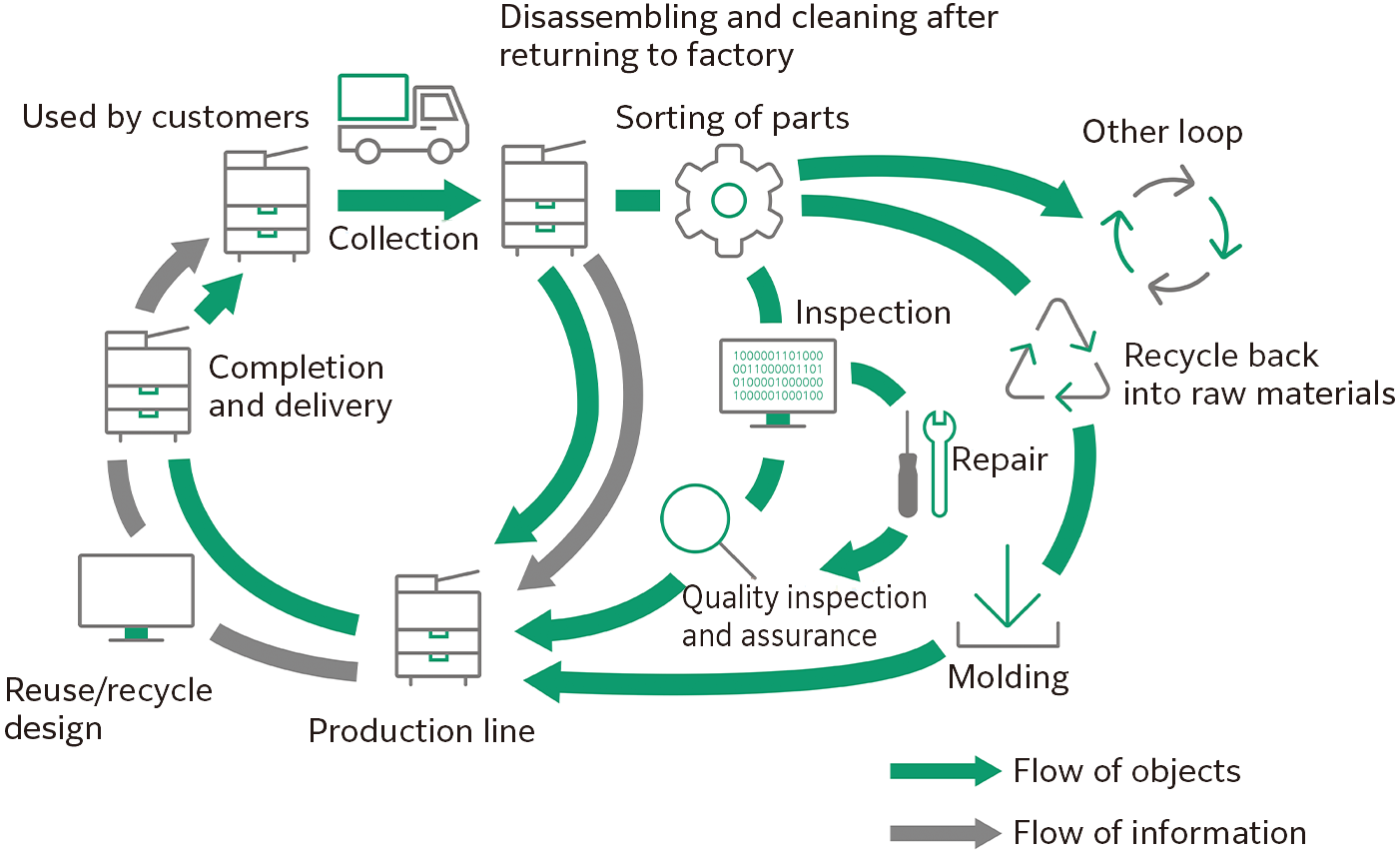
We are increasing the reuse rate of parts by implementing a usage history information system. This system will analyze about 30 types of usage history data from approximately 200 types recorded on MFPs, comparing it to a database of parts' life expectancy. This will allow us to automatically assess the remaining life of each part and decide if it can be reused.
Exterior plastics that were previously deemed not reusable due to yellowing have been successfully restored through blast cleaning technology, enabling them to be recycled as reusable parts.
- Note: The usage of blast covers and their weight proportion relative to the total machine may vary among individual products, contingent upon the condition of the collected machines.
If the exterior cover of a used unit has damages that do not meet our quality standards such as scratches, it will be replaced to a new cover. We use recycled materials containing 80 % ground materials from used exterior covers, when molding new covers. We will contribute to resource recycling*2.
- *1 A recycling method that collects, grinds, and reprocesses materials from used products as components for the same products.
- *2 Use rate by weight of recycled materials for the total amount of machine may vary among individual products.
With conventional fusers, preheating was necessary to ensure that the device would be able to immediately wake up from standby mode to serve users. This preheating consumed a large amount of electricity. However, we have developed IH fusing technology that enables rapid heating and adopted it in this product.
The instant heating IH-Fuser takes no more than 5 seconds to reach full heat from low-power sleep mode, thus helping to reduce overall power consumption without compromising user convenience.
- Note: For ApeosPort C3570 R.
Focusing on the fact that many customers use the sleep transition time for an extended period of time, we have developed a technology that automatically wakes up from sleep mode when the user approaches. Even when operating in sleep mode, which consumes low power consumption, you can start working efficiently.
Optimizes power usage when waking from sleep mode to improve efficiency through the internal power saving of MFP and to increase silence by controlling unnecessary startup noises. Solely powers on individual functional modules to conserve energy and increase convenience.
It has a fusing temperature that is around 10 ℃ lower than that of the EA-Eco toner. This results in lower power
consumption.
Super EA-Eco toner also has one of the smallest toner particle sizes in the world, thus enabling higher print quality. Adopting toner with such a small particle size makes it possible to reproduce small characters and thin lines more sharply, render halftones and gradients with less graininess, and reproduce dot shapes more faithfully, delivering superior print quality.
LEDs are used in the print head that writes images to the photoconductor, achieving both miniaturization, power savings, and high image quality (1,200 x 2,400 dpi).
The light source of the reading section uses LEDs that contribute to the reduction of power consumption*1 .
It is equipped with an automatic double-sided document feeder. A single scan of the front and back of a double-sided document can be performed at a high speed of 154 ppm*2 .
- *1 In our A3 multifunction printers, the ratio is reduced to about 1/3 compared to the conventional xenon lamp system.
- *2 Standard Document (A4 LEF), 200 dpi, to Folder.
Stapling multiple pages together
Hole punching for binders
Convenient for making catalogs and booklets
Z-folds A3 documents into A4 size
Convenient for inserting direct mail, etc.
- Staple
- Punch*1
- Staple
- Punch*1
- Saddle Staple
- Single Fold
- Staple
- Punch*1
- Saddle Staple
- Single Fold
- Tri-fold*2
- Z-fold Half Sheet*2
- *1 Optional Punch Unit 2H/4H or Punch Unit US 2H/3H is required.
- *2 Optional Folder Unit CD1 is required. It can be installed in Finisher-C3.