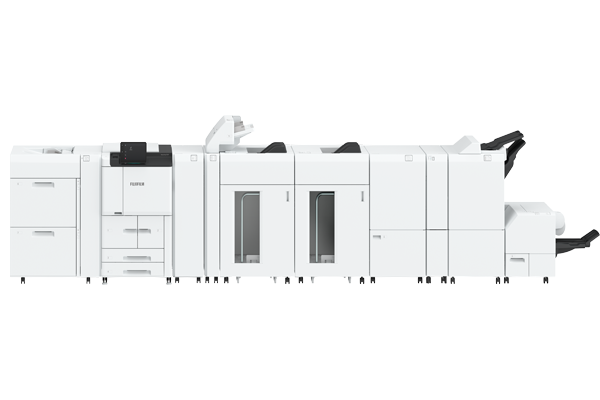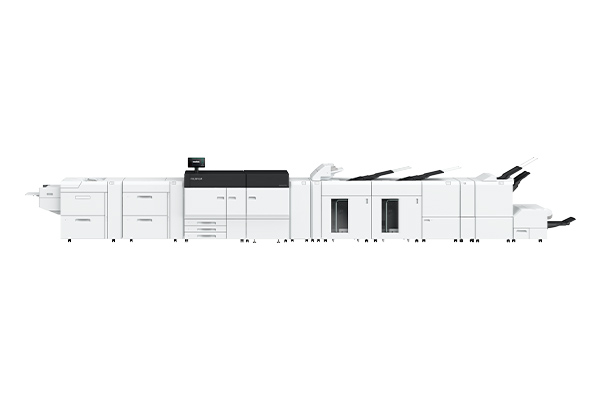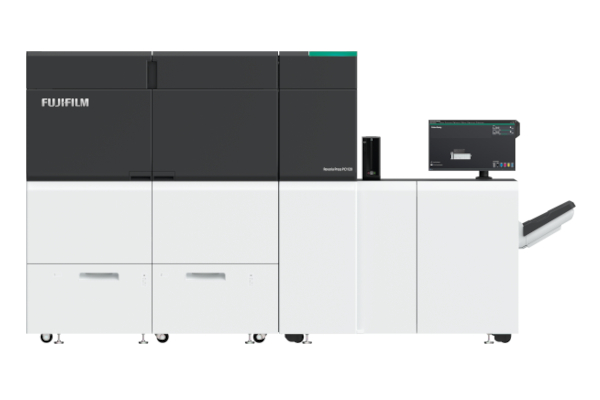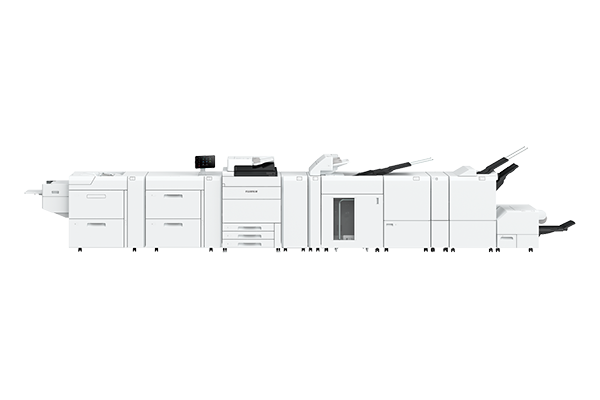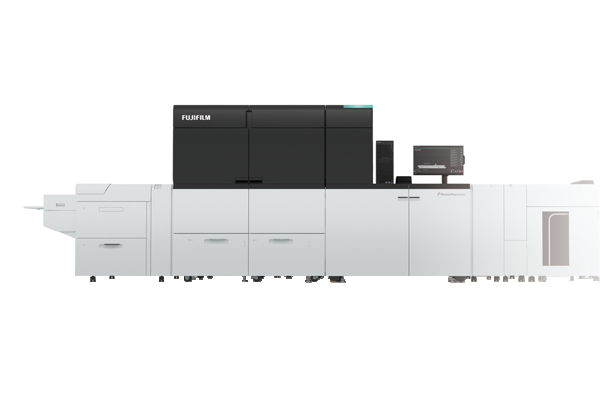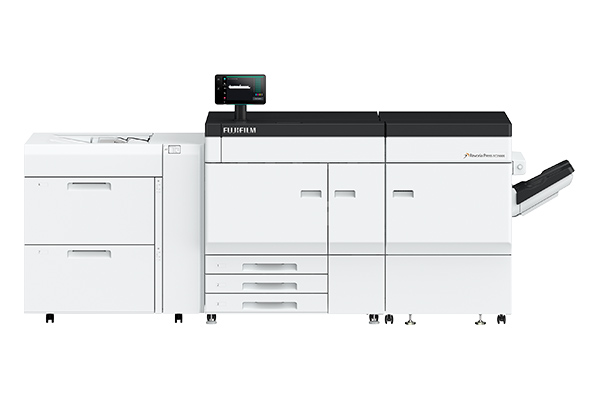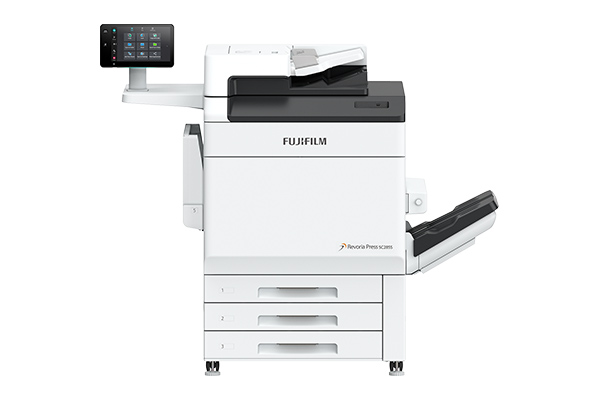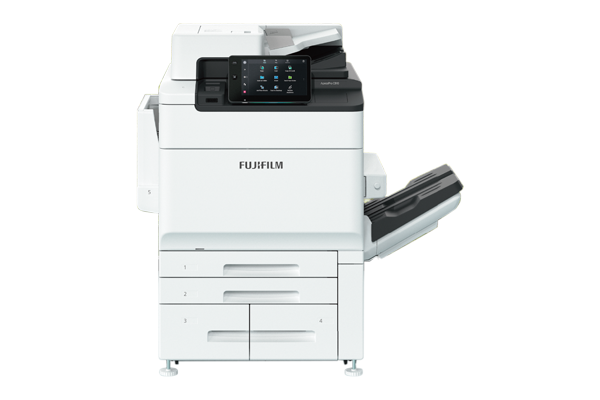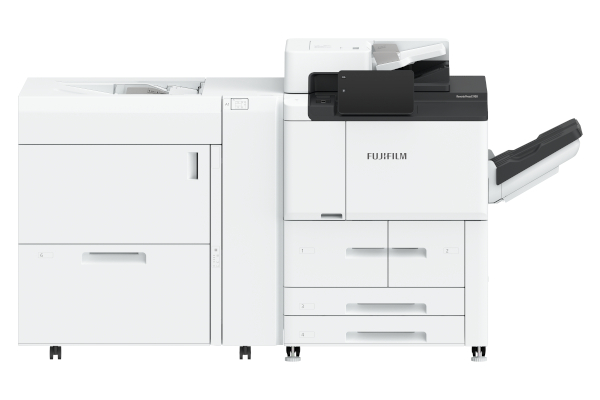


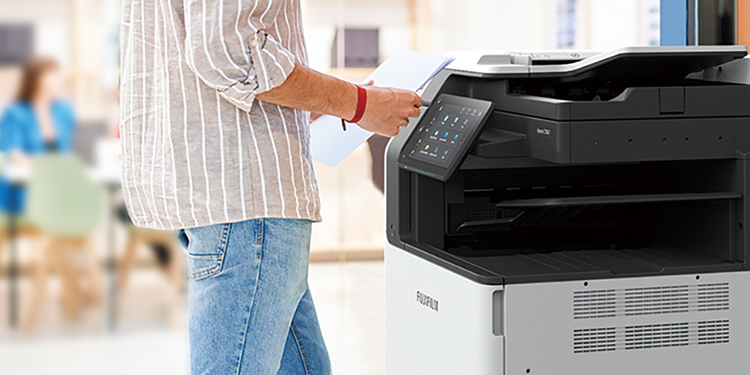
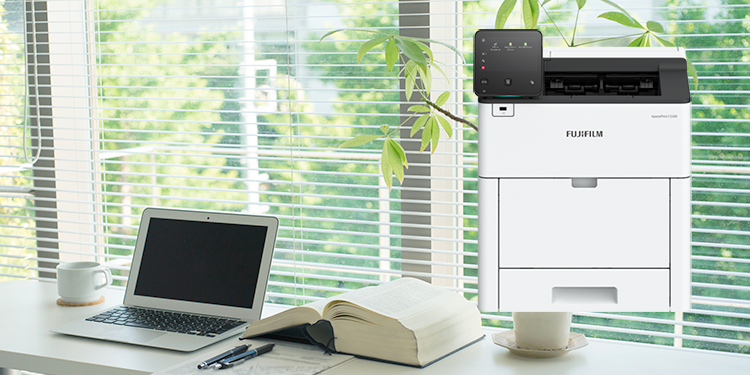


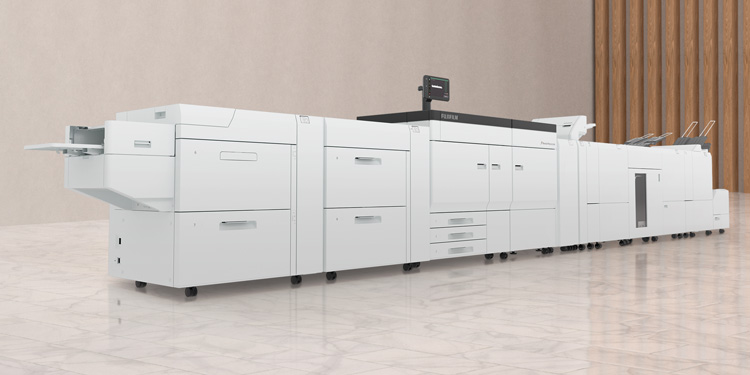







The Print Server with 64-bit architecture delivers high speed RIP and high image quality, achieved through the latest hardware and image processing technologies cultivated in the development of colour production printers.
High quality image data can be generated with RIP processing of 600 x 600 dpi and 8 bit (256 gradation levels) on the print server. In addition, high resolution and smooth screen image of 2,400 x 2,400 dpi can be generated on the device with our unique HQ digital screen technology (MACS*) employed. These data processing technologies have realised high image quality brought from the maximisation of the print engine performance.
- *1 Micro Accurate Control Screen.
Adobe® PDF Print Engine directly rasterises PDF data. Even a PDF file with transparency or layers can be processed as it is and faster and high quality output is possible.
Blur, drop shadow and glow effect can be used with ease.
- Note: Adobe® PDF Print Engine is available for jobs in PDF and JDF formats.
Our unique intermediate data format streamlines RIP processing with high image quality. In the conventional RIP processing, calculation takes a long time due to large data volume. However, this new RIP processing automatically identifies objects including text and image and processes them in the format in which data volume is less. It greatly reduces the processing time without degrading image quality.
The print server sends huge raster data to the printer with a wideband transmission of 4.25 Gbps. It ensures high reliability by automatically detecting and correcting errors.
This feature allows you to print documents in an easy way when necessary as print information including paper type, 1-sided/2-sided, stapling is saved along with print data.
High-speed, large volume printing of personally customised documents: direct mails, bills, usage details statements, etc. is enabled. It meets the business needs of One to One marketing which captures diversifying customers' individual needs. With industry standard PPML*2 and PDF/VT are supported to establish variable printing systems.
- *2 PPML: Personalized Print Markup Language
JDF*3, which is the standard in the printing industry is supported. Linking with integrated workflow systems for printing operation*4, you can build a hybrid workflow with offset printing device and digital printer.
- *3: JDF: Job Definition Format
- *4: Linked with "FUJIFILM WORKFLOW XMF" of FUJIFILM Corporation and "EQUIOS" and "Trueflow SE" of SCREEN Graphic Solutions Co., Ltd.
The efficiency of printing operation can be improved by grouping jobs having the same properties. It brings improved productivity and shorter turnaround with short-run printing of a wide variety of contents.
- Note: Print server and optional software Revoria XMF PressReady is required.
The efficiency of booklet making operation can be improved by using barcodes for post-processor.
- Note: Print server and optional software Revoria XMF PressReady is required.
It scans the front and back sides of the original simultaneously. Scan functions make it possible to read documents in high-speed of 135 ppm for 1 sided and 270 ppm*5 for 2 sided.
| Job type | 1 Sided | 2 Sided |
|---|---|---|
| Scan job*5 | 135 ppm (Colour/BW) |
270 ppm (Colour/BW) |
| Copy job | 100 ppm (BW) | |
*5 Standard Document (A4), 200 dpi, to Folder.
Even if the device you selected for output is occupied, you can print your documents from another available device on the network.
- Note: Optional Server-less On-demand print and Embedded IC Card Reader B are required. Use Multi-model Print Driver 2.
The following useful scan functions are available.
- Store to USB*6
- Store to Folder*7
- Scan to PC*8
- Job Flow*9
- *6 Optional USB Hub and USB Memory Kit are required.
- *7 Scanned files are stored to Folders on the device. To store them to PC, use web browsers, Stored File Manager 3 belonging to Network Scanner Utility 3, or TWAIN compliant applications.
- *8 Scanned files are sent and stored to PC folders via FTP transfer or SMB.
- *9 Scanned files are sent to defined destinations. You need to create a job flow in advance in which distribution destinations are specified.
This feature stores copy documents in the [Folder for Reprint] Folder of the device. You can print them as many times as you wish without scanning documents each time. Besides edit operations such as duplication of document data, change of copy settings, document merge like insertion and re-saving are available.
- Note: "Back-Up Tool for restored document" is provided on our website. "Migration Tool for Restored Document" is also available for exporting documents in the boxes of conventional B9136 / B9125 / B9110 / B9100 Copier/Printer and D136 / D125 / D110 / D95 Series to these new models.
Check-up and parts replacement can be performed at the perfect time by analysing the system log, and it prevents troubles.
If a problem occurs, our service engineer will remotely analyse the system log and provide technical supports to solve the problem in a short time period. In addition, FUJIFILM Business Innovation operator assists the troubled customer by sharing the print server screen remotely to solve the problem.
- Note: You need to apply for Remote Service (free) to use it.
Important print data provided by customers can be protected from data breaches by encrypting data in the print server storage. Besides, data in the printer can be encrypted*10 or securely erased*11 to prevent unauthorised access.
- *10 Default setting: OFF
- *11 Optional.
Authentication features prevent unauthorised use of the device for security. Authentication operations can be performed at the device control panel or with a smart card*12. User information can be saved and managed on the device or remote authentication server such as Active Directory.
- *12 Optional Embedded IC Card Reader B is required.
When using authentication features without setting up an authentication server, it is troublesome and hard to manage with many devices as user information needs to be registered with each device. The "Server-less Authentication" feature allows authentication operations on any device as devices automatically synchronise user information.