


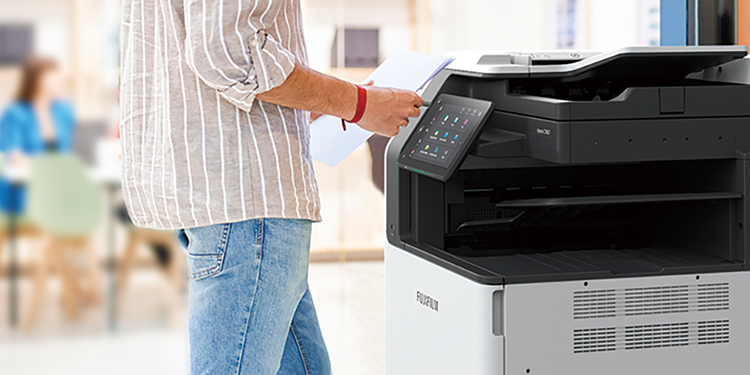








Walk up. Tap. Print. That's the experience every busy Singapore office deserves, yet shared printers still stall teams daily when employees cannot find the right button, release a queued job or connect a mobile device without calling IT.
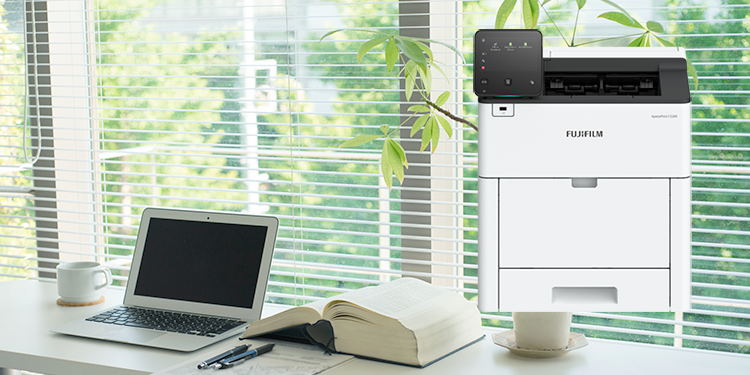
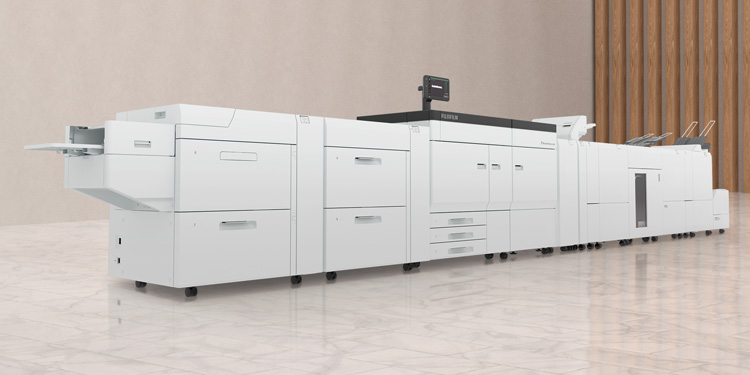
FUJIFILM Business Innovation has a wide range of printers and multifunction printers built around exactly this problem. These printers are designed to make it easy for anyone to print documents, whether they are interns printing for the first time or experienced professionals who need printed materials quickly.
Talk to FUJIFILM Business Innovation about the right model for your office.
Printer downtime is not always a hardware fault. Often, it is a training gap. It could be a staff member who cannot find the duplex setting so randomly presses buttons on the printer or a new joiner who cannot seem to connect their laptop so fiddles with the touchscreen. The right hardware removes those friction points before they start.
The models below were selected based on three criteria:
- how quickly employees can find what they need on the control panel
- how simply they can release a job
- what connectivity options reduce day-one dependency on IT
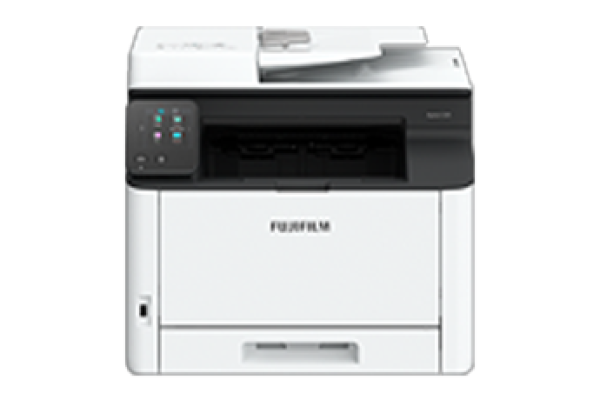
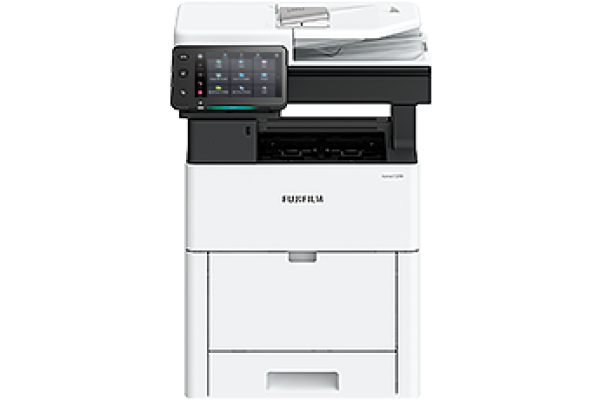
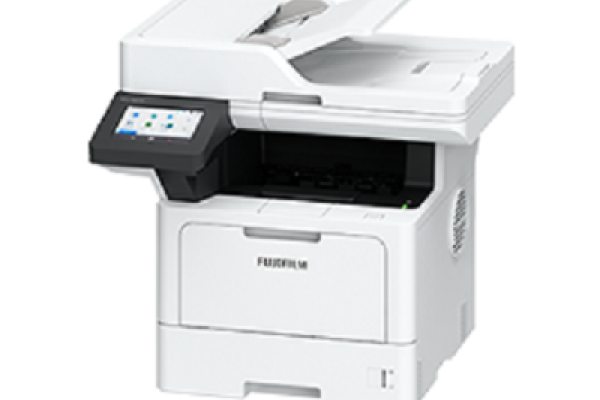
Most printer guides focus on speed benchmarks and cost-per-print. Those numbers matter, but they do not tell you whether a new staff member can walk up and print without a five-minute tutorial.
These models were selected because they reduce the "find the button" time, shorten the path from pressing print to collecting the page, and come backed by FUJIFILM's remote services infrastructure (including EP-BB Lite, which monitors device status and supply levels automatically) so IT teams spend less time managing devices reactively.
- Walk-up usability: Is the home screen customisable? Can common tasks (copy, scan, secure release) sit one tap away?
- Secure job release: Does the printer hold jobs in the queue until a user authenticates at the device using a PIN or ID card? This matters for shared devices in open offices.
- Direct and mobile print options: Is there a USB port for flash drive printing? Can employees connect via Wi-Fi Direct without a network credential?
With a well-configured home screen and shortcuts for frequent tasks, most employees only need a brief walk-through. USB direct printing is especially useful for visitors or new joiners who have not been set up on the network.
A standard first-time office printer setup typically takes 10 to 30 minutes. Wired Ethernet connections are usually faster; Wi-Fi and Wi-Fi Direct setups take a little longer depending on your network environment.
Yes. When secure print is enabled, jobs remain in the queue until the user authenticates at the device using a PIN, password or ID card. This prevents sensitive documents from sitting uncollected in a busy office.
What happens if someone gets stuck? Employees can access on-device guidance for common tasks and troubleshooting.
Easy solutions to resolve problems
From supplies replacement to unexpected device failures, most problems can be resolved without waiting for the service representatives or sales representatives.
1. Resolve problem using the “Help” function on the device
- Self Help information is available on the control panel
- Self Help information can be accessed via the mobile device by scanning the QR code displayed on the control panel
2. “Remote Assistance” with the help of operators
- Connects directly to the Support Centre
- An operator will remotely access the multifunction device to resolve the problem by guiding through the steps on the shared control panel
FUJIFILM Business Innovation also offers remote services and managed support options. EP-BB Lite provides proactive device monitoring, and the FUJIFILM Business Innovation account team can arrange further onboarding support based on your office's needs.
Every office has different workflows, team sizes and connectivity needs. A short conversation with the FUJIFILM Business Innovation Singapore team can help recommend the right model for your office and support fast employee adoption from day one.
Talk to FUJIFILM Business Innovation today and get a model recommendation tailored to your office.