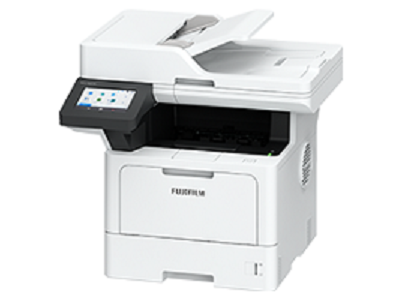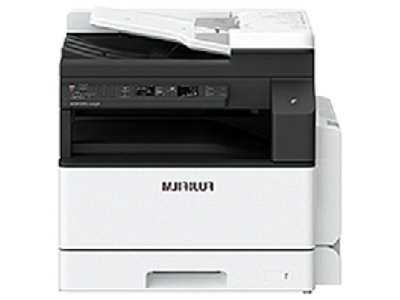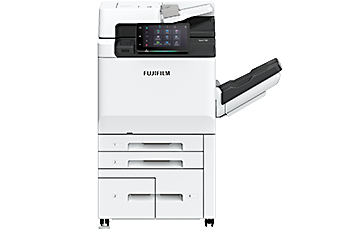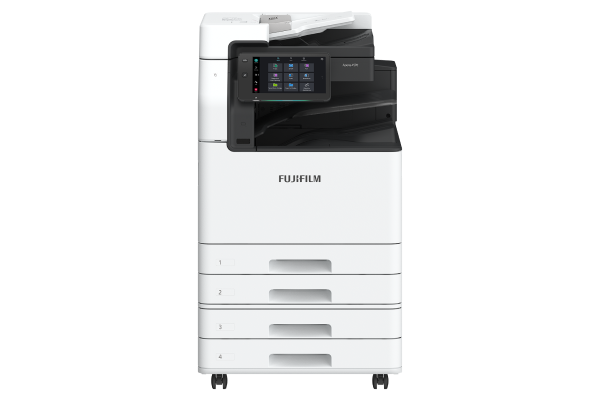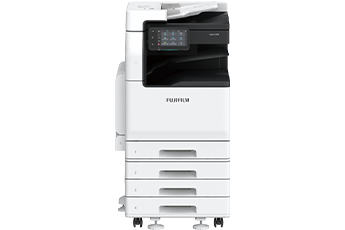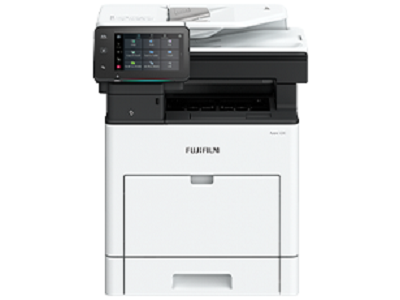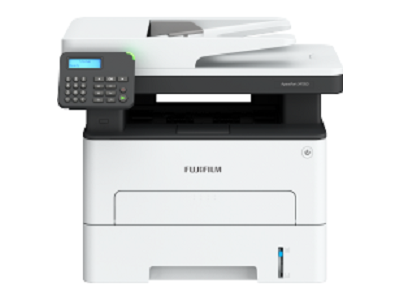










As network-connected information devices, the printers are equipped with state-of-the-art security features to protect your valuable information assets from cyber-attacks and other threats.
- User authentication and usage restrictions by user prevent unauthorised operations and access by users without permissions.
- Expansion with Secondary Ethernet*1 allows a single multifunction printer to be used on a separated network, etc.
- *1 Optional.
- Encryption of communication paths with TLS and IPsec
- Protection of scanned files and e-mails through encryption/electronic signatures
- Robust AES-256 encryption
- Account lock function
- Restriction of accessible IP addresses
- Prevention of software tampering during multifunction printer startup and operation
- Automatic repair function upon detection of tampering at startup, etc.
- Fixing the delivery destination of scanned documents
- Double input of fax destinations, etc.
By using your multifunction printer together with FUJIFILM IWpro*1, you can output documents even outside the office.
This enables a flexible work style unconstrained by location.
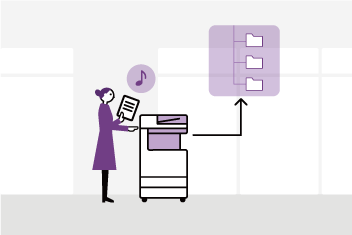
Automation of scanning and fax workflows, as well as integration with other companies' cloud services, makes it easier to utilize and share digitalized documents, improving your work efficiency.
Cloud storage helps you achieve a more efficient way of working that is not restricted by time or location. By combining cloud storage with FUJIFILM IWpro applications available on FUJIFILM multifunction printers, you can further streamline tasks such as scanning, faxing, and printing.
- *1 A cloud service provided by FUJIFILM Business Innovation. A separate contract is required for this service.
Equipped with Smart WelcomEyes, sensors in the multifunction printer detect users and automatically deactivate sleep mode. Even when in an energy-saving sleep state, the printer is instantly ready for use, maintaining user convenience.
The system is divided into four parts: the Document scanner, control panel, controller, and output devices, and power is supplied to only those parts that are used in accordance with the functions to reduce power consumption and CO2 emissions.
Supports staple-free stapling, ensuring environmental and safety benefits with waste reduction and a contamination free setup.
- *1 Optional.
- Paper usage reduction capabilities
- Private Charge Print, scanning, Paperless Fax Delivery*1, consolidated single-page copy/print, etc.
- Usage restrictions/totalization functions of main unit, reduction through visualization of usage status using FUJIFILM IWpro*1 multifunction device management
- Designed for easy reuse and recycling after usage
- *1 Optional.
- Achieves high image quality and energy efficiency with a compact, low-power LED print head and low-temperature fusing Super EA-Eco toner
- Utilizes induction heating fusing technology for rapid heating without the need for preheating in standby or energy-saving modes, striking a balance between energy efficiency and convenience
FUJIFILM Business Innovation are committed to developing environmentally conscious products, including energy efficiency improvements and resource conservation in our multifunction devices and printers.
FUJIFLIM Group introduced the certification program in which we clarify the environmental value of each product by assessments at the time of product development, conduct the evaluation based on our in-house certification criteria and certify the products that are excellent in reducing environmental impact*1 as “Green Value Products”. The certification criteria have been continuously updated, reflecting the latest regulatory and industry trends.
This product has been certified as a “Silver Rank” product that reduces environmental impact at a higher level than the industries’ standard.
- *1 “Products that are excellent in reducing environmental impact” refer to products designed to reduce environmental impact throughout their life cycle, from raw material acquisition, production, distribution, use/maintenance and disposal/reuse/recycling.
From supplies replacement to unexpected device failures, most problems can be resolved without waiting for the service representatives or sales representatives.
1. Resolve problem using the “Help” function on the device
- Self Help information is available on the control panel
- Self Help information can be accessed via the mobile device by scanning the QR code displayed on the control panel
2. “Remote Assistance” with the help of operators
- Connects directly to the Support Centre
- An operator will remotely access the multifunction device to resolve the problem by guiding through the steps on the shared control panel
This is a service that always backs up the latest setting information to a cloud server. It allows you to be prepared for unexpected situations and use your multifunction printer with confidence.
- * An application is required to use this service (free of charge).
Connecting your multifunction printer and our EP system* via the internet allows for automatic meter count verification, automatic delivery of consumables, daily status monitoring, and automatic notifications in the event of malfunctions. This reduces the burden on multifunction printer administrators and supports the use of our products with peace of mind.
- * The content of the services provided may vary depending on the usage region. For details, please contact one of our sales representative.