




![[icon] Healthcare IT](https://asset.fujifilm.com/www/id/files/2024-08/a6a002655f44d33fd51f93826b8c1a17/healthcare-it.svg)
![[icon] X-ray](https://asset.fujifilm.com/www/id/files/2024-08/fb2939586b07605b787601a82fe2cb52/x-ray.svg)
![[icon] Ultrasound](https://asset.fujifilm.com/www/id/files/2024-08/d00103c6795d440a7e605bd846947baf/ultrasound.svg)
![[icon] Endoscopy](https://asset.fujifilm.com/www/id/files/2024-08/b76195871423f6134c50e6d5afe230b6/endoscopy.svg)
![[icon] In Vitro Diagnostics](https://asset.fujifilm.com/www/id/files/2024-08/52747a21113691789e02df34bd4f3ec0/ivd.svg)
![[icon] Veterinary Medicine](https://asset.fujifilm.com/www/id/files/2024-08/fd06e34d8721daef0f6bb8dd4f4184cc/veterinary.svg)
![[icon] MRI and CT](https://asset.fujifilm.com/www/id/files/2024-08/53efa3b9d43c8e808d332b5997a9bd73/mri-and-ct.svg)
![[icon] Inkjet Solutions](https://asset.fujifilm.com/www/id/files/2024-08/ab375105f4553f6c6b80b195444aa20c/inkjet-solutions.svg)
![[icon] Graphic Arts & Printing](https://asset.fujifilm.com/www/id/files/2024-08/241dfbd840b12596f16a48afb99848eb/graphic.svg)
![[icon] Photofinishing Products](https://asset.fujifilm.com/www/id/files/2024-08/91482093488c68fdc4009ff9d13aebdf/photofinishing.svg)
![[icon] Optical Devices](https://asset.fujifilm.com/www/id/files/2024-08/6e67e888bc9f3d1b7740d64c470587f1/optical-devices.svg)
![[icon] Cine & Broadcast Products](https://asset.fujifilm.com/www/id/files/2024-08/dfcaa7825f85d61382774553714f41c9/film-and-broadcast.svg)
![[icon] Security Protections](https://asset.fujifilm.com/www/id/files/2024-08/5e594c25f0a7618403d2136edd7cb565/security.svg)
![[icon] Manufacturing Process](https://asset.fujifilm.com/www/id/files/2024-08/98e942da27299ab40902d33321622ddc/manufacturing-process.svg)
![[icon] Inspectional Products](https://asset.fujifilm.com/www/id/files/2024-08/0999911a11edc7030f1d550aeefdd24d/inspection.svg)
![[icon] Data Management](https://asset.fujifilm.com/www/id/files/2024-08/4dad6ff4f6f51afe88fb869b78cee2e6/data-management.svg)
![[icon] Materials](https://asset.fujifilm.com/www/id/files/2024-08/e39e7b688ede9ad900b777fdf1fa0292/materials.svg)


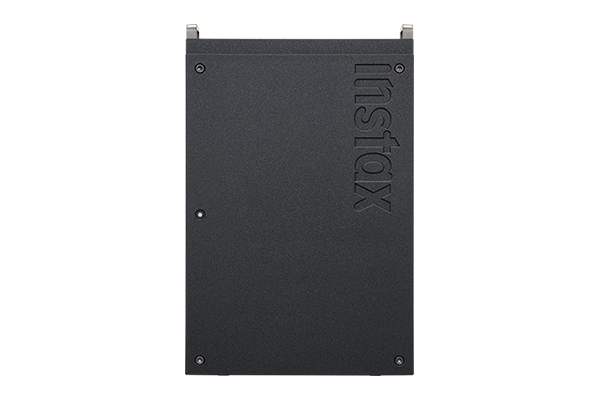
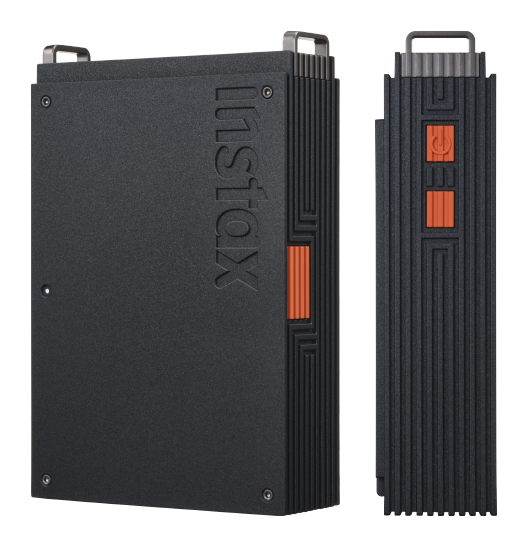
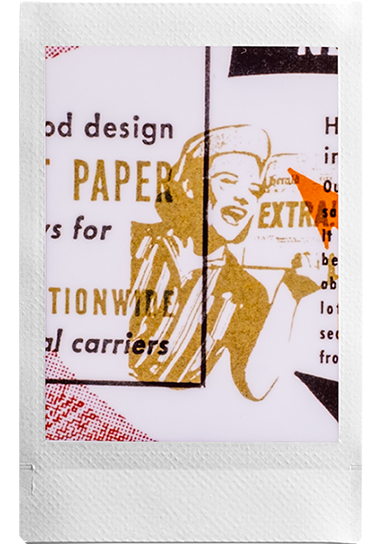
Deep black with a striking orange colour accent.
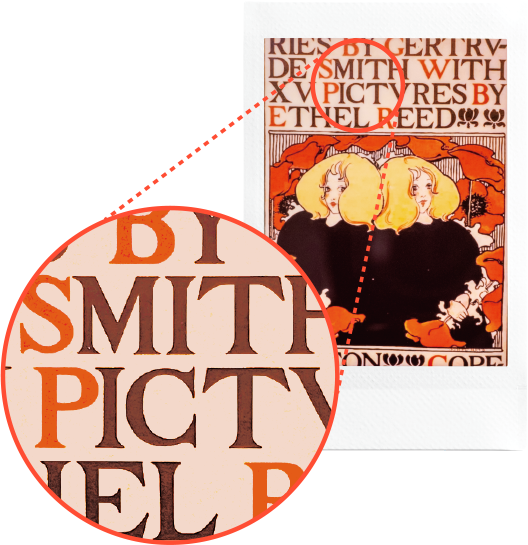
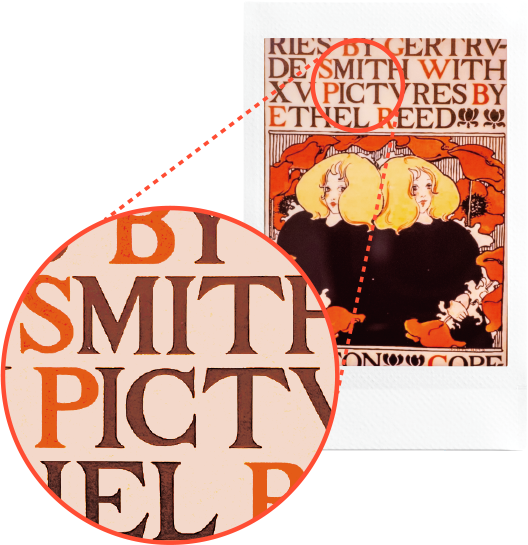
Engineered for text-rich layouts and intricate illustrative work such as magazines, posters and artwork, capturing every word, graphic, and detail with unmatched sharpness.
- * Exclusive to instax mini Link+™
Using the dedicated app, display your favorite content within instax™ frames, ready to be printed.
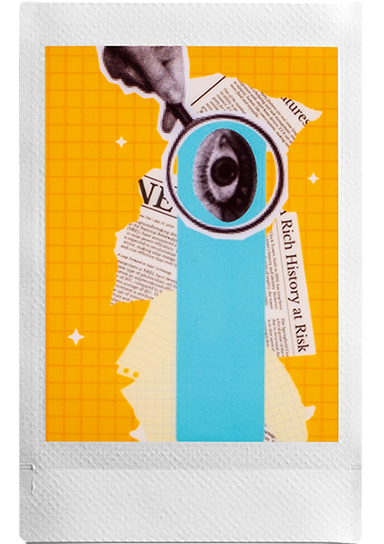
Select your favorite content from Pinterest® or your smartphone's camera roll and import them all at once to the app homescreen.
Create & curate a collection that reflects you.
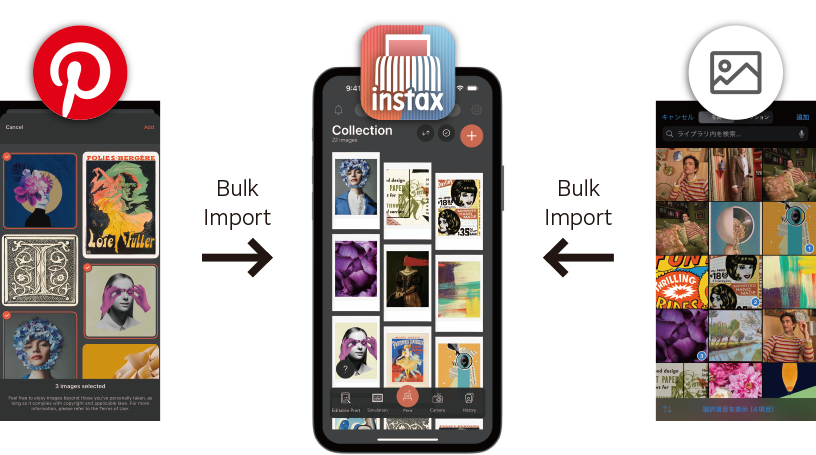
- Add images from Pinterest®*1
You can select images saved to your own Pinterest® account. - Add images from your smartphone*1
- *1 Usage of images beyond your personal images is permitted if said use complies with all copyright and applicable laws per the app’s Terms of Use.
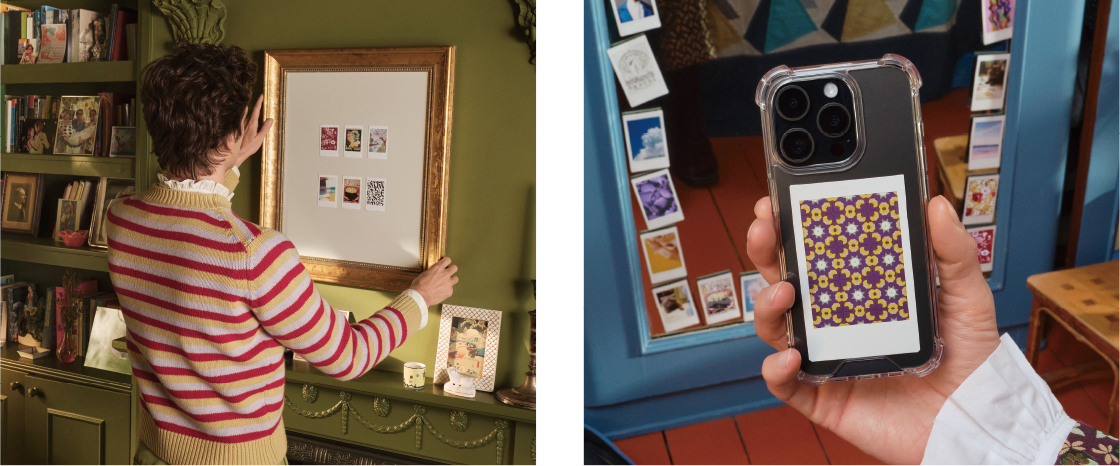
Visualize your instax™ photos in situ before they reach the printer. Try frames, walls, shelves, or even a phone case to experiment with placement, style and impact. Helping you plan and print with confidence.
Simulate your instax™ photos in-app before printing.
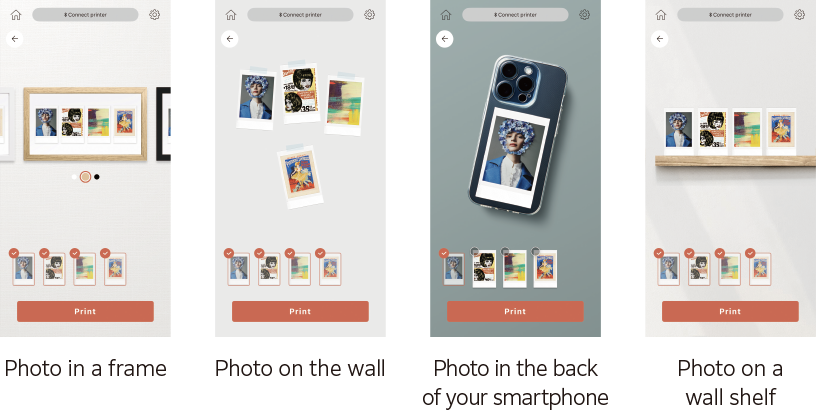
Turn your favorite selected content into instax™ photos using Design Print or Simple Print, easily.
Engineered for text-rich layouts and intricate illustrative work such as magazines, posters and artwork, capturing every word, graphic, and detail with unmatched sharpness.
- * Exclusive to instax mini Link+™
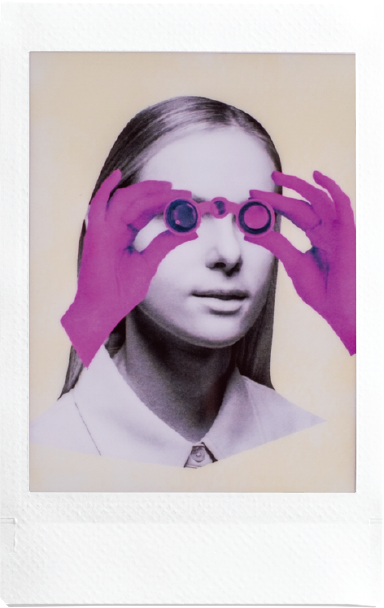
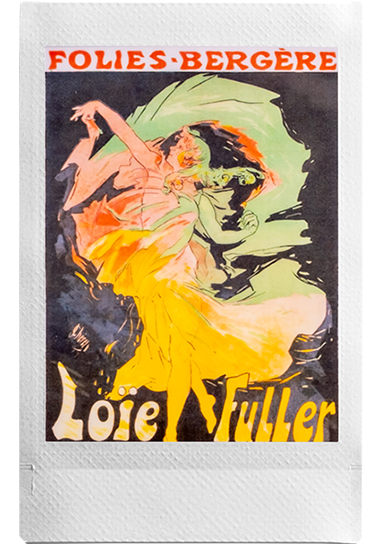
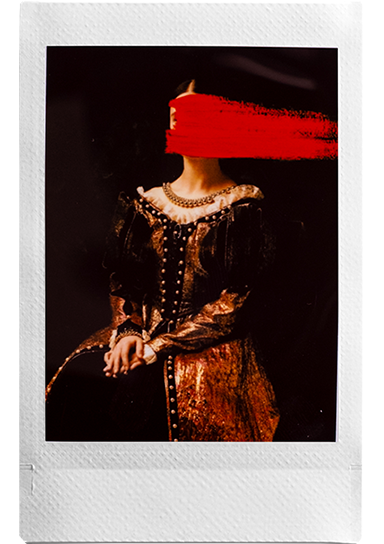
The go-to setting for those everyday images, expressing smooth color tones effortlessly in portraits and paintings.
Select & print up to 10 images simultaneously.
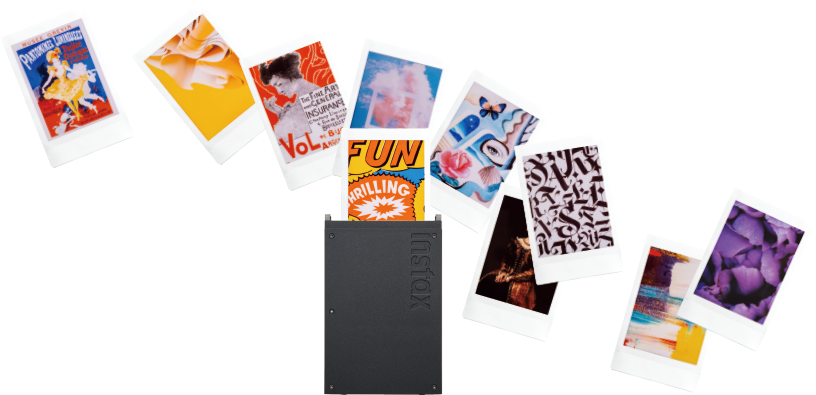
- * Pinterest® and its logo are trademarks of Pinterest®, Inc.
Decorate with instax™ photos Add color to your living space.
Display in a frame, pop into a phone case, and enjoy seeing your creative vision, printed.
Choose from two print quality modes
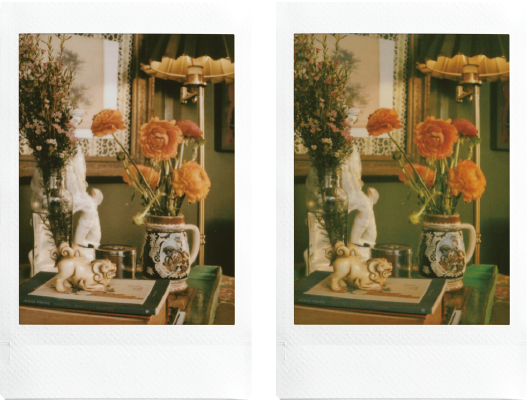
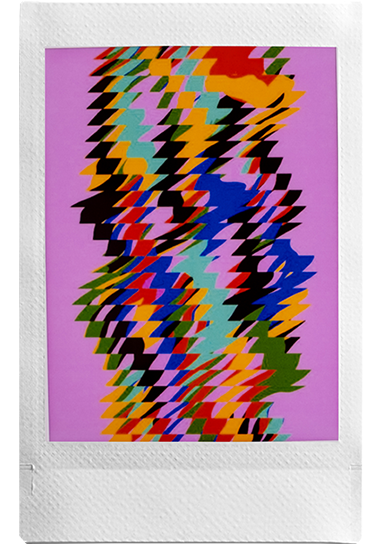
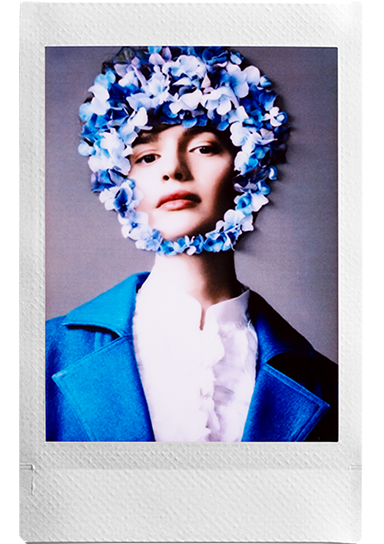
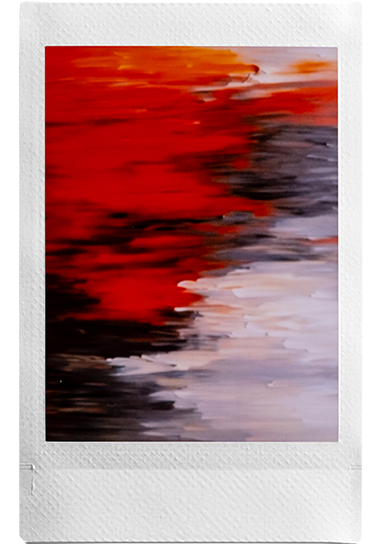
instax-Natural Mode™ (Left) , instax-Rich Mode™ (Right)
Fit the image perfectly within the frame to fit perfectly Adjustable
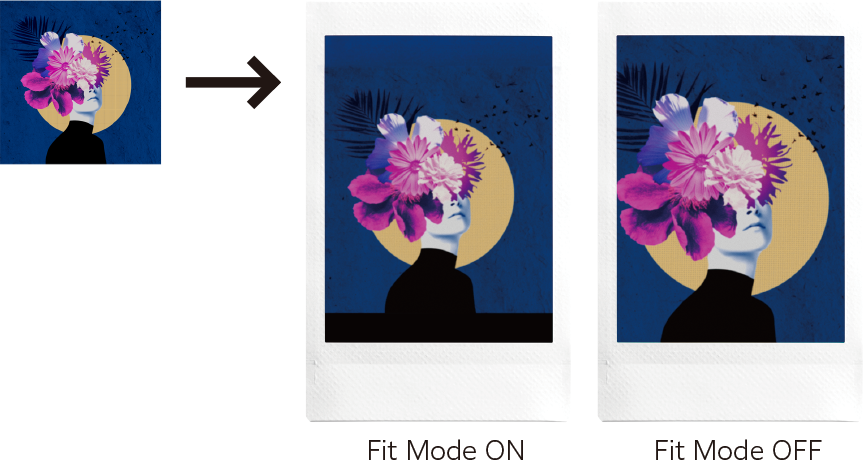
Choose the app's images options and customize the app to your liking.
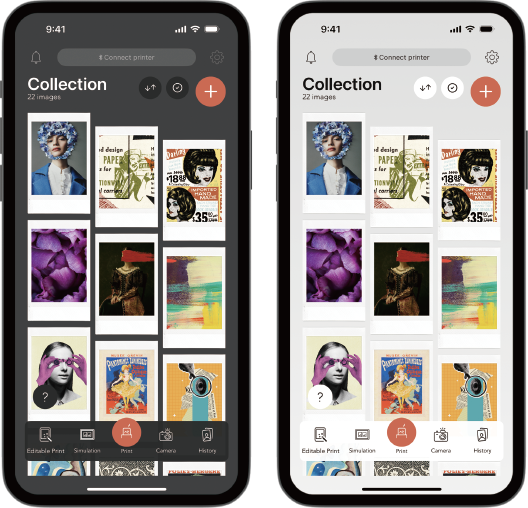
Dark Mode (Left) , Light Mode (Right)
Give your prints a more stylish look and combine all your favorite photos together!
Choose fun frame designs to add to your photo.
Tilt the printer to zoom in or out.
Use the printer's power button as a shutter release! Zoom in & out with ease, then press the power button to take the shot.
Stack mulitple AR effects to get the look you want.
With instax AiR Studio™, you can share live view footage of your portrait sessions remotely and save them as movies.
instax AiR Studio™ lets you save your photos as QR code-enabled prints that play movies.
Take photos at 3-second intervals and recreate the photobooth experience!
Test your compatibility with friends and watch the results appear on your print!
![[logo] instax™ App](https://asset.fujifilm.com/www/id/files/2026-01/f012e5d92afbf7720e3c39453d4f6780/icn_minilink2_ov_01_sp.png)

- * Apple and the Apple logo are trademarks of Apple Inc., registered in the U.S. and other countries and regions. App Store is a service mark of Apple Inc.

- * Google Play and the Google Play logo are trademarks of Google LLC.