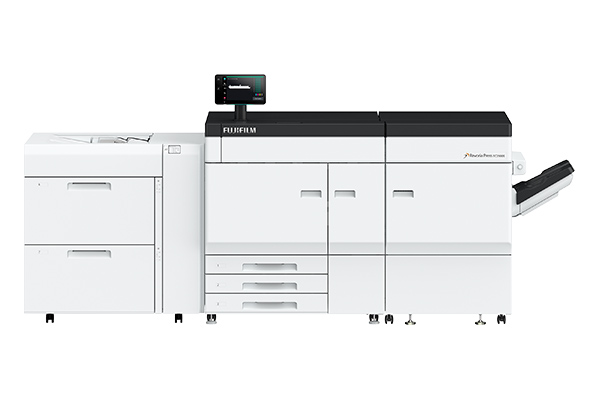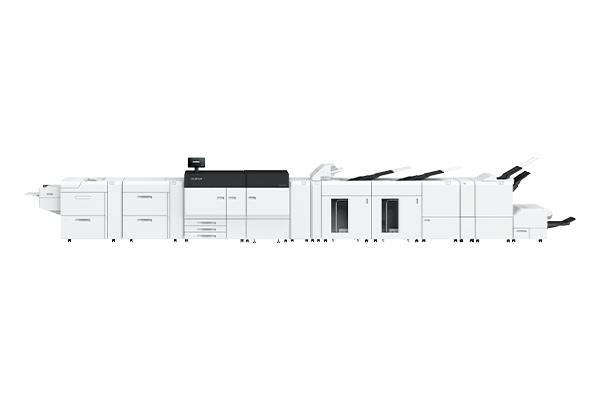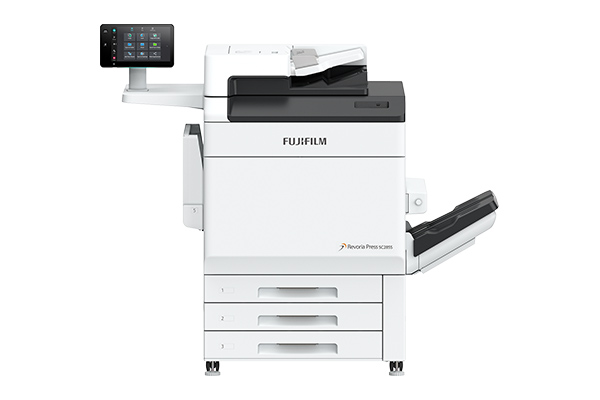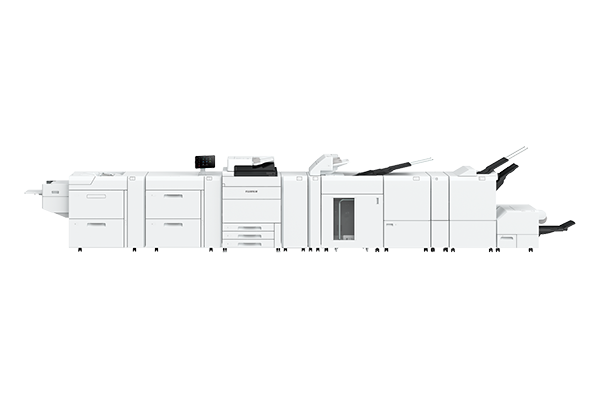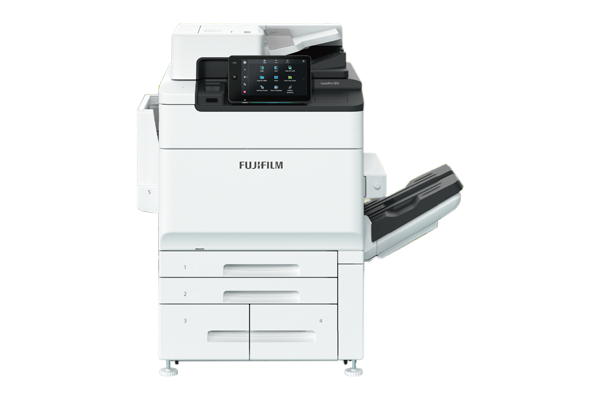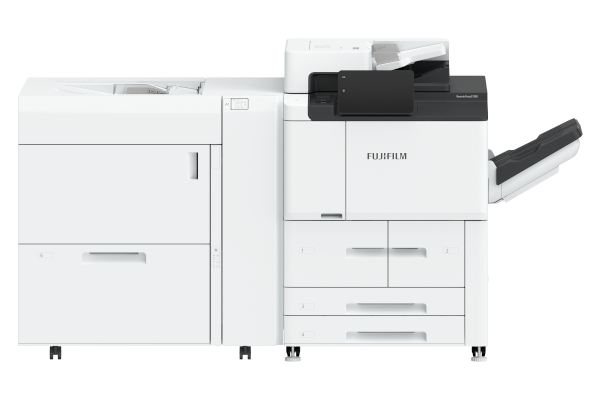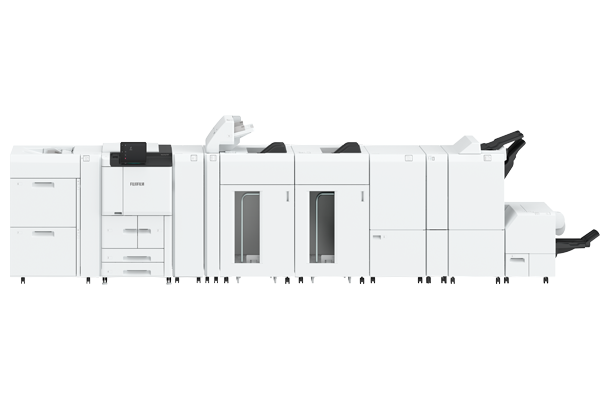












Outstanding automation features expand the potential of production printing. By leveraging our proprietary AI technology, we deliver optimal output without depending on specialised skills or experience.
With a wide variety of functions, our solutions enhance efficiency and productivity, providing strong support for our customers’ daily operations.
The Substrate Profiler utilises AI to automate the time-consuming paper setup by suggesting optimal settings based on scanned data of the paper.
Simply placing the paper in the Substrate Profiler allows the system to automatically input basic information such as paper type and weight. Moreover, suggestions include transfer output adjustment values, reducing the need for test prints and visual checks, leading to efficient and consistent print quality.

- *1 Paper type, colour, weight, and transfer output adjustment values are set automatically.
- *2 Based on an internal investigation.
AI analyses each input document and recommends the best adjustment settings on Revoria Flow server to optimise image quality. Recommendations include printing of small texts and thin lines, adjusting gradients, and automatic colour separation of RGB data to CMYK, green and pink colours — all customised to the characteristics of the document. Leaving AI to decide which settings to use, you can effortlessly achieve superior print quality.
- *3 Available in Revoria Flow.
AI automatically analyses each individual photo*5 in the document and applies scene-specific corrections. Images that are too dark, too bright, backlit, or with poor skin tone can be automatically optimised for high-quality output.
- *4 Available in Revoria Flow.
- *5 Applicable to RGB-type images.
- Skin Tone
- Brightness

- Saturation
- Contrast

- Texture
- Contrast

- Backlit
- Contrast

Printed jobs are automatically inspected inline, reducing dependence on operator skill and workload needed for visual inspection. The image inspection compares the printed jobs with RIP images to detect print defects such as dots and folds. The text inspection verifies text and barcodes against reference files (CSV). This enables inspection of massive variable data to be completed during print production.
- *6 Optional
| Inspection Type | Inspection Target |
|---|---|
Image Inspection | |
| • Dots and dirt • Print defects • Paper folds | |
Text Inspection | |
| • Text and barcode readability • Verification with Reference Data (CSV File) • Numerical continuity between pages • Consistency of front/backtext on Front and Back |
Defective pages can be ejected from the top tray, with automatic reprinting and reinspection also available. This minimises workload and enhances efficiency.
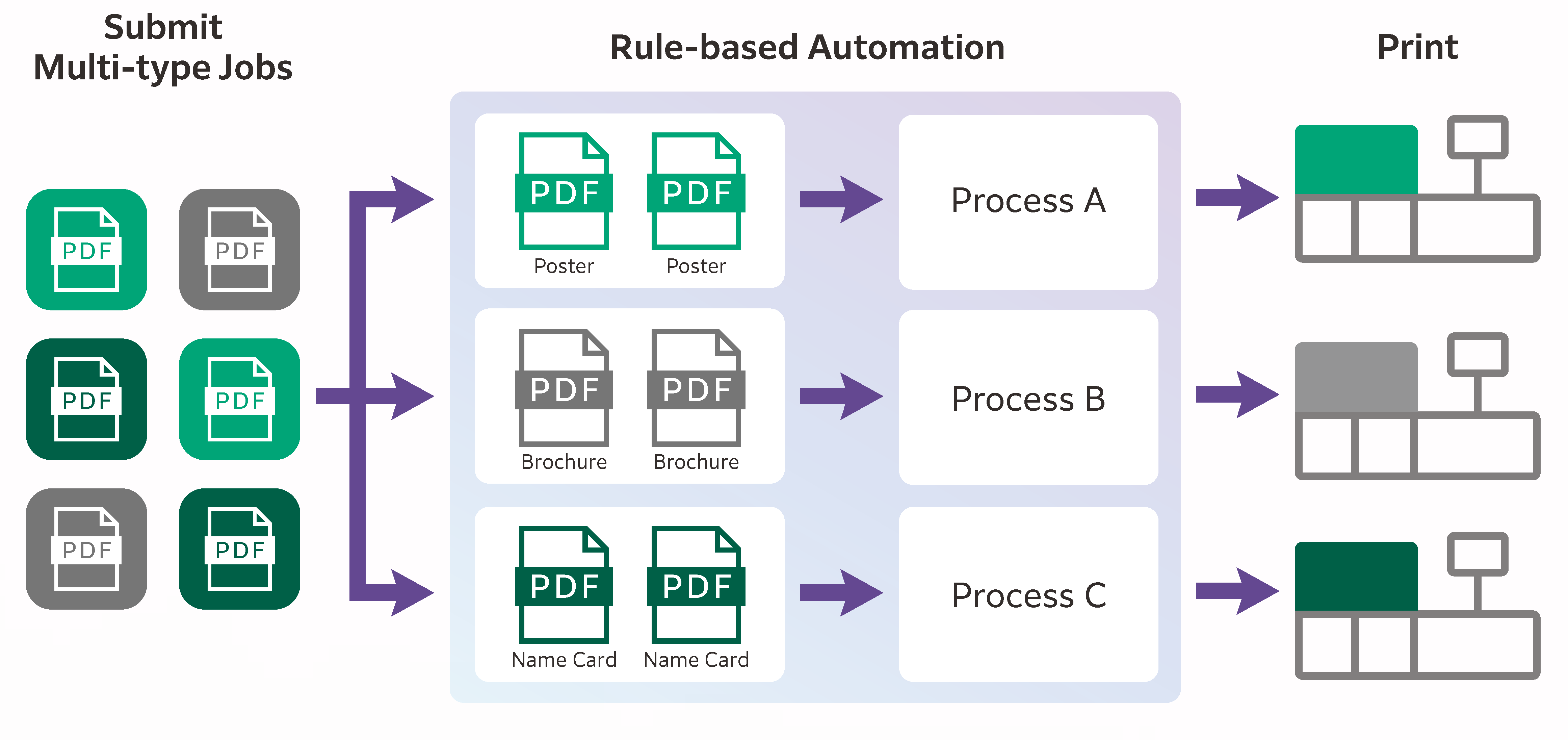
Revoria XMF PressReady is an intuitive centralised management software that empowers print service providers to manage job from different submission channels efficiently. Automation of repetitive tasks—such as preflight, imposition, grouping, sorting, and numbering—can be performed efficiently and effortlessly. Additionally, jobs can be routed to the appropriate digital printer according to predefined conditions.