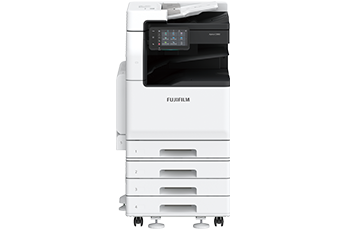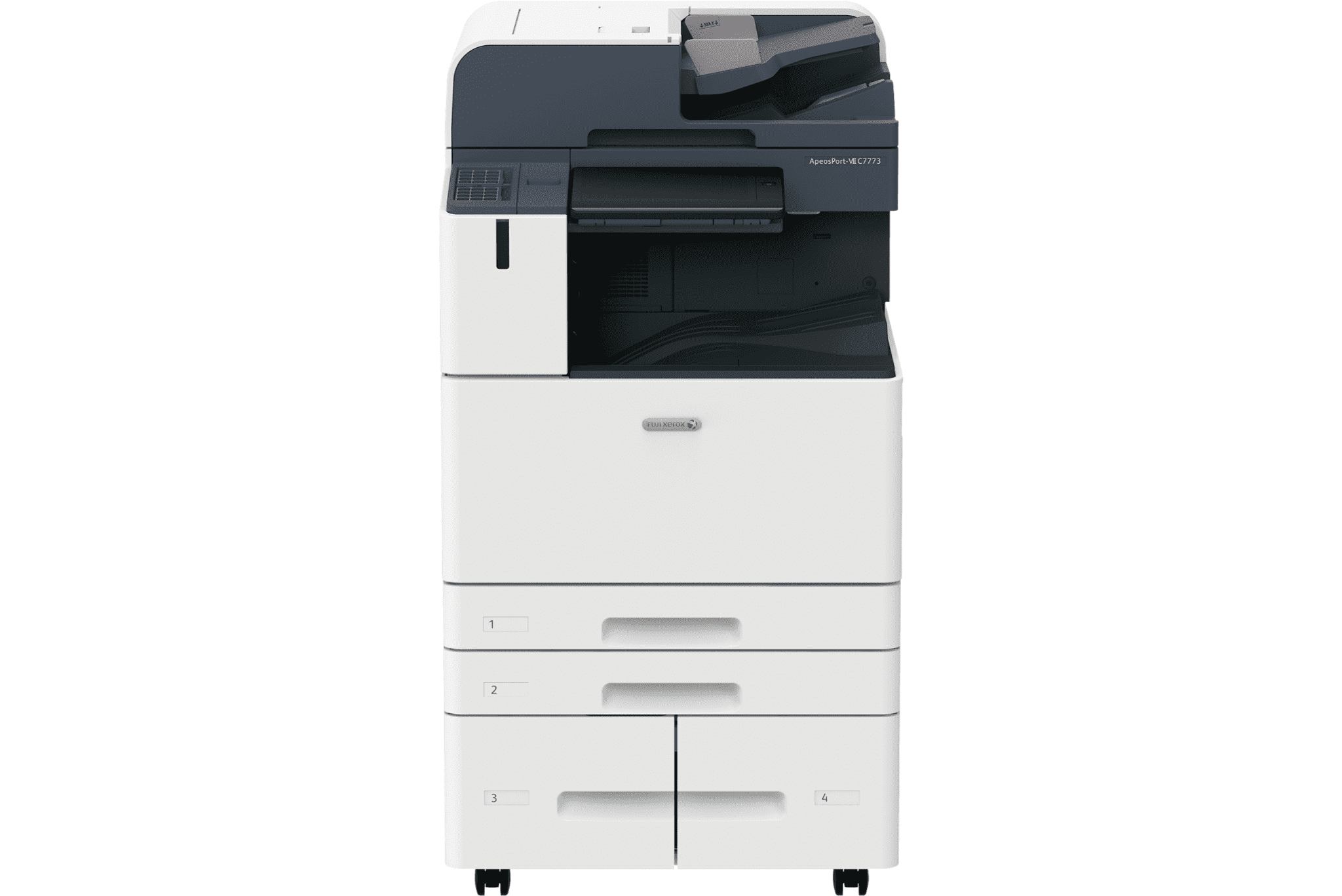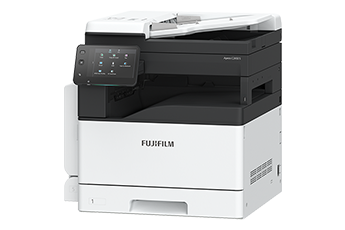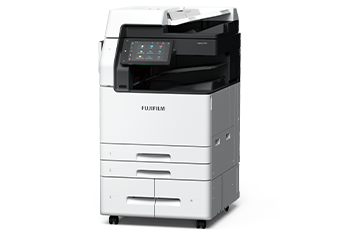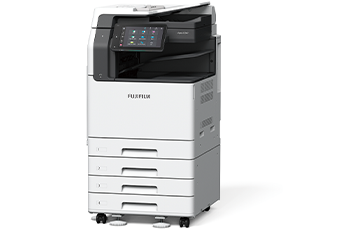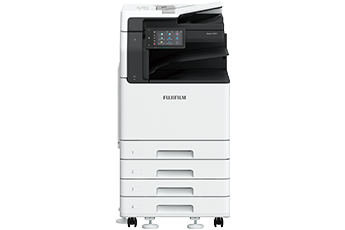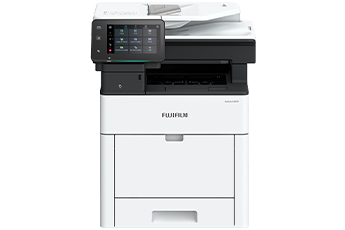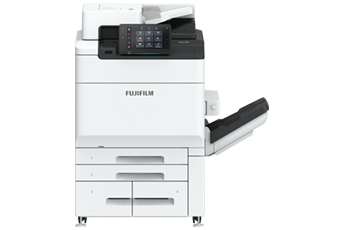


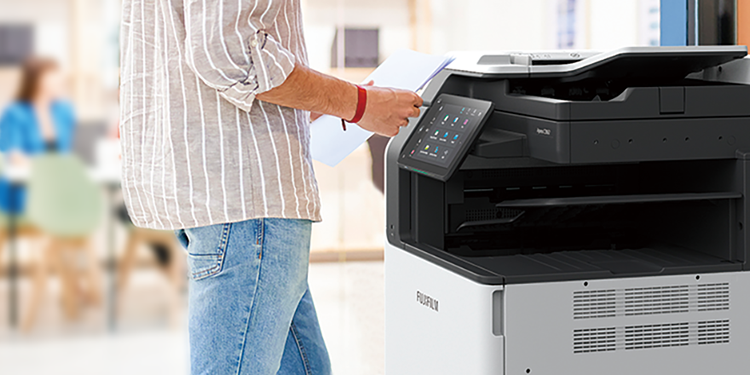
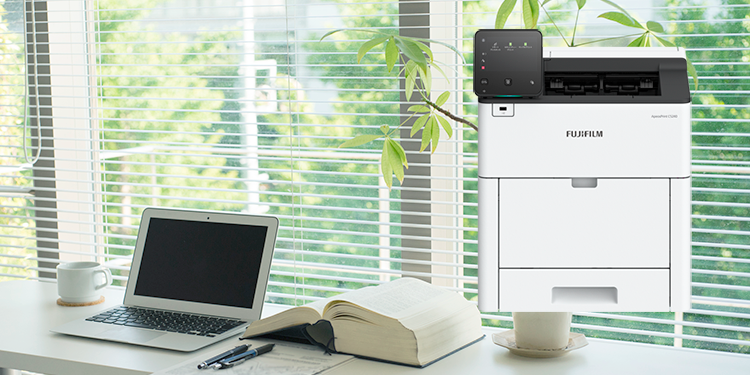


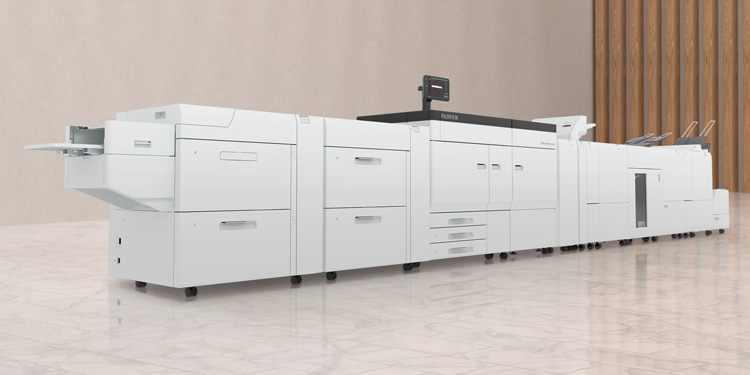






Combines high productivity and durability to meet the needs for continuous high-volume printing.
- Low wear photoconductor drum with long life reduces the frequency of drum replacement
- High-capacity paper feed up to 7,360 sheets*1
- High-capacity toner cartridge*2 and paper tray reduce replacement frequency
- Replace toner and add paper without stopping the print jobs in progress
- Excellent durability and ability to handle core output and high volume printing
- *1: 80 gsm paper. When the optional Multi Sheet Inserter and High Capacity Feeder C3-DS are installed.
- *2: High capacity toner cartridges yield approximately 75,200 pages (37,600 pages x 2) for K toner, and approximately 39,700 pages for each colour of CMY toner. This is a reference value when using an A4 original with a 5 % image density for each colour. The actual number of printable sheets varies depending on the usage, original type, and print density, so these values are only a guide.
Fast startup and output. Reduces waiting time.
- Achieves print speed as high as 81 ppm*1
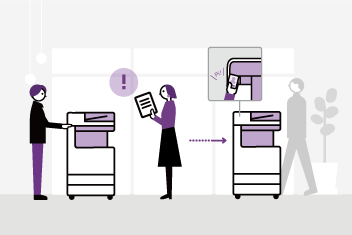
- Smart WelcomEyes detects approaching user, and automatically recovers from a power-saving state
- High-end model, yet recovers from sleep mode within 30 seconds
- First Copy Output Time of 5.4 seconds*2
- Predicts print completion time to help efficient work plan management
- *1: For C8180. C7580 is 75 ppm, and C6580 is 65 ppm.
- *2: Colour priority mode.
With Server-less On-Demand Print*, you have the flexibility to print outs from any of the connected multifunction devices.
- Improves productivity by printing from another available multifunction device when the current device is in use
- Up to 100 units can be linked
- Specific job settings can be revised at the device level to save time (1 sided to 2 sided, adding staple, all monochrome)
- * Optional.
- Equipped with a single-pass colour Duplex Automatic Document Feeder (DADF)
- Faster and continuous workflows can be created around 270 ppm*1 scan speed and 250 sheets*2 DADF paper capacity
- More versatility can be added to required workflows with DADF supporting wide range of media from 38*3 to 200 gsm
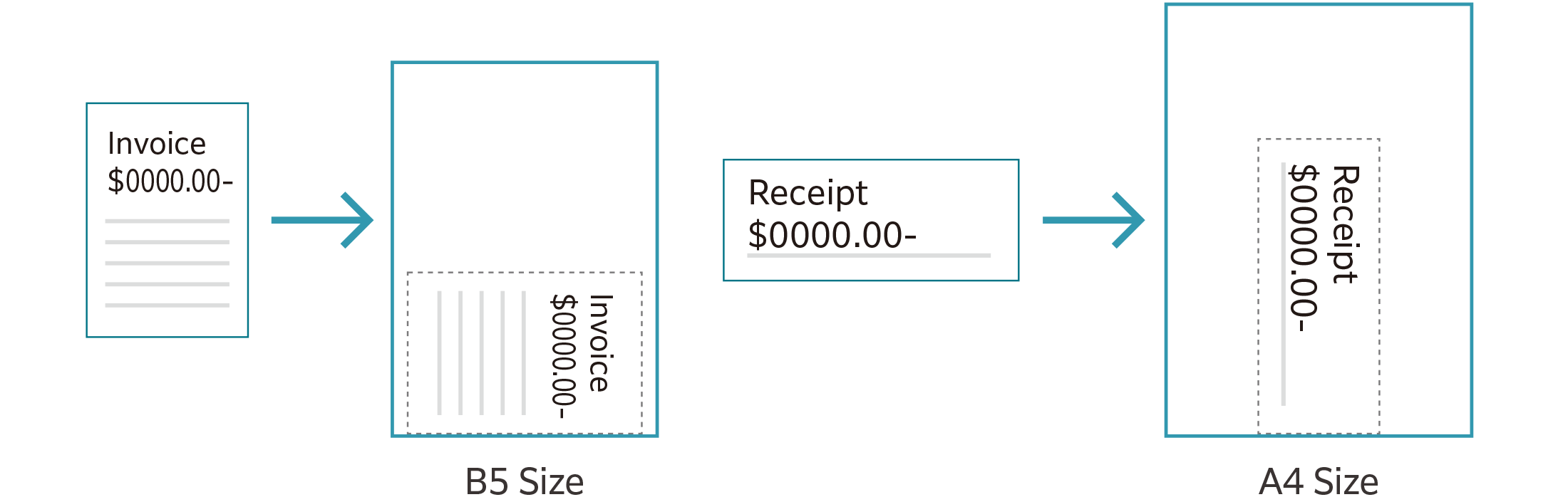
- Improves workflow efficiency by automatically scanning customsize or small-size documents such as receipts into the nearest standard size
- *1: 1 pass, 2 sided scanning. Our Standard Paper (A4 LEF), 200 dpi, to Folder.
- *2: 80 gsm paper.
- *3: For 1 sided original. 50 gsm for 2 sided original.
Scanned data can be transferred through a variety of methods including Email, URL, and send to PC (SMB/FTP/SFTP).
- Data can be sent by using multiple features simultaneously
- Improve your digitalisation process with features including automatic orientation of scanned page to upright position, correcting the skewed page, or removing blank pages
- In addition to TIFF and JPEG, the scanned data can be converted to OCR-enabled* or high compression/ specific colour PDF or DocuWorks documents. Also they can be converted to editable Excel/Word documents*
- With ScanAuto, you can easily send the scanned data to your e-mail address by simply pressing a button
- * Optional.
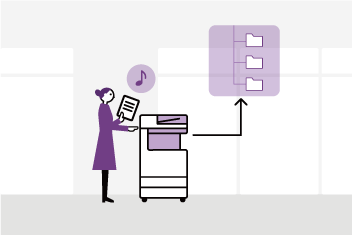
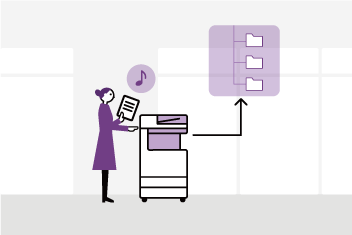
With Scan Delivery*, you can automatically process and store scanned images by simply pressing the preset button for each workflow or document type.
- Automate to set file format, file name, OCR*, etc.
- Automatically stores scanned and processed documents in the appropriate destination
- Specify particular words or characters in a document as the folder or file name
- 0 and other frequently mis-recognised characters can be read correctly
- * Optional.
Latest technology to achieve professional quality image and high-definition printing.
- World's first* LED printhead with 2,400 dpi resolution.
- Vibrant colours with Super EA Eco toner and its smallest toner particles for smooth gradation
- Clear reproduction of images with fine lines and small text
- Gloss function brings the beautiful glossy finish to the end product (e.g. photos.)
- * Dry-type electrophotographic method. As of March 2021. According to our research.
Excellent durability and ability to handle core output and high volume printing.
- Achieves print speed as high as 81 ppm*1
- Low wear photoconductor drum with long life reduces the frequency of drum replacement
- High capacity paper feed up to 7,360 sheets*2
- Replace toner and add paper without stopping the print jobs in progress, and maximise machine runtime
- *1: For C8180. C7580 is 75 ppm, and C6580 is 65 ppm.
- *2: 80 gsm paper. When High Capacity Feeder C3-DS is installed.
Use inbuilt standard SIQA* to easily & quickly adjust the print quality.
- Simply scan the dedicated charts to automatically calculate the appropriate adjustment values for both Side 1 & 2 Registration, Density Uniformity Adjustment, and Adjust Image Transfer
- Quick & simple user operation without need of remembering fine calibration values
- In addition to print quality, machine utilisation rate is also improved
- * Simple Image Quality Adjustment
We have also taken into consideration the daily usability and ease of installation.
- The standard Bypass Tray is neatly housed in the main unit of the multifunction device
- Built-in fax kit* in the multifunction device to save space
- To improve noise reduction, the paper transport and fan design have been optimised
- * Optional.
LED printheads, which are compact and have high image quality, have evolved to be sharper and higher definition.
- Thin emitting light to write the image
- The exposure unit does not vibrate because there is no drive mechanism
- High resolution of 2,400 dpi and digital magnification correction
- * Dry-type electrophotographic method. As of March 2021. According to our research.
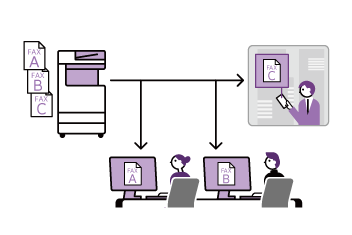
Paperless fax function automatically stores received faxes into folders which can be transferred to a PC or sent as emails
- Received faxes can be forwarded to your mobile device by email
- Received faxes can be transferred to Working Folder*1
- It can be sorted by fax number, date received, and person in charge*2
- Incoming fax processing can be switched by time, day of the week and period*2
- For example, you can switch from paper-based output to an electronic transfer in a single operation*2
- *1: Cloud services provided by FUJIFILM Business Innovation. A separate contract is required.
- *2: Optional
With Working Folder* and internet access, documents can be viewed regardless of time and location.
- Can be linked smoothly with multifunction devices, DocuWorks, and mobile devices
- Documents in Working Folder can be printed from the control panel
- Scanned documents will be assigned a file name and stored in Working Folder. An email notification will be sent to relevant users
- * Cloud services provided by FUJIFILM Business Innovation. A separate contract is required.
Supports wireless LAN environment*1.
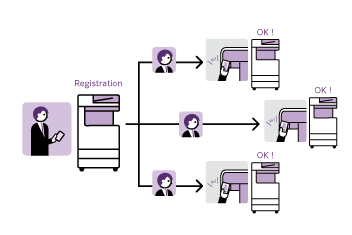
- Supports free addressing in the office with Wi-Fi support
- Up to five Wi-Fi Direct multifunction devices can be connected at the same time
- Supports direct mobile printing*2
- Print Utility, AirPrint, Mopria® Print Service, and Mopria Scan are supported for printing or scanning by using a mobile device
- *1: Optional.
- *2: When connecting to Wi-Fi Direct.
By registering multifunction devices to Universal Print by Microsoft in advance, users*1 authenticated with Microsoft Entra ID*2 can print from anywhere through cloud.
- *1: Organizations with Microsoft Windows Enterprise or Microsoft 365 subscriptions.
- *2: Formerly Azure Active Directory.
FUJIFILM IWpro* is an all-in-one secure platform solution for business digitisation, provide workspace for collaboration, workflow optimisation, efficient document management of metadata and documents, and versatile cloud-based printing capabilities.
- FUJIFILM IWpro* is accessible via a web browser from any location that has internet service, such as from branch office or on the go
- High-quality and secure print environment is available regardless of your location, either in or out of your office
- Users can select and print the document that store in the cloud with the multifunction device outside of office
- * Cloud services provided by FUJIFILM Business Innovation. A separate contract is required.
Cloud Service Hub* allows single sign-on to multiple cloud storage services.
- Specific storage location can be assigned for scanned documents directly from the multifunction device
- Searching documents from multiple cloud services is supported
- Full-text search on scanned documents can be performed with OCR
- * Cloud services provided by FUJIFILM Business Innovation. A separate contract is required.
We are working to develop the advanced products, including technologies that reduce the power consumption of multifunction devices and printers to achieve lower environmental impact.
Fujifilm Group introduced the certification program in which we clarify the environmental value of each product by assessments at the time of product development, conduct the evaluation based on our in-house certification criteria and certify the products* that are excellent in reducing environmental impact as "Green Value Products".
This product was certificated as a "Gold" rank product that contributes to reduction of environmental impact at industries' highest level.
- * Products and services excellent in reducing environmental impact are those designed in consideration of environmental impact throughout their life cycle from acquisition of raw materials, production, usage, disposition, to reuse.
- Achieve both high image quality and energy conservation by equipping the LED printhead that enables space and energy saving design, as well as Super EA-Eco toner that has low temperature fusing performance
- Reduce the power consumption with the smart power saving feature that solely powers on the required parts according to the functions being used by customers
- Staple-free stapling that helps reducing waste and that also can be used with peace of mind at certain places where need considerations for safety
- Functions contributing to paper consumption reduction
- Private Charge Print, Scan, Paperless Fax, Pages per Side/Multiple-Up etc.
- Adopt design for making products easy to reuse/recycle after use
Information is an important asset which should be protected at all cost
Multiple options of setting user authorisation allow administrator to select a right combination as per given environment.
- Local Authentication
- Authentication by Remote Server*
- IC Card Authentication*
- User-specific feature access
- Private Charge Print
- * Optional.
Additional layer of unwanted access can be created for specific users (e.g. guests).
- Secondary Ethernet Kit*
- * Optional.
Protects against any malicious intent of hacking, tampering with device / system settings.
- Encryption of stored data
- Uses TPM* 2.0 chip for encryption key management
- Deletes settings and document information all at once
- * Trusted Platform Module
Protects the information by means of strong encryption while transferring it between devices, servers etc.
- Encryption of communication paths by SSL/TLS or IPsec
- Encryption when transferring via SMBv3 and SFTP
- Scan file encryption/signature
- Email encryption and signature by S/MIME
- TLS version limit
- Elliptic curve cryptography
- WPA3
Protects device settings at multiple levels by clearly demarking change restrictions for different target audience - End users, IT administrators and Service Engineers.
- Service representative operation restriction
- Account lock to prevent unauthorised access
- Information for changing the default password
- Warnings displayed when using global IP address
Prevents unauthorised program from installing without notice. Robust IT audits are supported with device data logs for easy tracking.
- Software signature verification
- Remote update restrictions
- IP address filtering
- Tampering detection at startup and automatic restoration when tampering is detected
- Prevention of tampering during operation
- Audit log
- Audit log system transfer
Prevents information leakage due to inadvertent mistakes by administrators and users.
- Scan documents to be delivered to fixed destination
- Re-enter fax recipient
- Annotations
- Hidden text printing*
- Digital code embedding and tracking function*
- * Optional.
- Certified with ISO/IEC 15408, which is the international standard for designing and operating IT security
From supplies replacement to unexpected device failures, most problems can be resolved without waiting for the service representatives or sales representatives.
- Self Help information is available on the control panel
- Self Help information can be accessed via the mobile device by scanning the QR code displayed on the control panel
- Connects directly to the Support Centre
- An operator will remotely access the multifunction device to resolve the problem by guiding through the steps on the shared control panel
Monitoring the multifunction device status to minimise operation down time.
- Check billing meter
- Automatically delivers consumables when cartridges level is low
- Detect machine errors for early invention to rectify the problem
- Note: You need to apply for using the EP service. (free of charge)
Device Setup Editor is a free tool which helps you both, in editing device setting and creating a much-needed information backup for business continuity reasons.
- A back up the device / printer settings can be created onto the PC
- Administrator can optimize device usage by viewing/editing these settings, best suited for their environment.
- When installing a new device, these settings can be migrated (or cloned) from the existing device to the new device
Supports a wide range of paper sizes and thicknesses, and can create a variety of deliverables. You can easily create flyers, business cards, and posters to expand your business.
- Supports a wide range of sizes from postcards to long paper (330 x 1,300 mm*1)
- Supports a wide range of thicknesses from 52 gsm lightweight paper to 350 gsm*2 cardstock paper
- Renewed the core technology for image writing, and prints beautifully even on envelopes and embossed paper with uneven surface
- *1: When feeding paper from Bypass Tray of the printer. When printing on one side. 2 sided printing is up to 330 x 762 mm.
- *2: When High Capacity Feeder C3-DS option is installed. Up to 300 gsm in standard configuration.
Supports the various characteristics of paper, enabling high-precision output.
- By adjusting the force applied to the paper according to the paper thickness, stable paper feed is performed even with cardstock paper, and high registration accuracy is achieved
- Built-in decurler flattens paper curl and stabilises paper feed
- While viewing the amount of curl on paper, adjustments can be performed in real time*
- * Optional.
From printing to post-processing, you can do it all at once.
- Supports frequently-used office functions such as Punch, Side Stitch, Saddle Staple, and Single Fold
- Finisher-C4 / C5 is easy to place in a space-saving office while improving performance such as minimum paper size and the number of sheets for Saddle Staple
- Finisher D6 can perform post-processing for higher-volume output, and also insert covers and separators
- Slim type Interface Module D1* is also available as a Finisher D6 connection module
- Note: Optional. See "Optional" for details on the output options and post-processing.
- * When this module is used, Inserter D1 cannot be connected.