


![[icon] Healthcare IT](https://asset.fujifilm.com/www/in/files/2024-08/c726e5e0c277870421d39dd4a7262612/healthcare-it.svg)
![[icon] X-ray](https://asset.fujifilm.com/www/in/files/2024-08/97ad89d1f533a60255b31a3bb7e87f47/x-ray.svg)
![[icon] Ultrasound](https://asset.fujifilm.com/www/in/files/2024-08/88f22761d4baa698057e399be91c2931/ultrasound.svg)
![[icon] Endoscopy](https://asset.fujifilm.com/www/in/files/2024-08/5d83571c7db995ad7195350862b52122/endoscopy.svg)
![[icon] In Vitro Diagnostics](https://asset.fujifilm.com/www/in/files/2024-08/8e66090fd5fea6bd1a05b991e7fe5f19/ivd.svg)
![[icon] Veterinary Medicine](https://asset.fujifilm.com/www/in/files/2024-08/54a13b2f355c18f70f7336732d67d910/veterinary.svg)
![[icon] MRI and CT](https://asset.fujifilm.com/www/in/files/2024-08/59ab2ad2e91be9f36994d8e58caa3d5d/mri-and-ct.svg)
![[icon] Inkjet Solutions](https://asset.fujifilm.com/www/in/files/2024-08/d8c2d670f1512cdf6ba52f9cffeacc2a/inkjet-solutions.svg)
![[icon] Office Printers](https://asset.fujifilm.com/www/in/files/2024-08/019d3332c15554d2ff48d12e4a195db2/office-printers.svg)
![[icon] Semiconductor Materials](https://asset.fujifilm.com/www/in/files/2024-08/b48b0555c0fd6b3f489af25567574dfc/semconductor-materials.svg)
![[icon] Graphic Arts & Printing](https://asset.fujifilm.com/www/in/files/2024-08/4f170ed9bf426e6f039ee8a5d7b95431/graphic.svg)
![[icon] Photofinishing Products](https://asset.fujifilm.com/www/in/files/2024-08/a22d0f5f3c19c49f277a655c1abef8d5/photofinishing.svg)
![[icon] Optical Devices](https://asset.fujifilm.com/www/in/files/2024-08/be5be06f90f11989998f2b69104a21b4/optical-devices.svg)
![[icon] Cine & Broadcast Products](https://asset.fujifilm.com/www/in/files/2024-08/4b6eeb5ab60e77f85f96868e07ea725b/film-and-broadcast.svg)
![[icon] Security Protections](https://asset.fujifilm.com/www/in/files/2024-08/e9824ba0a1bf61978034474b14459e0b/security.svg)
![[icon] Manufacturing Process](https://asset.fujifilm.com/www/in/files/2024-08/8b7297a2bcf2bbcd895abedad309b07e/manufacturing-process.svg)
![[icon] Inspectional Products](https://asset.fujifilm.com/www/in/files/2024-08/9f1a77b67283252abd21e466f1f58b9a/inspection.svg)
![[icon] Data Management](https://asset.fujifilm.com/www/in/files/2024-08/1be5c4580857f95e00e5c3ed42575945/data-management.svg)
![[icon] Materials](https://asset.fujifilm.com/www/in/files/2024-08/7842ec025120578b341dd5a09c46108f/materials.svg)


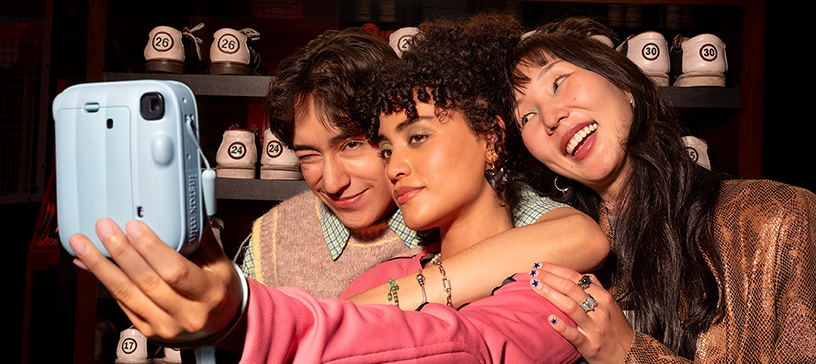
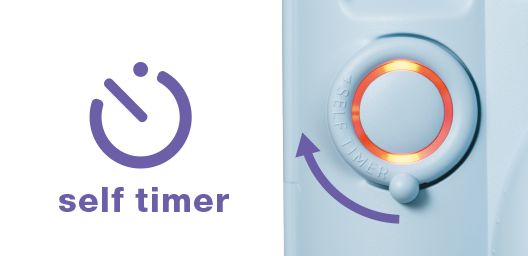
Use one of two self-timer options.
Choose 10-seconds for group shots and switching up angles, or go with 2-seconds to reduce blur from handheld moments like selfies.
And if you change your mind, it's easy to cancel the timer.
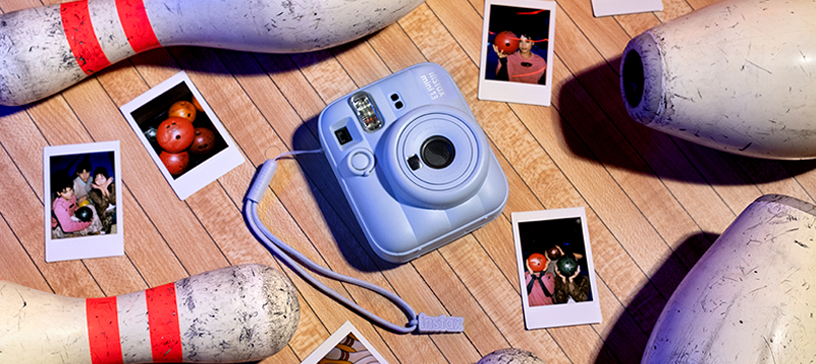
Set your camera down and step back.
Perfect for snapping full-body selfies or locking in those epic backgrounds.
Group selfies? No problem!
Taking selfies has never been easier—no need to worry about keeping a steady hand on the shutter button!
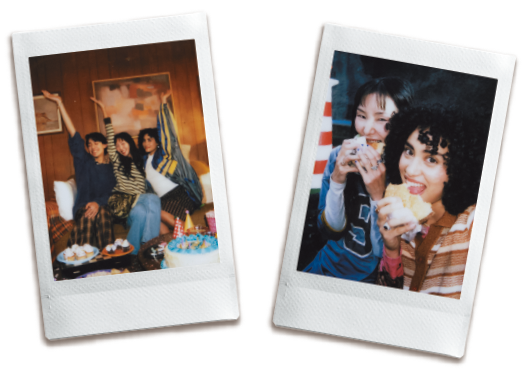
Designed neatly as part of the wrist strap, the camera angle adjustment accessory gives the camera a gentle upward tilt.
Use with the self-timer to capture your best angle as you dash into the frame.
No tripod needed!
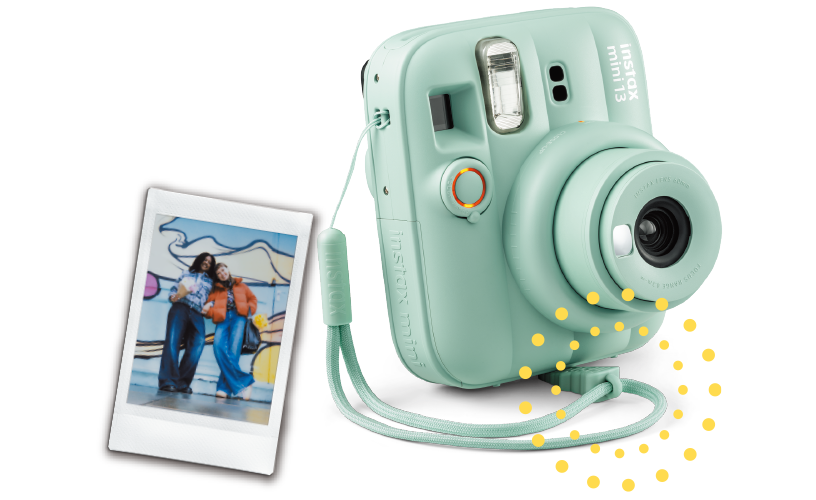
With the built-in selfie mirror, lining up the shot is simple.
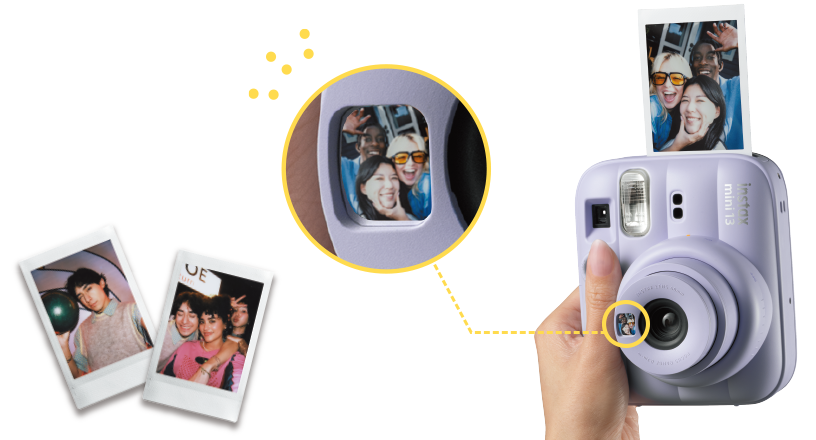
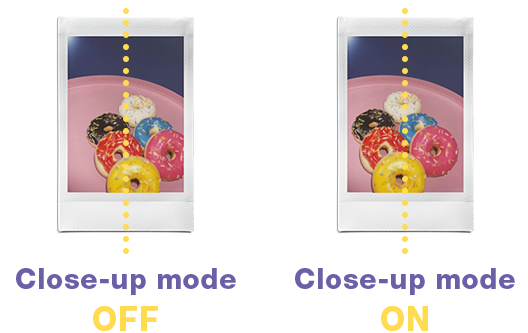
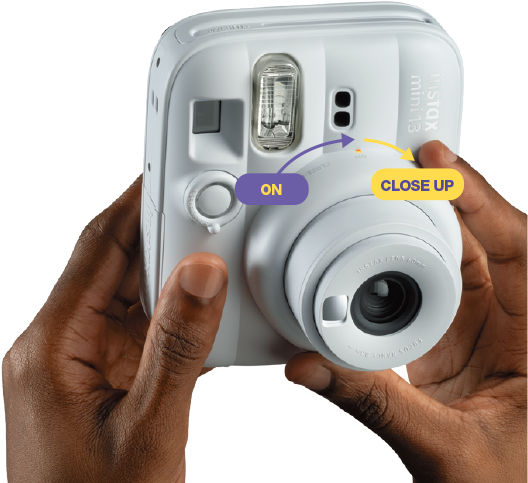
Turn the lens to turn the power on, then simply turn it again to switch to close-up mode!
This mode is perfect for distances of 30 to 50 cm.
When you set the Close-up mode ON, the object in print will be right in the center.
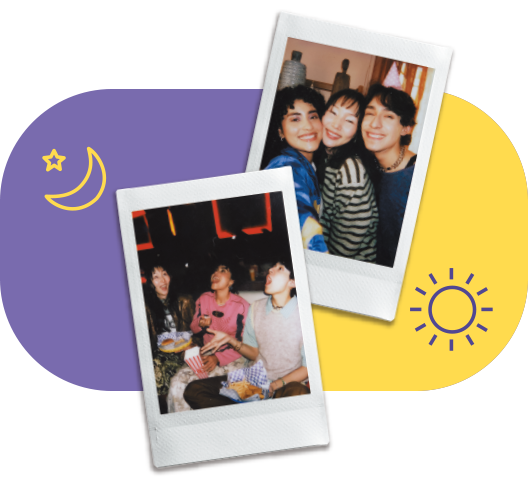
Shutter speed, flash brightness and other settings automatically adjust to ambient light, so you can take the photos with ease.
CANDY PINK
DREAMY PURPLE
FROST BLUE
LAGOON GREEN
CLAY WHITE
LED-equipped self-timer lever to switch easily between 2-second and 10-second settings.
Logo on the side for added impact
Rounded shape for comfort and ease of use