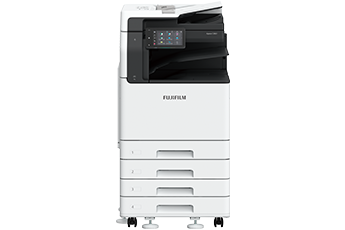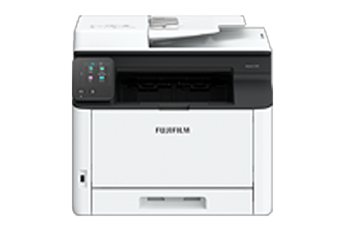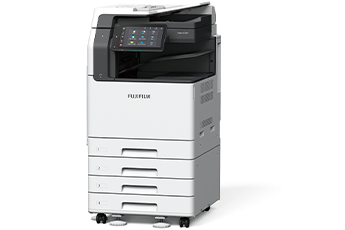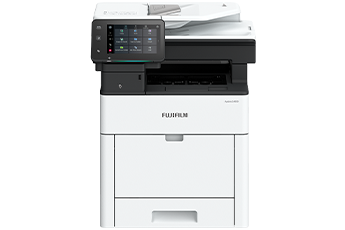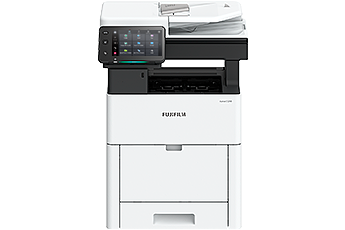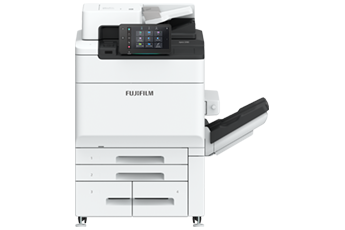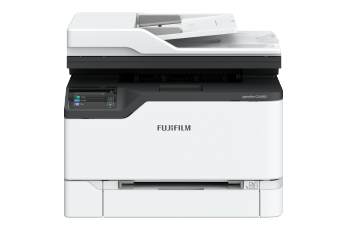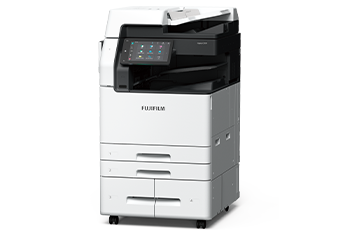











Designed for all, our devices deliver ease of use, accessibility and personalisation feature for a true intuitive experience.
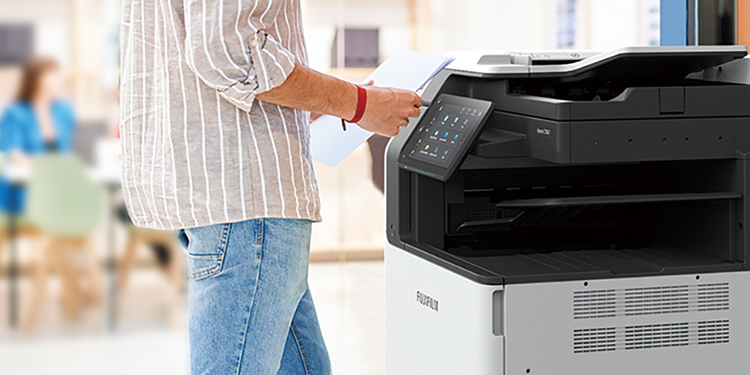
Smart WelcomEyes detects the user and automatically exits sleep mode. In Fast Boot Mode, the control panel is available in as little as 6 seconds. Ready to use whenever you need it.
The Duplex Automatic Document Feeder C2-PC can hold up to 250 sheets of documents and read them at a high speed of up to 270 ppm* with 1 pass 2 sided scanning for fast copying or scanning. Moreover, the double Multiple Feed Detection prevents issues such as missing information due to documents being skipped, ensuring smooth post-processing work.
- Note: Only available for Model-CPS-C.
- * 1 pass 2 sided scanning using FUJIFILM standard paper (A4 LEF), 200 dpi, to Folder.
Paper trays are equipped with a retraction mechanism so you can close them slowly and quietly by pushing them halfway through.
With the use of Super EA-Eco toner, fine text and lines are rendered clearly, halftone gradations are smooth, and dot shapes are accurately reproduced, contributing to high image quality.
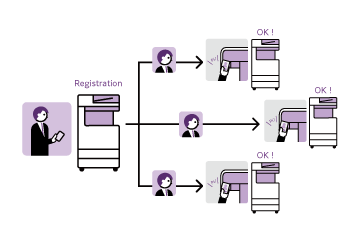
With Server-less On-Demand Print*, you have the flexibility to print and collect the print outs from any of the connected multifunction printers.
- * Optional
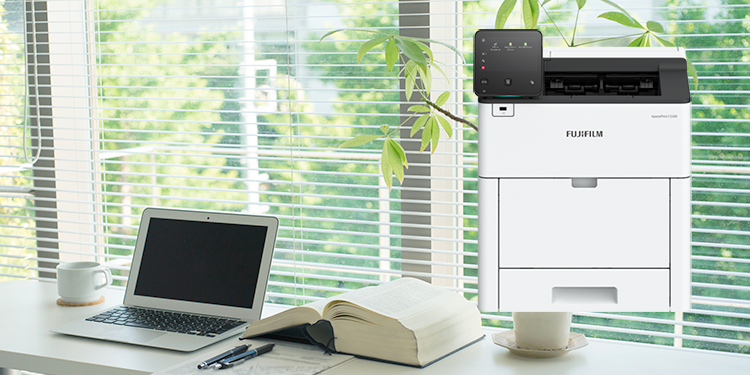
Supports wireless LAN environment*. Can be installed without a wired network, increasing flexibility in multifunction printer locations.
- * Optional. Print Utility, AirPrint, Mopria® Print Service, Mopria Scan are supported.
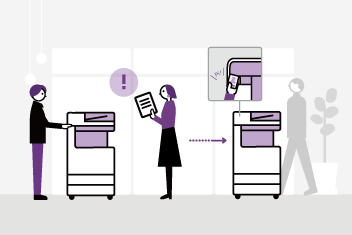
The notification light reminds user of uncollected original or printed document on the trays.
The Centre Tray lights up to notify when a fax or other document is received on the Side Tray.
Supports various paper media for in-house production of promotional items such as clear document folders, post cards*, envelopes*, and long POP display banners.
- Supports long paper up to 320 x 1,200 mm
- Supports 52 to 300 gsm paper, from lightweight paper to heavy paper such as certificate
- * Bypass tray supports postcards and envelopes, and an optional “Envelope Tray” is available.
High Capacity Feeder B1 can feed 2,000 sheets*.
Maximum paper capacity of 5,200 sheets* can be loaded with Tandem Tray module to support high volume printing needs.
- * 80 gsm paper.
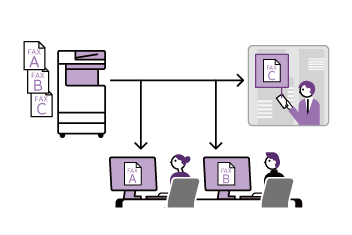
Supports sorted output for copy, print, and fax jobs.
The control panel serves as the gateway, connecting you to various smart applications on the multifunction printer at the touch of your finger. The large capacitive touch panel provides excellent visibility and operability, responding to every touch and swipe for effortless navigation.
- Login name display
- Home button lights up with LED
- NFC touch area
Easily connect with mobile devices. Using Print Utility,*1 you can perform basic multifunction printer operations*2 from your smartphone.- *1: Connect to the machine via wireless environment or Wi-Fi Direct connection. It can be downloaded free of charge from Google PlayTM or App Store.
- *2: Copy, fax, print, scan.
- Pleasant, gentle lighting notifies you of operation completion or errors
- Connect instantly from the app buttons
-
Quickly access frequently used settings
On the Pins screen, you can restart jobs from the job history. Frequently used settings can be "pinned" to save time.User-friendly home screen
Frequently used app buttons can be arranged and customised based on individual user's preference. - Remote Operation Panel
Device administrators can set up and manage the multifunction printer remotely.- Note: Within the same intranet. While the Remote Operation Panel is active, the multifunction printer's control panel cannot be operated. Additionally, the Remote Operation Panel cannot be launched while the user is operating the multifunction printer.
- Note: The displayed screen differs from the factory default. Additionally, the LED lighting status varies depending on the situation. The LED lighting status in the image is for illustrative purposes only.
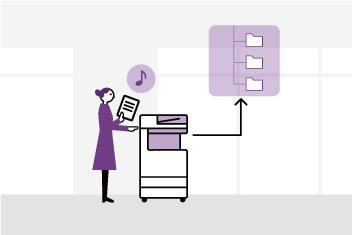
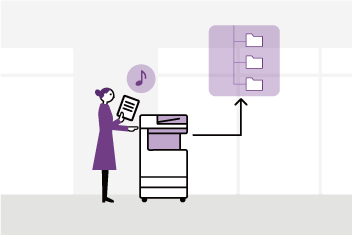
Scanned data can be transferred through a variety of methods including e-mail, URL, and send to PC (SMB/FTP).
In addition to TIFF and JPEG, the scanned data can be converted to OCR-enabled* or high compression/specific colour PDF or DocuWorks documents. Also they can be converted to editable Excel*/Word* documents.
- * Optional
Automatically adjusts the orientation or 1-sided/2-sided of the original document.
Automatically selects the scan settings suitable for the document.
Features such as exclusion of blank pages and skew correction are automatically detected and applied by the multifunction printer.
File names can be assigned from presets on the UI screen to prevent scanned files from getting lost on the PC.
- Note: The output destination can be chosen between Scanner (E-mail Transmission) and Scanner (PC Storage).
Using the Duplex Automatic Document Feeder B2-PC*, you can scan business cards and receipt-sized documents.
- Minimum size supported: 49 x 85 mm
- Batch scanning of multiple documents supported
- Support of 1 pass, 2 sided scanning that scans both sides of a document simultaneously
- Note: Multi-feed detection function provided
- * Only available for C5571/C4571