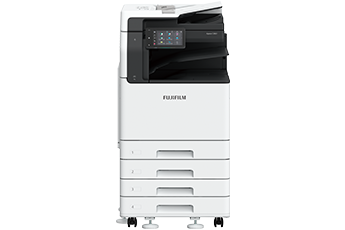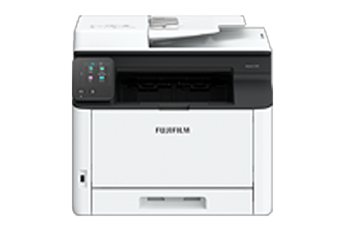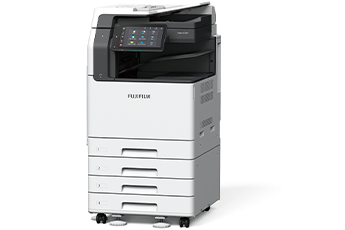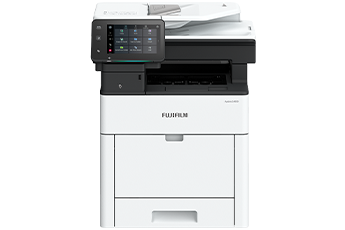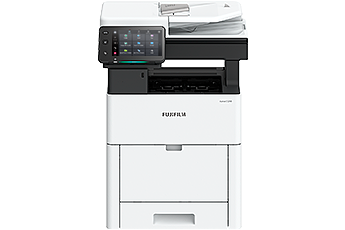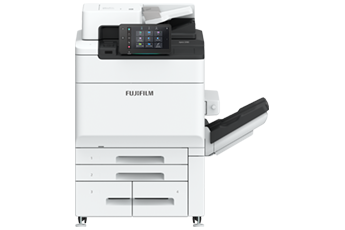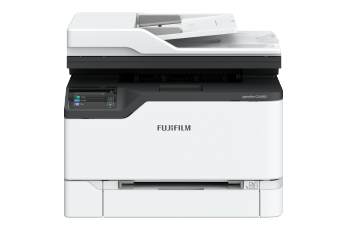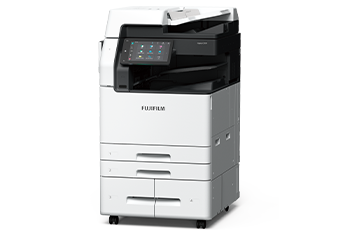


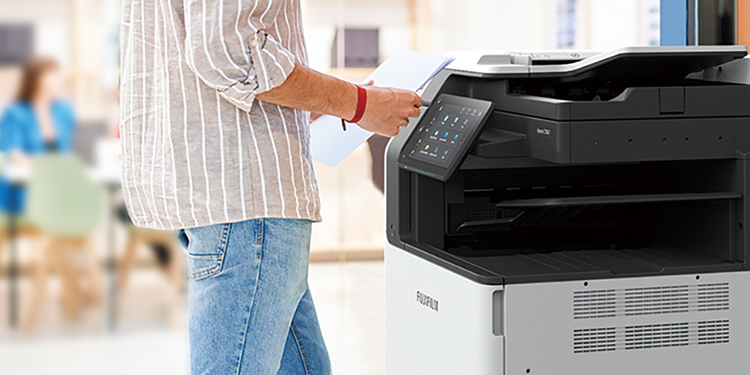


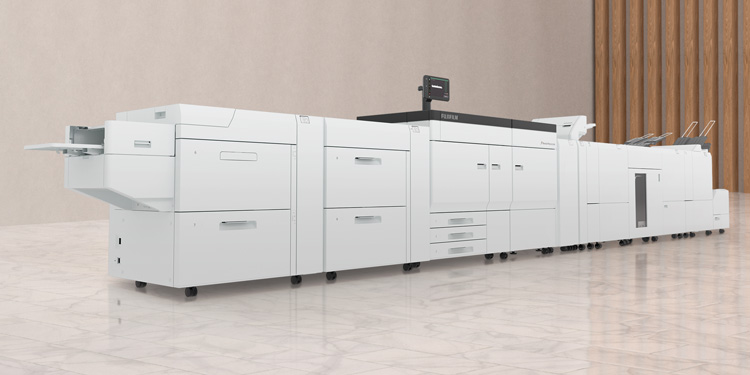







Smart WelcomEyes detects the user and automatically exits sleep mode. In Fast Boot Mode, the control panel is available in as little as 6 seconds. Ready to use whenever you need it.
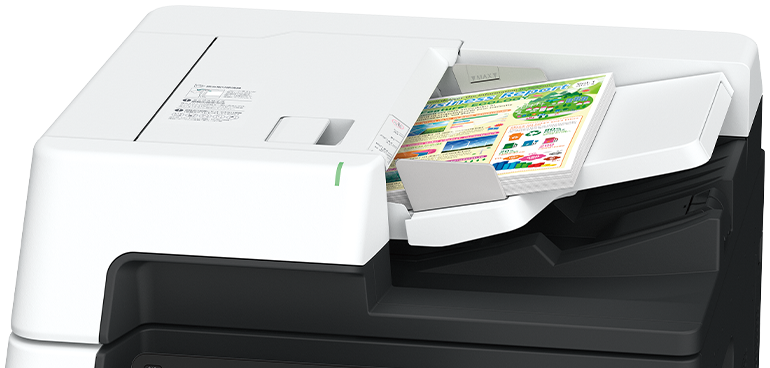
The Duplex Automatic Document Feeder C2-PC can hold up to 250 sheets of documents and read them at a high speed of up to 270 ppm*1 with 1 pass 2 sided scanning for fast copying or scanning. Moreover, the double Multiple Feed Detection prevents issues such as missing information due to documents being skipped, ensuring smooth post-processing work.
- Note: Only available for Model-CPS-C.
- *1 1 pass 2 sided scanning using FUJIFILM standard paper (A4 LEF), 200 dpi, to Folder.
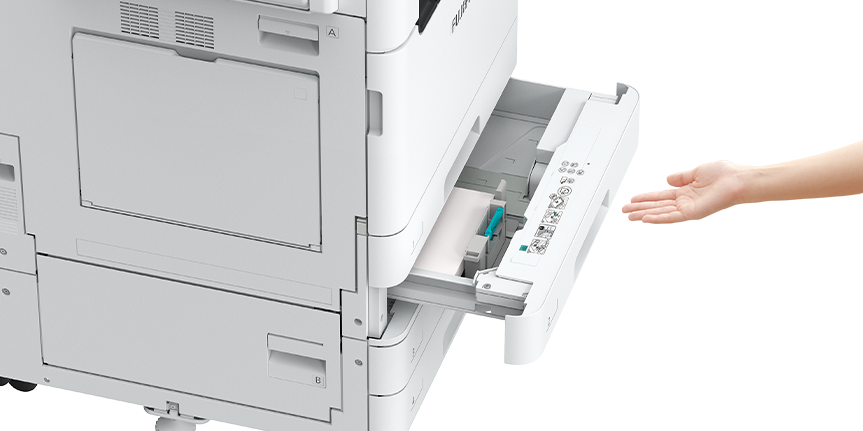
Paper trays are equipped with a retraction mechanism so you can close them slowly and quietly by pushing them halfway through.
With the use of Super EA-Eco toner, fine text and lines are rendered clearly, halftone gradations are smooth, and dot shapes are accurately reproduced, contributing to high image quality.

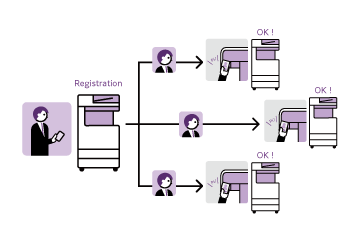
With Server-less On-Demand Print*, you have the flexibility to print and collect the print outs from any of the connected multifunction printers.
- * Optional
Supports wireless LAN environment*. Can be installed without a wired network, increasing flexibility in multifunction printer locations.
- * Optional. Print Utility, AirPrint, Mopria® Print Service, Mopria Scan are supported.
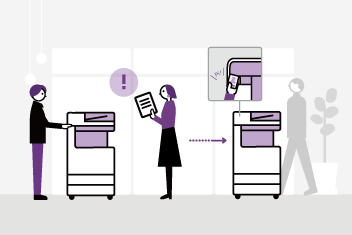
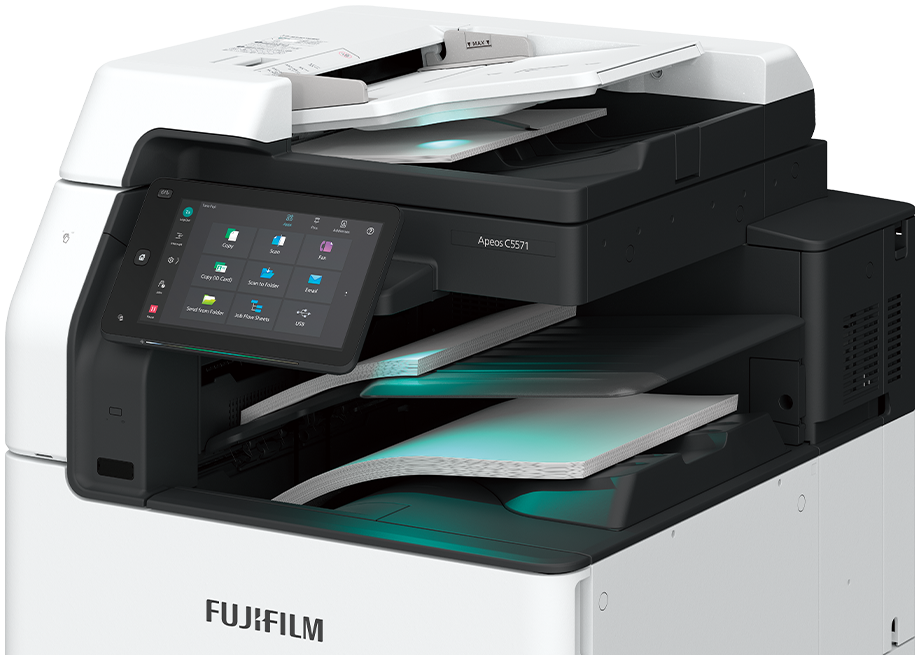
The notification light reminds user of uncollected original or printed document on the trays.
The Centre Tray lights up to notify when a fax or other document is received on the Side Tray.
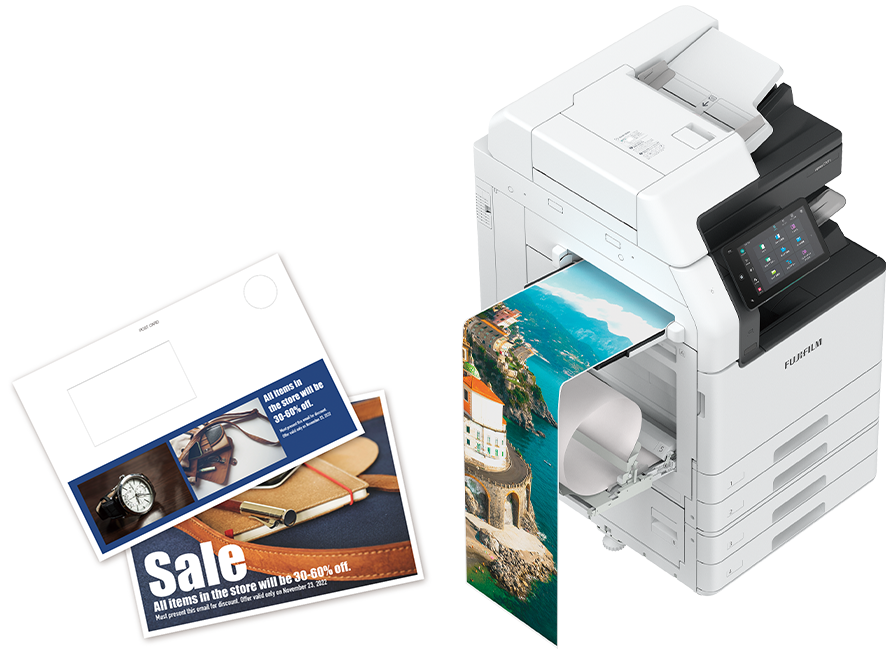
Supports various paper media for in-house production of promotional items such as clear document folders, post cards*, envelopes*, and long POP display banners.
● Supports long paper up to 320 x 1,200 mm
● Supports 52 to 300 gsm paper, from lightweight paper to heavy paper such as certificate
- * Bypass tray supports postcards and envelopes, and an optional “Envelope Tray” is available.
High Capacity Feeder B1 can feed 2,000 sheets*.
Maximum paper capacity of 5,200 sheets* can be loaded with Tandem Tray module to support high volume printing needs.
- * 80 gsm paper.
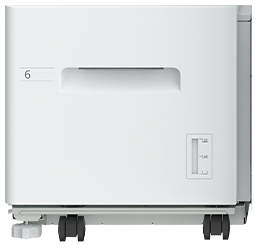
High Capacity Feeder B1
Supports sorted output for copy, print, and fax jobs.
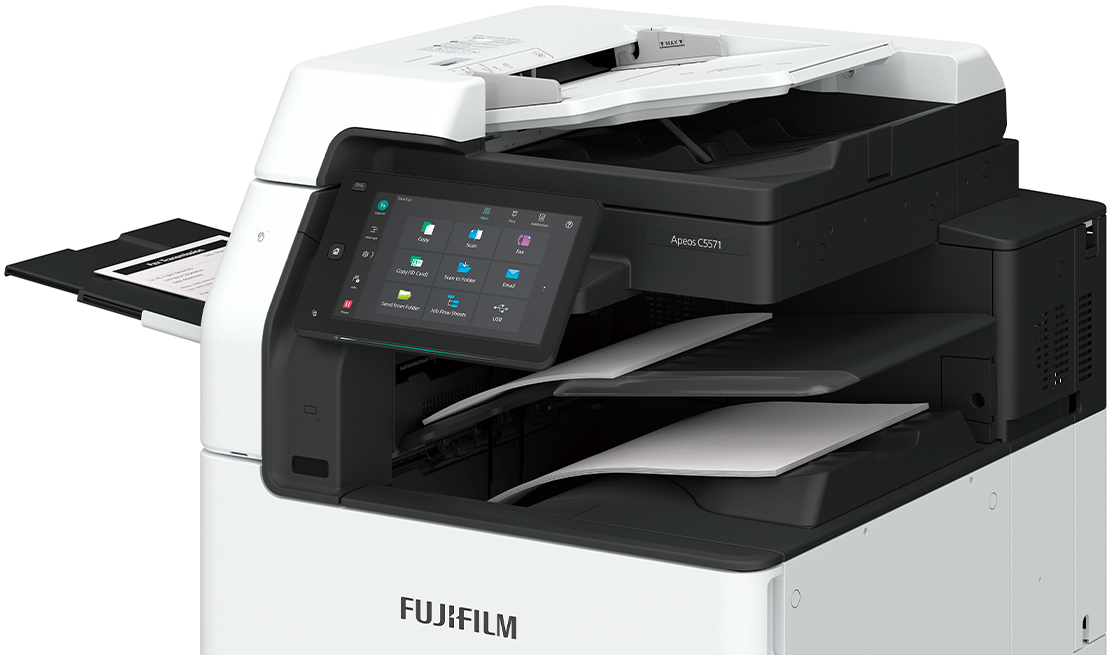
The control panel serves as the gateway, connecting you to various smart applications on the multifunction printer at the touch of your finger. The large capacitive touch panel provides excellent visibility and operability, responding to every touch and swipe for effortless navigation.
- Login name display
- Home button lights up with LED
- NFC touch area
Easily connect with mobile devices. Using Print Utility,*1 you can perform basic multifunction printer operations*2 from your smartphone.- *1: Connect to the machine via wireless environment or Wi-Fi Direct connection. It can be downloaded free of charge from Google PlayTM or App Store.
- *2: Copy, fax, print, scan.
- Pleasant, gentle lighting notifies you of operation completion or errors
- Connect instantly from the app buttons
-
Quickly access frequently used settings
On the Pins screen, you can restart jobs from the job history. Frequently used settings can be "pinned" to save time.User-friendly home screen
Frequently used app buttons can be arranged and customised based on individual user's preference. - Remote Operation Panel
Device administrators can set up and manage the multifunction printer remotely.- Note: Within the same intranet. While the Remote Operation Panel is active, the multifunction printer's control panel cannot be operated. Additionally, the Remote Operation Panel cannot be launched while the user is operating the multifunction printer.
- Note: The displayed screen differs from the factory default. Additionally, the LED lighting status varies depending on the situation. The LED lighting status in the image is for illustrative purposes only.
Scanned data can be transferred through a variety of methods including e-mail, URL, and send to PC (SMB/FTP).
In addition to TIFF and JPEG, the scanned data can be converted to OCR-enabled* or high compression/specific colour PDF or DocuWorks documents. Also they can be converted to editable Excel*/Word* documents.
- * Optional
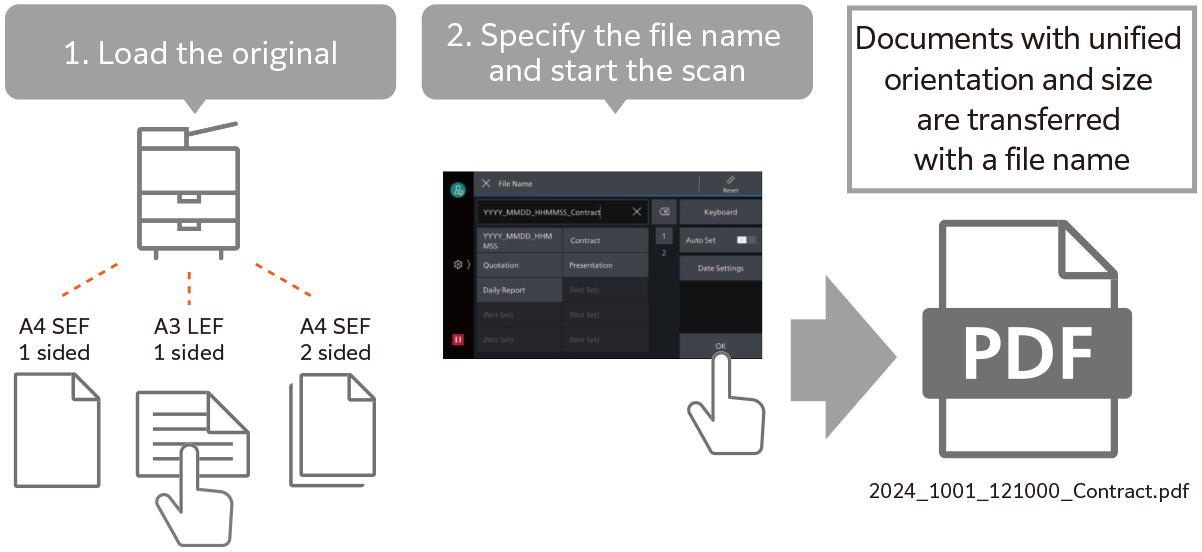
Automatically adjusts the orientation or 1-sided/2-sided of the original document.
Automatically selects the scan settings suitable for the document.
Features such as exclusion of blank pages and skew correction are automatically detected and applied by the multifunction printer.
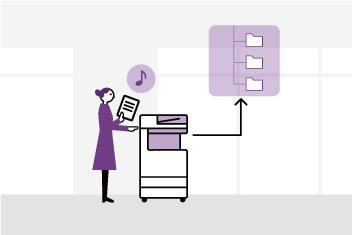
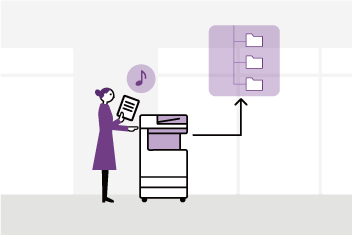
File names can be assigned from presets on the UI screen to prevent scanned files from getting lost on the PC.
- Note: The output destination can be chosen between Scanner (E-mail Transmission) and Scanner (PC Storage).
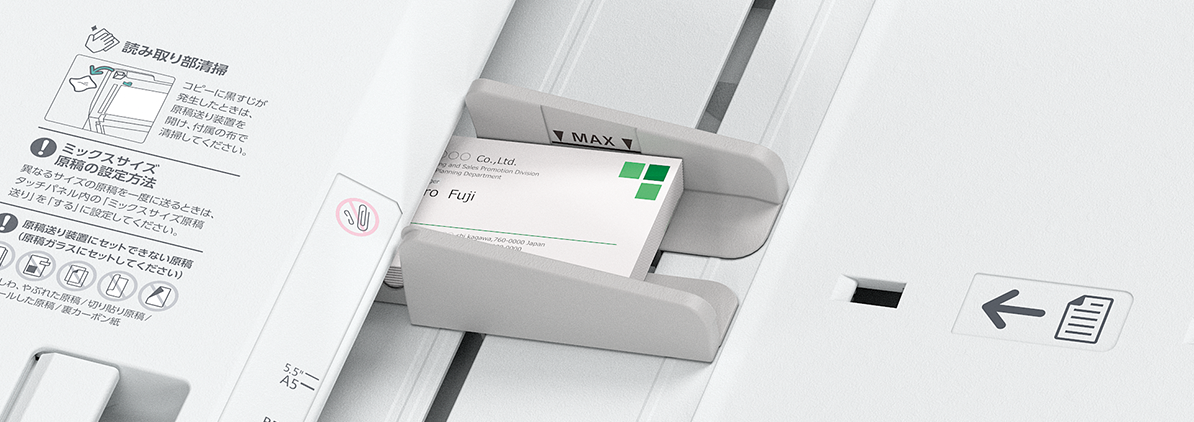
Using the Duplex Automatic Document Feeder B2-PC*, you can scan business cards and receipt-sized documents.
● Minimum size supported: 49 x 85 mm
● Batch scanning of multiple documents supported
● Support of 1 pass, 2 sided scanning that scans both sides of a document simultaneously
- * Only available for C5571/C4571
- Note: Multi-feed detection function provided
By combining the printer with FUJIFILM IWpro*, manual tasks can be minimized. This approach not only boosts the efficiency of document digitization tasks but also facilitates the utilization and sharing of information, thereby enhancing business efficiency across various workplaces.
- * Optional. Cloud services provided by FUJIFILM Business Innovation. A separate contract is required.
FUJIFILM IWpro, an all-in-one secure platform solution for business digitisation, provides a workspace for collaboration, workflow optimisation, efficient document management of metadata and documents, and versatile cloud-based printing capabilities.
Document sorting can be automated. This significantly reduces the workload of handling documents without affecting business performance.
Automatic blank page removal and orientation correction are applied to scanned or faxed documents. This eliminates errors due to incorrect settings such as document orientation and 1-sided/2-sided scanning.
Necessary information can be extracted from documents and assigned to file names and attributes. This ensures consistency in the tasks performed.
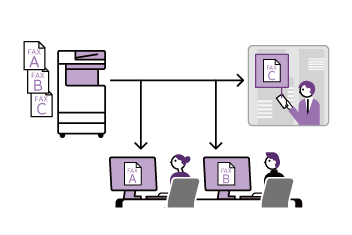
Digitised documents can be automatically delivered to designated individuals or locations. Advanced processing sorts the documents by type.
Documents can be shared and edited on the cloud. Team members can communicate freely remotely, enhancing team productivity.
Organised documents and information can be shared in a collaborative workspace. This enhances communication and prevents work from relying on specific individuals.
The workspace can be accessed via the web from remote locations or home, and documents can be printed, supporting diverse work styles.
Workflows can be shared in the workspace. Users can proceed with their work with just a few clicks, eliminating individual variations in work performed by people.
Seamless integration with third-party services is possible, improving business efficiency without needing changes to your existing environment.
Digitalised documents can be stored to or retrieved from thirdparty cloud services, and stored documents can be printed directly.
OneDrive for Business, Google Drive™, Salesforce, Box®, SharePoint Online®, kintone, DocuSign eSignature, Teams, Dropbox
Capture necessary text information from scanned or faxed documents and send it to third-party services for making use.
Direct integration with DocuSign enables the issuance of signature requests and the automatic import of signed documents.
Furthermore, documents can be batch-created based on kintone records.
Printing needs while travelling or teleworking are supported. Usage records and history of users can be tracked and managed easily.
Documents from Print ordered documents can be printed from output devices at other locations or from connected multifunction printers.
Printing of confidential documents can be controlled by requiring supervisor approval.
Features to prevent information leaks are available.
Usage can be easily tracked, including output devices at remote locations. This reduces the burden on device managers and contribute to lowering total cost of ownership (TCO).
Equipped with Smart WelcomEyes, sensors in the multifunction printer detect users and automatically deactivate sleep mode. Even when in an energy-saving sleep state, the printer is instantly ready for use, maintaining user convenience.
The system is divided into four parts: the Document scanner, control panel, controller, and output devices, and power is supplied to only those parts that are used in accordance with the functions to reduce power consumption and CO2 emissions.
Supports staple-free stapling, ensuring environmental and safety benefits with waste reduction and a contamination free setup.
- Paper usage reduction capabilities
- Private Charge Print, scanning, Paperless Fax Delivery, consolidated single-page copy/Print, etc.
- Usage restrictions/totalization functions of main unit, reduction through visualization of usage status using FUJIFILM IWpro multifunction device management - Designed for easy reuse and recycling after usage
- Achieves high image quality and energy efficiency with a compact, low-power LED print head and low-temperature fusing Super EA-Eco toner
- Utilizes induction heating fusing technology for rapid heating without the need for preheating in standby or energy-saving modes,striking a balance between energy efficiency and convenience
FUJIFILM Business Innovation are committed to developing environmentally conscious products, including energy efficiency improvements and resource conservation in our multifunction devices and printers.
Fujifilm Group introduced the certification program in which we clarify the environmental value of each product by assessments at the time of product development, conduct the evaluation based on our in-house certification criteria and certify the products that are excellent in reducing environmental impact*1 as “Green Value Products.” The certification criteria have been continuously updated, reflecting the latest regulatory and industry trends.
This product has been certified as a “Silver Rank” product that reduces environmental impact at a higher level than the industries’ standard*2.
- *1 “Products that are excellent in reducing environmental impact” refer to products designed to reduce environmental impact throughout their life cycle, from raw material acquisition, production, distribution, use/maintenance and disposal/reuse/recycling.
- *2 This product has been certified as “Silver Rank” under the latest certification criteria at the time of sale, whereas the environmental performance of this product is equivalent to the previous model“Apeos C7070 series” certified as “Gold Rank”.
From supplies replacement to unexpected device failures, most problems can be resolved without waiting for the service representatives or sales representatives.
- Resolve problem using the “Help” function on the device
• Self Help information is available on the control panel
• Self Help information can be accessed via the mobile device by scanning the QR code displayed on the control panel - “Remote Assistance” with the help of operators
• Connects directly to the Support Centre
• An operator will remotely access the multifunction device to resolve the problem by guiding through the steps on the shared control panel
This is a service that always backs up the latest setting information to a cloud server. It allows you to be prepared for unexpected situations and use your multifunction printer with confidence.
- * An application is required to use this service (free of charge).
daily basis
Connecting your multifunction printer and our EP system* via the internet allows for automatic meter count verification, automatic delivery of consumables, daily status monitoring, and automatic notifications in the event of malfunctions. This reduces the burden on multifunction printer administrators and supports the use of our products with peace of mind.
- * The content of the services provided may vary depending on the usage region. For details, please contact one of our sales representative.